26
For further information, visit videotron.com/terminal-support.
ILLICO ON DEMAND PREFERENCES
When you browse the illico On Demand menus, you can access your preferences by pressing
or by selecting Preferences from the home screen. For further information, please refer to
the Application Preferences section on page 40.
From this menu, you can modify your preferences, like your language preference (FR/EN) or
your viewing mode (HD or SD).
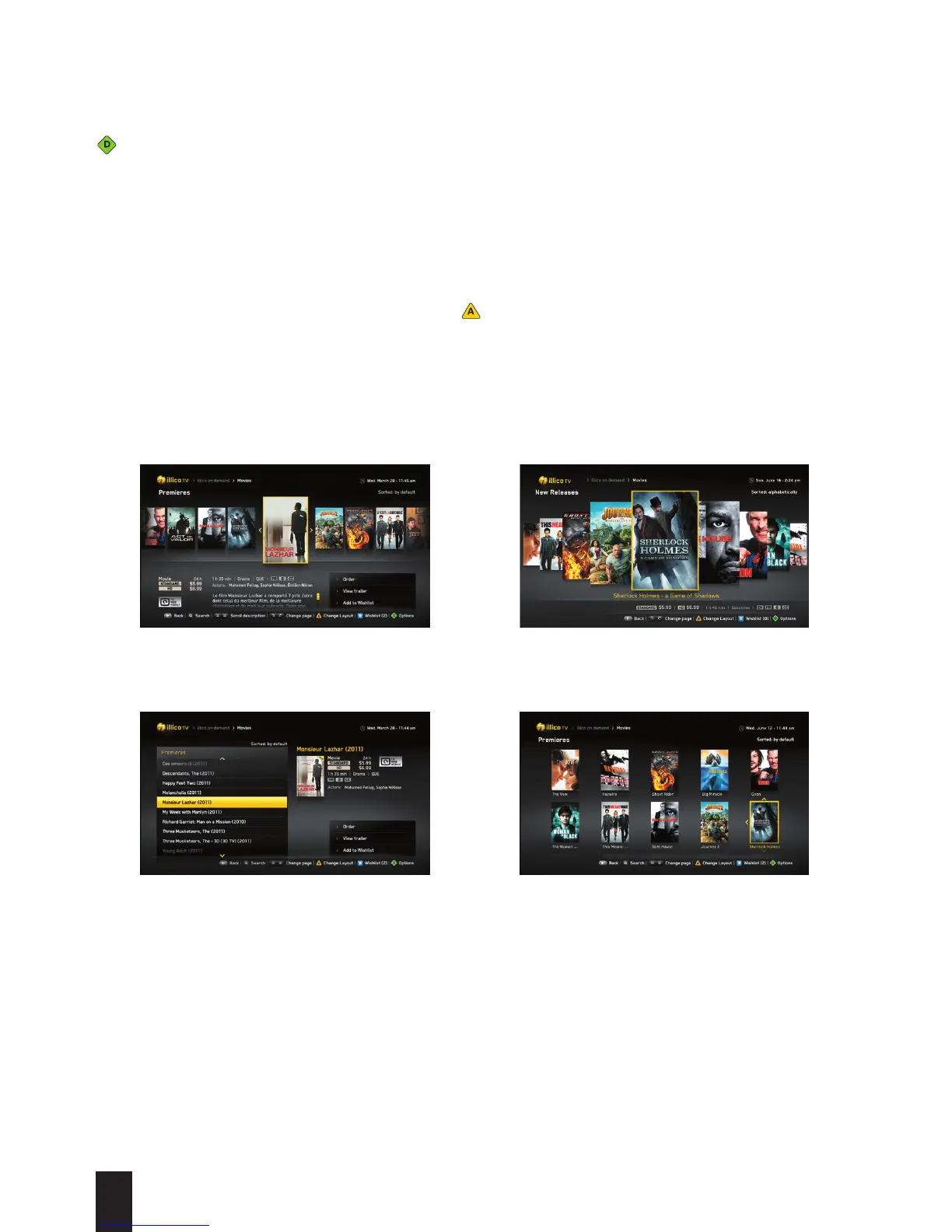
Customizing Display Options
When you consult available content in different sub-menus, you can choose the display that you
want (normal, grid, list or carousel) using the button.
View: Normal (default)
View: List
View: Grid
View: Carousel


 To Next Page