Channel Status Display Icons
Icons Operations
c
A channel selected.
*
A channel set as my channels.
\
A locked channel.
)
A reserved channel.
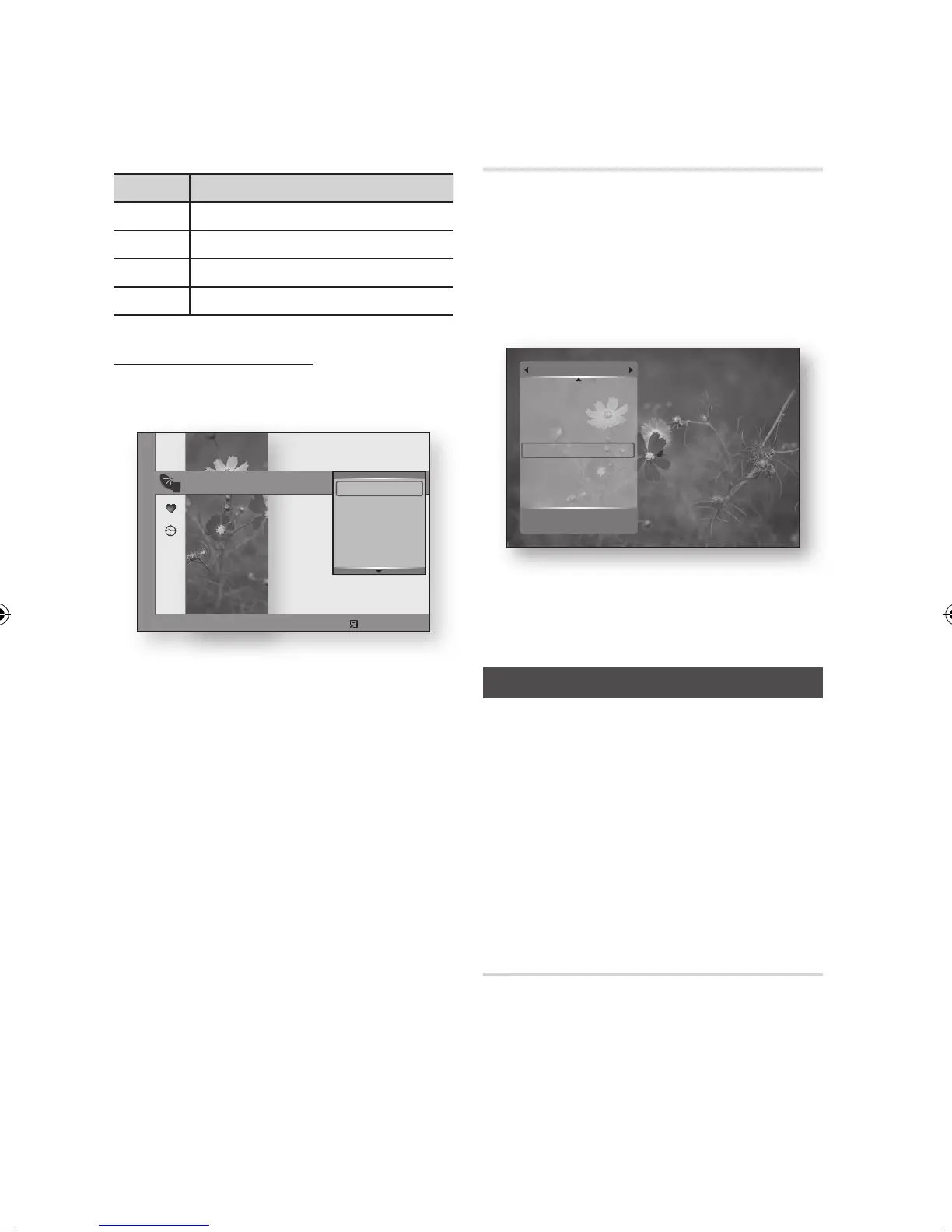
Using the TOOLS button
Press the ▲▼ buttons to select the desired
channel, then press the TOOLS button.
Press the ▲▼ buttons to select the desired
option, then press the ENTER button.
Edit My Channels : Select this to edit the
channel.
Lock : Select this to lock the channel.
Timer Viewing : Select this to set the Timer
Viewing.
Timer Recording : Select this to set the
Timer Recording.
Edit Channel Number : Select this to edit
the Channel Number.
Delete : Select this to delete the Channel.
Select All : Select this to select all channel.
1.
2.
•
•
•
•
•
•
•
Channel List
You can see all channels searched.
Press the CH LIST button on the remote
control.
The channel List will be displayed.
Press the ▲▼ button to select desired
channel, press the ENTER button.
The selected channel will be displayed.
NOTE
By pressing the INFO button, you can display or
record the selected channel.
Settings
Press the MENU button.
The home menu will be displayed.
Press the ◄► buttons to select the Settings,
then press the ENTER button.
Press the ▲▼ buttons to select the desired
submenu, then press the ENTER button.
Press the ▲▼ buttons to select the desired
item, then press the ENTER button.
Press the EXIT button to exit the menu.
Display
You can configure various display options such as
the TV Aspect, Resolution, etc.
1.
2.
✎
▪
1.
2.
3.
4.
5.
14 Nelonen Plus
15 The Voice
16 MTV3
17 Nelonen
18 SubTV
19 YLE PEILI
20 YLEMONDO
31 BigBrother 24/7
All
Cable a Antenna
m Move " Watch
16 MTV3
17 Nelonen
All 18 SubTV
TV 19 YLE PEILI
Radio 20 YLEMONDO
Data/Other 31 BigBrother 24/7
Channels
Cable a Antenna Select d Sort ƒ Page Tools
Edit My Channels
Lock
Timer Viewing
Timer Recording
Edit Channel Number
Delete



 To Next Page