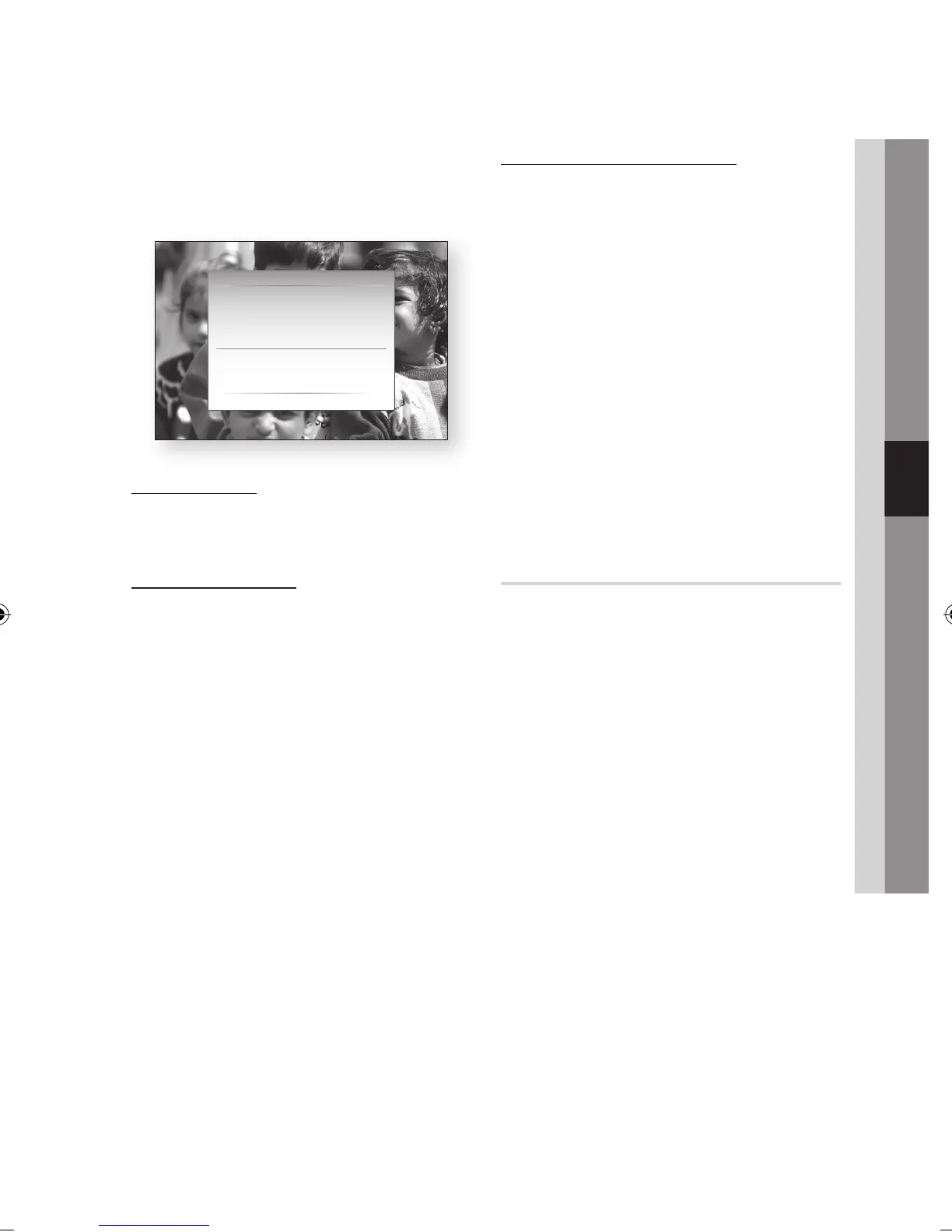
Network Test
Use this menu to connect to the wired network
or check whether your network connection is
working or not.
Network Status
Check whether a connection to the network and
the Internet have been established.
Server Management
Manage content sharing function, You can share
media contents (videos, music, photos) via the
AllShare Network.
Server : You can set the server on or off.
Change Server Name : You can change the
server name.
Device Access Control : You can set the
access control.
NOTE
Formatting the HDD will switch the server status to
Off.
If the HDD has no content contained, the server
management will be deactivated.
•
•
•
✎
▪
▪
BD-LIVE Internet Connection
Set to allow internet connection when BD-LIVE
service is used.
Allow (All) : The Internet connection will be
allowed for all BD-LIVE contents.
Allow (Valid Only) : The Internet connection will
be allowed only for BD-LIVE contents containing
a valid certificate.
Prohibit : No Internet connection will be allowed
for any BD-LIVE content.
NOTE
What is a valid certificate?
When the product uses BD-LIVE to send the disc data
and a request to the server to certify the disc, the
server uses the transferred data to check if the disc is
valid and sends the certificate back to the product.
The Internet connection may be restricted while you
are using BD-LIVE contents.
Language
You can select the language you prefer for home
menu, disc menu, etc.
On-Screen Menu : Select the language for the
on-screen displays.
BD/DVD Disc Menu : Select the language for
the disc menu displays.
BD/DVD Audio : Select the language for disc
audio language.
BD/DVD Subtitle : Select the language for disc
subtitle language.
DTV Primary Audio : Select the language for
DTV primary audio language.
DTV Secondary Audio : Select the language
for DTV secondary audio language.
DTV Primary Subtitle : Select the language for
DTV primary subtitle language.
DTV Secondary Subtitle : Select the language
for DTV secondary subtitle language.
DTV Primary Teletext : Select the language for
DTV primary teletext language.
DTV Secondary Teletext : Select the language
for DTV secondary teletext language.
NOTE
The selected language will only appear if it is
supported on the disc or broadcast channel.
•
•
•
✎
▪
▪
•
•
•
•
•
•
•
•
•
•
✎
▪
Network Test
MAC Address (00:00:00:00:00:00)
×IP Address, Subnet, Gateway, DNS Server
Gateway Ping
Internet Service Test
The network configuration (IP) is not valid. Check the
network settings and enter a valid value before trying
again.
' Return



 To Next Page