06 Basic Functions
Playing a Disc
Playback
zZyx
Press the OPEN/CLOSE ( ) button to
open the disc tray.
Place a disc gently into the tray with the disc’s
label facing up.
Press the OPEN/CLOSE ( ) button to
close the disc tray.
The disc will be played automatically.
Playback related buttons
h
PLAY (
) Starts playback.
STOP (
)
Stops playback.
If pressing the button once : The
stop position will be memorized.
If pressing the button twice : The
stop position will be not memorized.
•
•
PAUSE (
) Pauses playback.
NOTE
For some discs, pressing the STOP (
) button
once may not memorize the resume position.
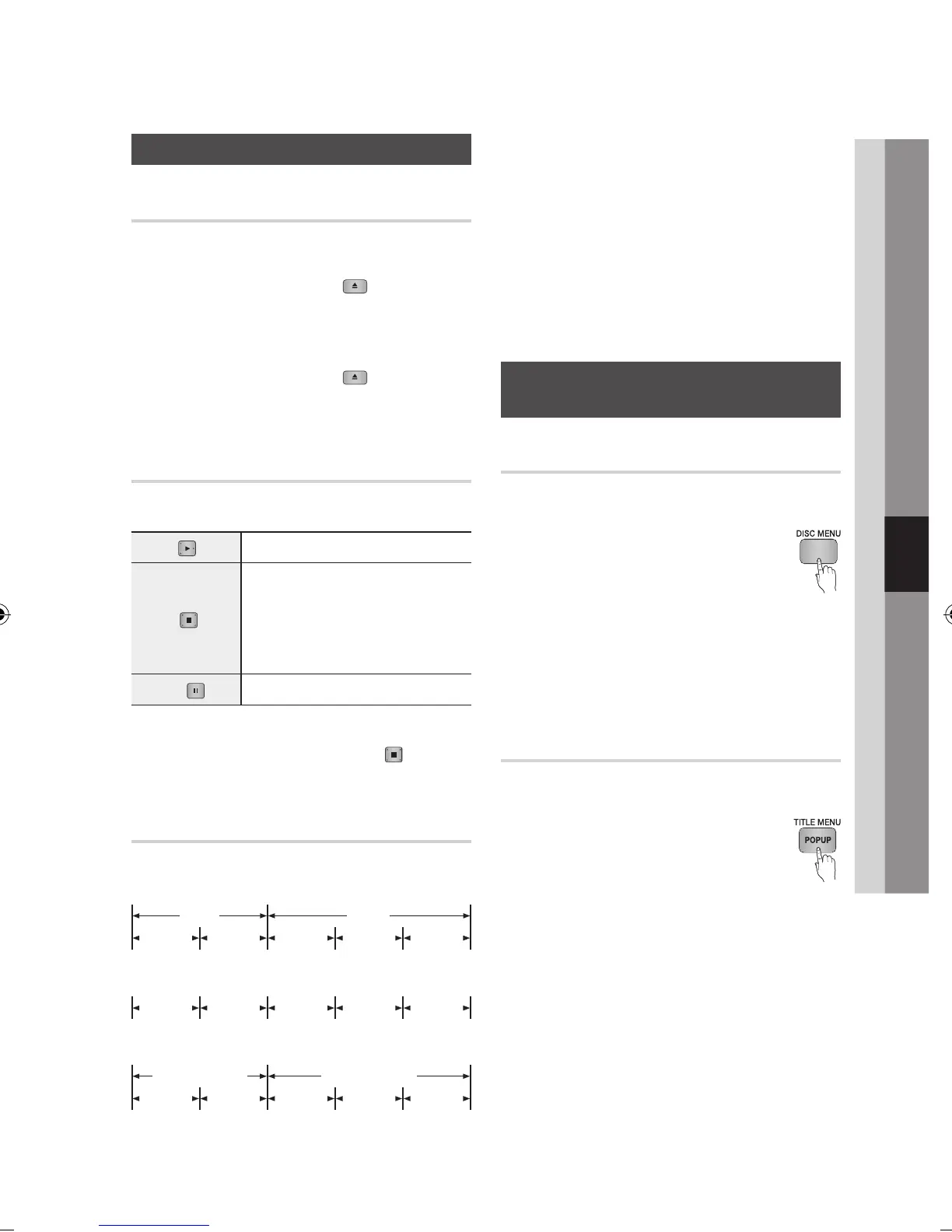
Disc Structure
The contents of disc are usually divided as below.
Blu-ray Disc, DVD-VIDEO
Audio CD (CD-DA)
MP3, WMA, DivX, MKV and MP4
1.
2.
3.
✎
▪
•
•
•
NOTE
Playback during recording converts the media into
profile 1.0, while normal playback only supports
profile 2.0. In such cases, the following limitations
are applied:
BonusView is not available.
Browsable slideshow audio is not available.
(Audio may not be produced in Disc Menu mode
for some discs.)
Using the Disc menu/Title menu/
Popup menu
Using the Disc Menu
hZ
During playback, press the DISC
MENU button on the remote control.
Press the ▲▼◄►
buttons to make
the desired selection, then press the
ENTER button.
NOTE
Depending on the disc, the menu items may differ
and this menu may not be available.
Using the Title Menu
Z
During playback, press the TITLE
MENU button on the remote control.
Press the ▲▼◄► buttons to make
the desired selection, then press the
ENTER button.
NOTE
Depending on the disc, the menu items may differ
and this menu may not be available.
✎
▪
-
-
1.
2.
✎
▪
1.
2.
✎
▪
Basic Functions
folder (group) 1 folder (group) 2
file 1 file 2 file 1 file 2 file 3
track 1 track 2 track 3 track 4 track 5
title 1 title 2
chapter 1 chapter 2 chapter 1 chapter 2 chapter 3



 To Next Page