Current Device : Displays the current device.
Total Size : Displays the total size of the device.
(Storage)
Available Size : Displays the available size of
the device. (Storage)
Delete BD Data : Press this to delete the BD
data.
NOTE
The total size of BD Data Management may differ,
depending on the conditions.
Network
To begin setting up the network connection for
your product, follow these steps:
In the Home menu, press the ◄► buttons
to select the Settings, and then press the
ENTER button.
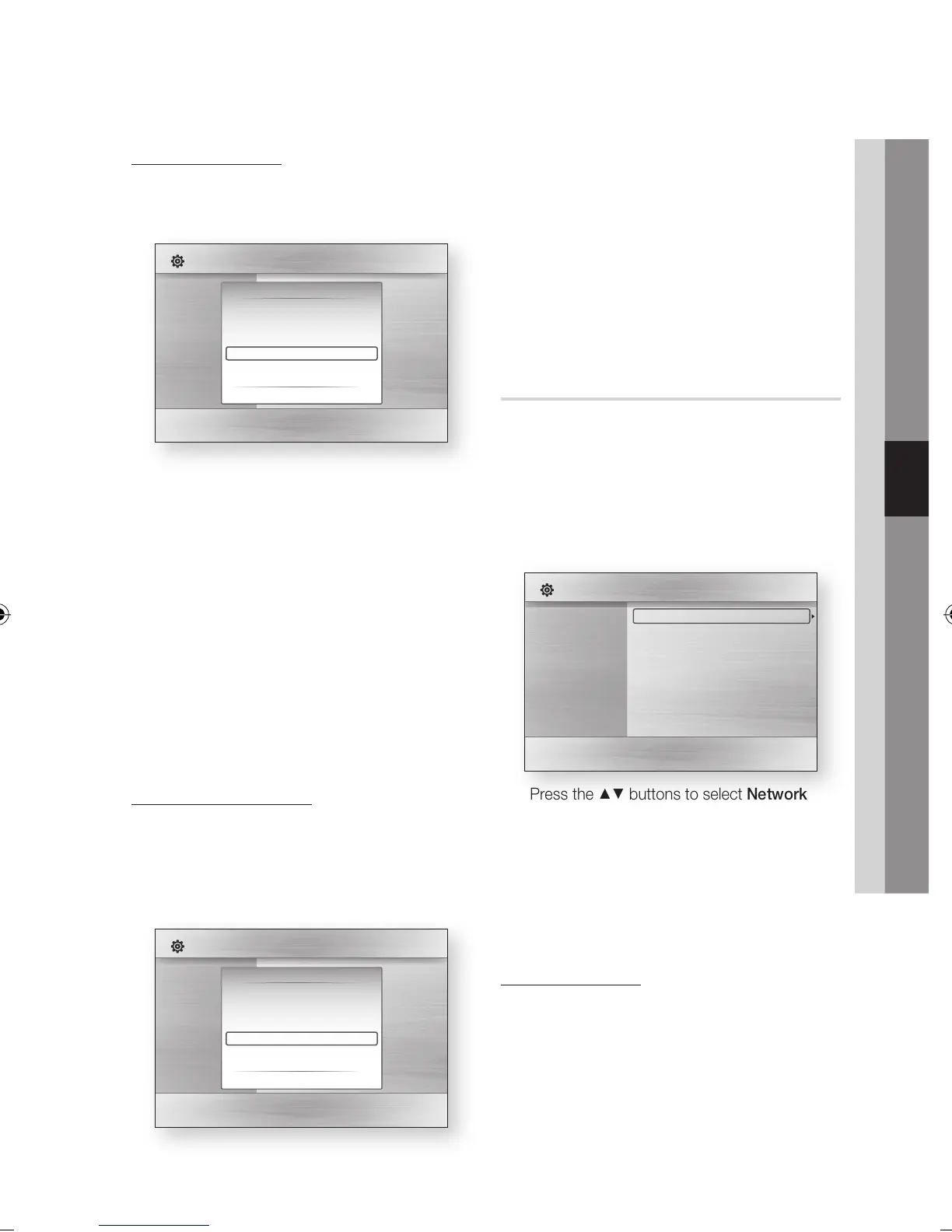
Press the ▲▼ buttons to select Network, and
then press the ENTER button.
Press the ▲▼ buttons to select Network
Settings, and then press the ENTER button.
Press the ▲▼ buttons to select Network
Type, and then press the ENTER button.
Press the ▲▼ buttons to select Wired or
Wireless, and then press the ENTER button.
Go to the next section.
Network Settings
Please contact your ISP to find out if your IP
address is static or dynamic. If it is dynamic, we
recommend using the Auto setting. This is the
easiest and will work in the majority of cases. If it is
static, you must use the manual set up procedure.
Directions for wired networks are below. Directions
for wireless networks are after the directions for
wired networks.
•
•
•
•
✎
▪
1.
2.
3.
4.
5.
6.
HDD Management
Manage the internal HDD device. You can execute
management options such as the HDD format or
checking Device.
Current Device : Displays the current device.
Total Size : Displays the total size of the device.
(Storage)
Available Size : Displays the available size of
the device. (Storage)
HDD Format : Press this to format the HDD.
Checking Device : Press this to checking the
Device.
NOTE
The available size displayed in the HDD management
menu does not include the default space of 20GB.
The 20GB in the HDD is reserved for the Timeshift
feature by default.
BD Data Management
Enables you to manage the downloaded contents
from a Blu-ray disc that supports the BD-LIVE
service.
You can check the device information including
the storage size, delete the BD data.
•
•
•
•
•
✎
▪
Display
Audio
System
Network
Language
Security
General
Support
Settings
BD Data Management
Current Device : HDD
Total Size : 1.92GB
Available Size : 1.79GB
Delete BD Data
" Select ' Return
Display
Audio
System
Network
Language
Security
General
Support
Settings
HDD Management
Current Device : HDD
Total Size : 457.8GB
Available Size : 456.7GB
HDD Format
Checking Device
" Enter ' Return
Display
Audio
System
Network
Language
Security
General
Support
Settings
Network Settings
Network Status
Server Management
BD-Live Internet Connection : Allow(Valid Only)



 To Next Page