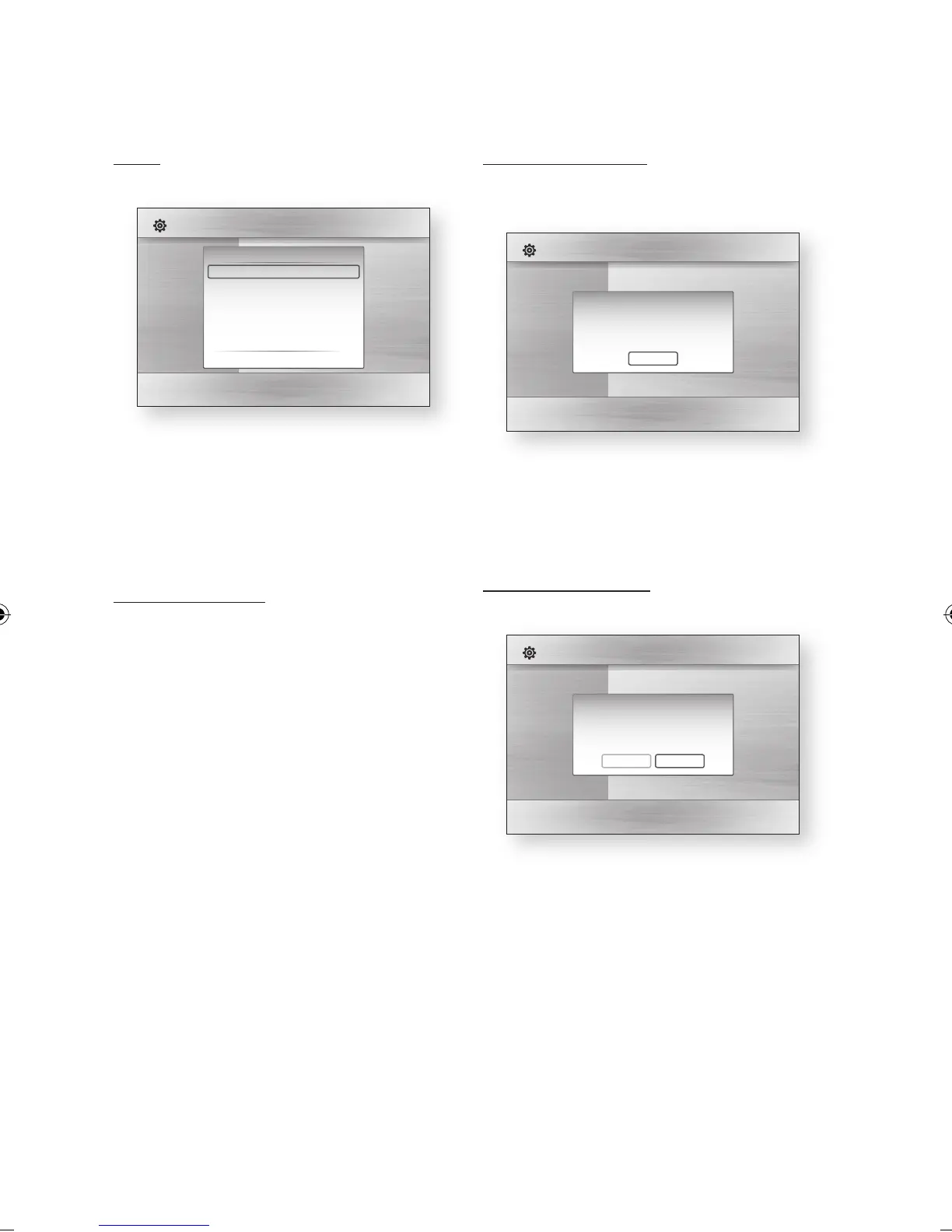
Clock
Set time-related functions.
Clock Mode : You can set it to Auto or
Manual.
If you select Manual, the Clock Set menu will
be activated.
Clock Set : You can specify the current time
and date manually.
Common Interface
Show the CI Menu Information screen.
CI Menu : This enables the user to select from
the CAM provided menu. Select the CI Menu
based on the menu PC Card.
Application Info. : View information on the
CAM inserted into the CI slot and on the “CI
or CI+ CARD” which is inserted into the CAM.
You can install the CAM anytime whether the
product is on or off.
Purchase a CI CAM module at your nearest
dealer or by phone.
Firmly insert the “CI or CI+ CARD” into the
CAM in the direction of the arrow.
Insert the CAM with the “CI or CI+ CARD” into
the common interface slot, in the direction of
the arrow so that it aligns parallel with the slot.
Check if you can see a picture on a scrambled
signal channel.
NOTE
This Device is work with CI and CI+ CAM.
But in case of some local DVB-T association, this
device don't have perfect compatibility with all kinds
of CAM.
If there is a problem, pull the CAM CARD out of the
Set and insert it into the slot again.
•
•
•
•
1.
2.
3.
4.
✎
▪
DivX(R) Registration
View DivX(R) VOD Registration Code to purchase
and play DivX(R) VOD content.
NOTE
This option is not activated if you select OK.
To activate this option, please activate the DivX(R)
Deactivation.
DivX(R) Deactivation
Select this to get a new registration code.
NOTE
This function can be operated when DivX(R)
Registration function is deactivated.
✎
▪
✎
▪
Display
Audio
System
Network
Language
Security
General
Support
Settings
Plug & Play
Audio :
Subtitle :
DivX(R) Video On Demand
Your registration code is : XXXXXXXXXX
To learn more visit www.divx.com/vod
OK
Display
Audio
System
Network
Language
Security
General
Support
Settings
Plug & Play
Audio :
Subtitle :
Do you want to deactivate your device?
Yes No
Display
Audio
System
Network
Language
Security
General
Support
Settings
Clock
Clock Mode : Auto
Clock Set
" Enter ' Return



 To Next Page