DTV Functions
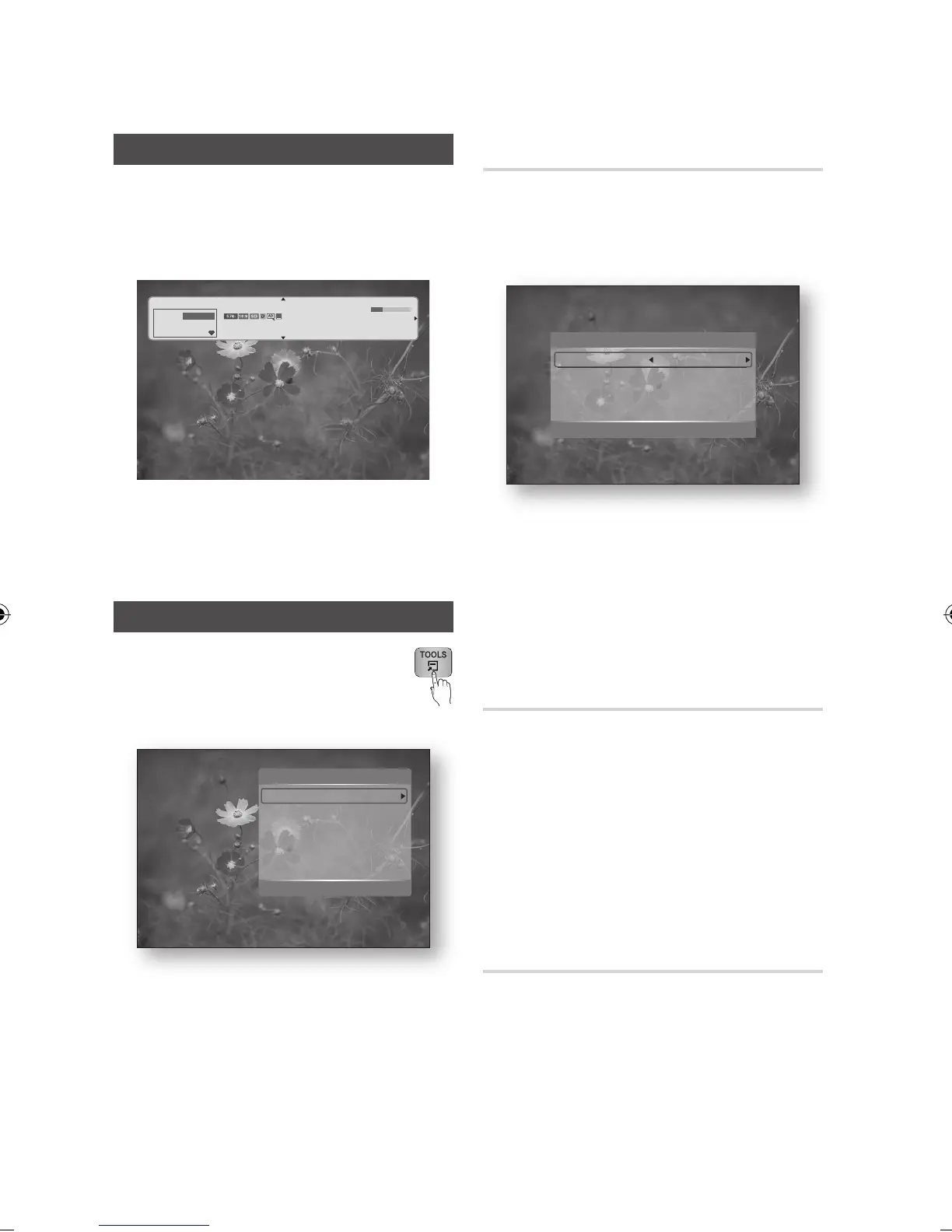
Display Screen
Press the PROG button to select the desired
channel, then press the INFO button.
The channel information screen will be
displayed.
NOTE
The icon is may differ depending on the service
information of signal.
Using the TOOLS button
Press the TOOLS button while you are
viewing a channel.
Tools Menu Screen
1.
✎
▪
•
Selecting the Subtitle Language
Press the TOOLS button while you are
viewing a channel.
Press the ▲▼ buttons to select the Subtitle,
then press the ENTER button.
Subtitle : You can set it to On or Off.
If you select On, the Subtitle Mode and Subtitle
Language will be activated.
Subtitle Mode : Select the desired subtitle
mode.
Subtitle Language : Select the desired subtitle
language.
Selecting the Audio Description
You can add a verbal description to the main
audio to help the visually impaired.
Press the TOOLS button while you are
viewing a channel.
Press the ▲▼ buttons to select the Audio
Description, then press the ENTER button.
If you select On, volume menu will be
activated.
Adjust the audio description volume.
Selecting the Audio Language
Press the TOOLS button while you are
viewing a channel.
Press the ▲▼ buttons to select the Audio
Language.
Press the ◄► buttons to select the desired
Audio Language, then press the ENTER
button.
1.
2.
•
•
•
1.
2.
3.
1.
2.
3.
>Move < Adjust ' Return
Subtitle
Subtitle On
Subtitle Mode : Normal
Subtitle Language : Preferred
Subtitle : On
Audio Description : On
Audio Language : 1.English
Dual I Il : Stereo
Edit My Channels
Signal Information
Tools
>Move " Enter e Exit
Home and Away
five
DTV Air
Stereo
5
All
Dani is devastated when Scatt makes clear his views on marriag...
English | Drama
" Watch
a Information
18:00 - 18:30
18:12 Thu & Jan



 To Next Page