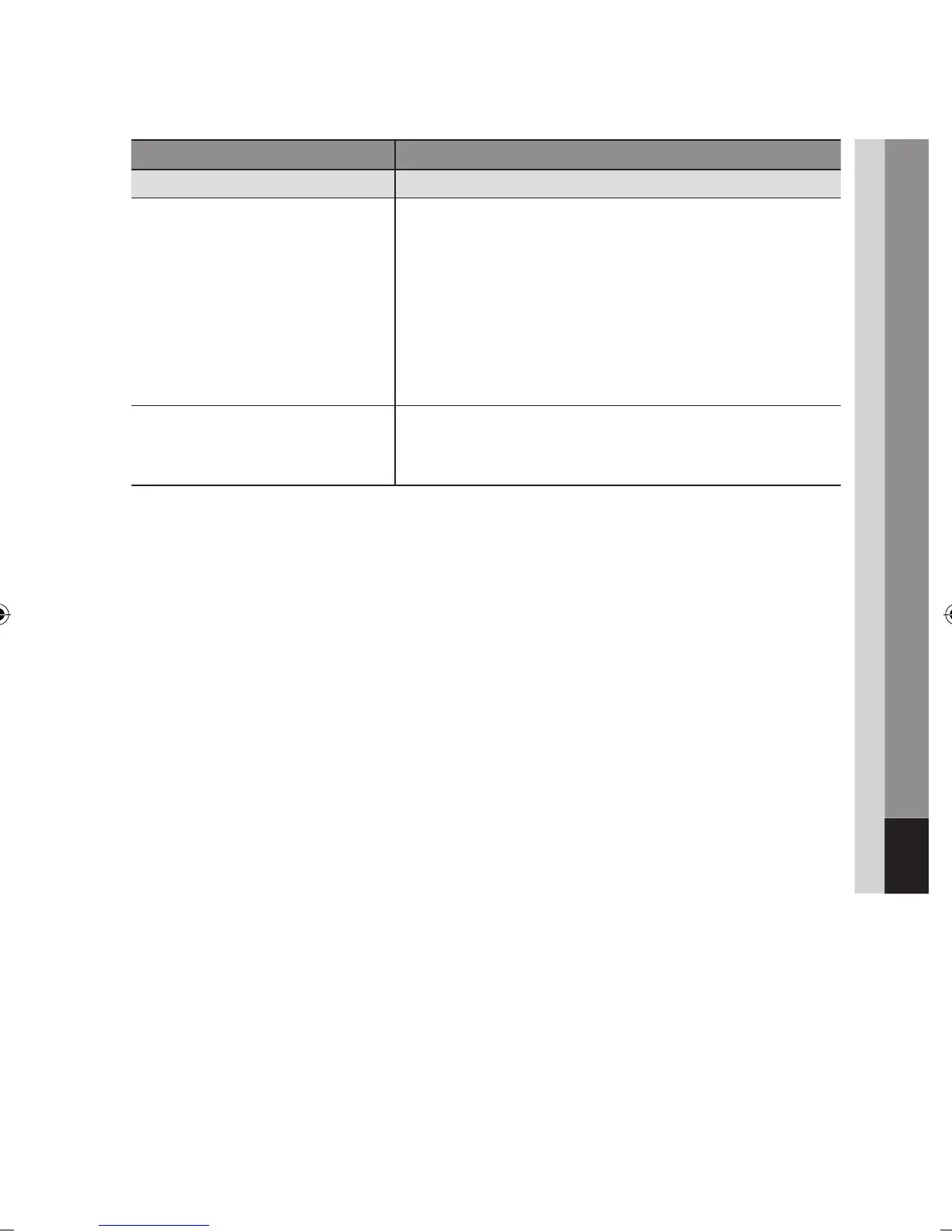
PROBLEM SOLUTION
BD-LIVE
I cannot connect to the BD-LIVE server. Check whether the network connection is successful or not by using
Network Test menu. (See page 45)
The total size of device must have at least 1GB of free space to
accommodate the BD-LIVE service.
You can check the available size in BD Data Management. (See page 41)
Please check whether the BD-LIVE Internet Connection menu is set to
Allow(All).
If all above fails, contact the contents provider or update the latest
firmware.
•
•
•
•
When using the BD-LIVE service, an error
occurs.
The total size of device must have at least 1GB of free space to
accommodate the BD-LIVE service.
You can check the available size in BD Data Management. (See page 41)
•
NOTE
When the factory default settings are restored, all the user data stored in the BD data will be deleted.
✎
▪



 To Next Page