03233A(E)-CHAPTER 3 10/30/03 4:04 PH Page 1
TV OPERATION
Turning the TV On and Off
Press the POWERbutton on the remote control.
You can also use the Power breton on the fl'ont panel.
Viewing the Menus and On-Screen Displays
Viewing the Menus
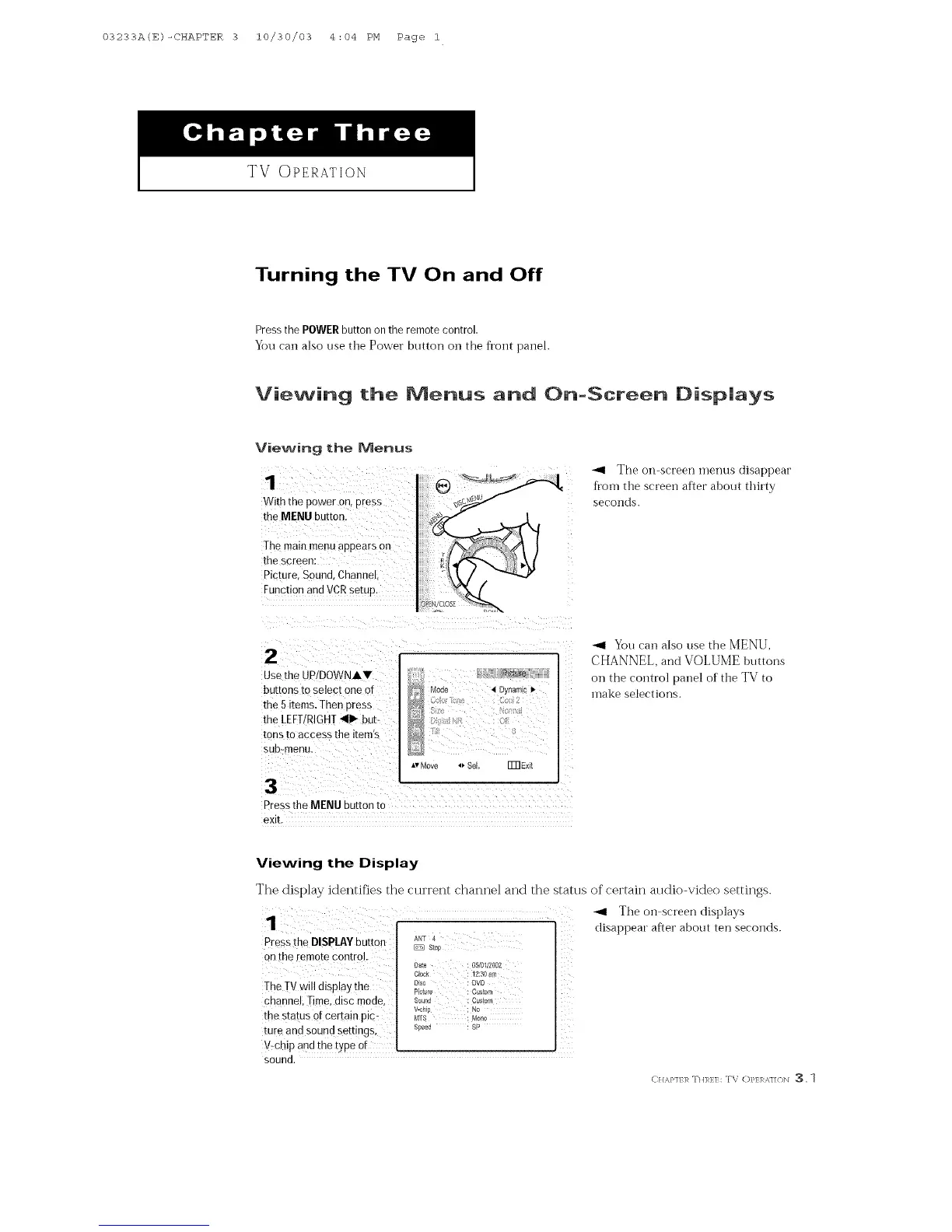
With the poweron, press
me MENUbu_ton.
The mare menu appears on
the screen:
Picture. Sound. Channel
Function and VCR setup.
"_ The on-screen menus disappear
from the sereen after about thirty
seconds.
,a,
Jse the UP/DOWNAY
buttons to select one or
the 5items. Then Dress
the LEFT/RIGHT 41_ but-
tons to access the item's
sub-menu.
3
Mode 4 Dyrlamlc l_
_,vrv_ove 4_,SeL Fm Exit
Pressthe MENU button tc
exiL
You can also use the MENU,
CHANNEL, and VOLUME buttons
on the control panel of the TV to
make selections.
Viewing the Display
The display identifies the current channM and the stares of certain atldio-video settings.
Press the DISPLAYbutton AI';F4Sto£ ..... ....
TheTV will display the Pk*_,_ \ c_,/o-,,_'_: Dr0 C>
_ _eh;pn:Sd _hdt;;t: i2_s l_ sP
sound.
"_ The on sereen displays
disappear after about ten seconds.
CHA}N/ R TH]_} ] : TV OP] ]_ _/]/<)N 3, 1



 To Next Page