03233A(E)-CHAPTER 4 10/30/03 4:07 PM Page 2
DVD OPERAT]ON
Step Motion Rayback (Except CD)
L
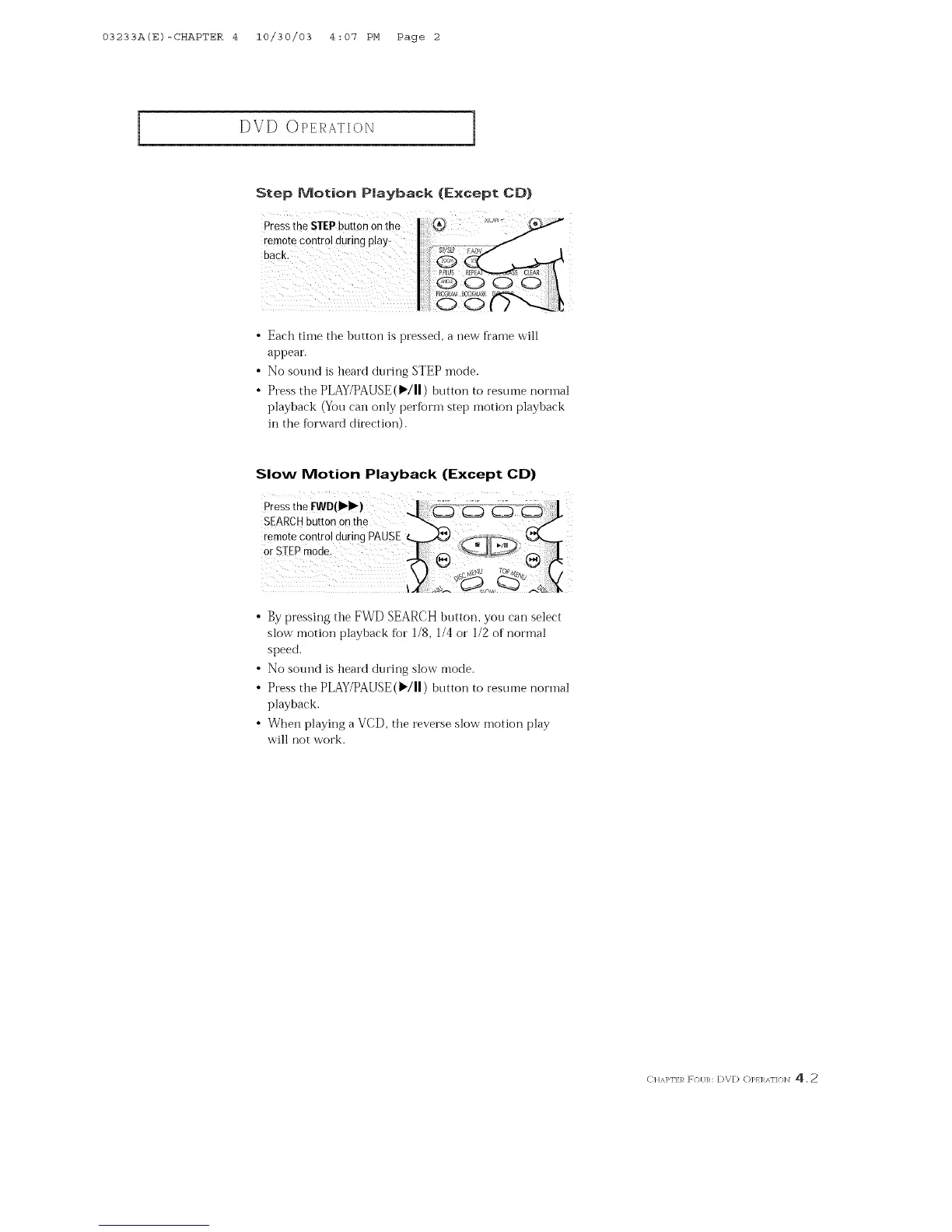
Press the STEPbutton on t! _Luw
<emote COntrolduring play:
back.
• Each time the button is pressed, a new fi"ame will
appear.
• No sotmd is heard during STEP mode.
• Press the PLAY/PAUSE (_/11) button to resume normal
playback (You can only perBrm step motion playback
in the Brward direction).
Slow Motion Playback (Except CD)
press th e I:WD(IH_)
SEAR@ button on the _
remote Contro! during PAUSE __..,,4_ _[_T,,--,
or STEPmode. J,-a _>'_ .......
• By pressing @e FWD SEARCH button, you can select
slow motion playback for 1/8, 1/4 or 1/2 of normal
speed.
• No sound is heard during slow mode.
• Press the PLAY/PAUSE (_/11) button to resume normal
playback.
• When playing a VCD, the reverse slow motion play
will not work.
C]aAI>F] R FO[/R: DVD O]>EI%'\F]ON 4, 2



 To Next Page