03233A(E)-CHAPTER 4 10/30/03 4:07 PM Page 3
DVD OPERATION
Using the Search and Skip Functions
Searching through a Chapter or Track
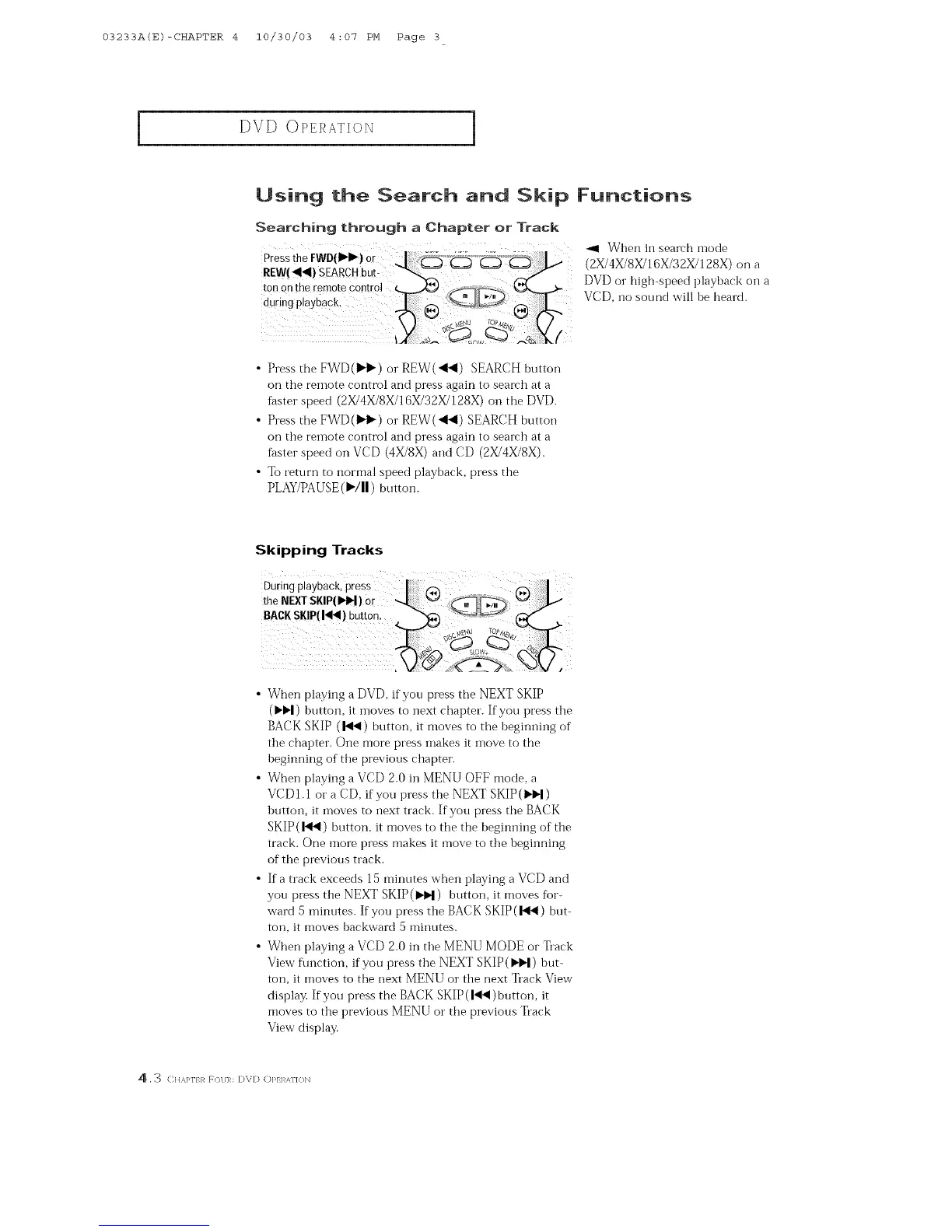
PresstheFWD()_I_) 0r _ When in search mode
REW(_) SEARCHbut- "--._, _ (2X/4X/SX/16X/32X/128X) on a
ton on the remote c0n![ol _ DVD or high-speed playback on a
d ! ngP!aYbOck-J., O rk--VCD, ,losoundwi,heheard
• Press the EWD(IH)') or REW(<41) SEARCH button
on the remote control and press again to seareh at a
faster speed (2X/4X/8X/] 6X/32X/128X) on the DVD.
• Press the FWD(IH_) or REW(<<) SEARCH button
on the remote control and press again to search at a
f_ster speed on VCD (4X/8X) and CD (2X/4X/8X).
• To return to normal speed playback, press the
PLAY/PAUSE (I)'/11) button.
Skipping Tracks
• When playing a DVD, if you press the NEXT SKIP
(IH_I) huttoiL it inoves to next chapter. If you press the
BACK SKIP (1_4) button, it moves to the 1)eginning of
the chapter. One more press inakes it inove to the
heginning of the previous chapter.
• When playing a VCD 2.0 in MENU OFF mode, a
VCDI.1 or a CD, if you press the NEXT SKIP (I,._)
hutton, it moves to next track. If you press the BACK
SKIP (1_) button, it moves to the the beginning of the
track. One more press makes it move to the hegiiming
of the previous track.
• If a track exceeds 15 minutes when playing a VCD and
you press the NEXT SKIP(_) button, it moves fbr-
ward 5 minutes. If you press the BACK SKIP (144) but-
ton, it moves backward 5 minutes.
• When playing a VCD 2.0 in the MENU MODE or Track
View flmction, if you press the NEXT SKIP ()'H) but-
ton, it moves to the next MENU or the next Track View
display. If you press the BACK SKIP (1_) button, it
moves to the previous MENU or the previous Track
View display.
4 . 3 C]IA]_TER _(/I/]R: [)V[] (])]_EI AT]O]_



 To Next Page