03233A(E)-CHAPTER 5 10/30/03 4:10 PM Page 18
I
VCR OPERATION
I
Video Dubbing
_1 Important Wt_rning: One Federal
Court has held that unauthorized
recording of copyrighted TV
programs may be an infringement of
copyright laws.
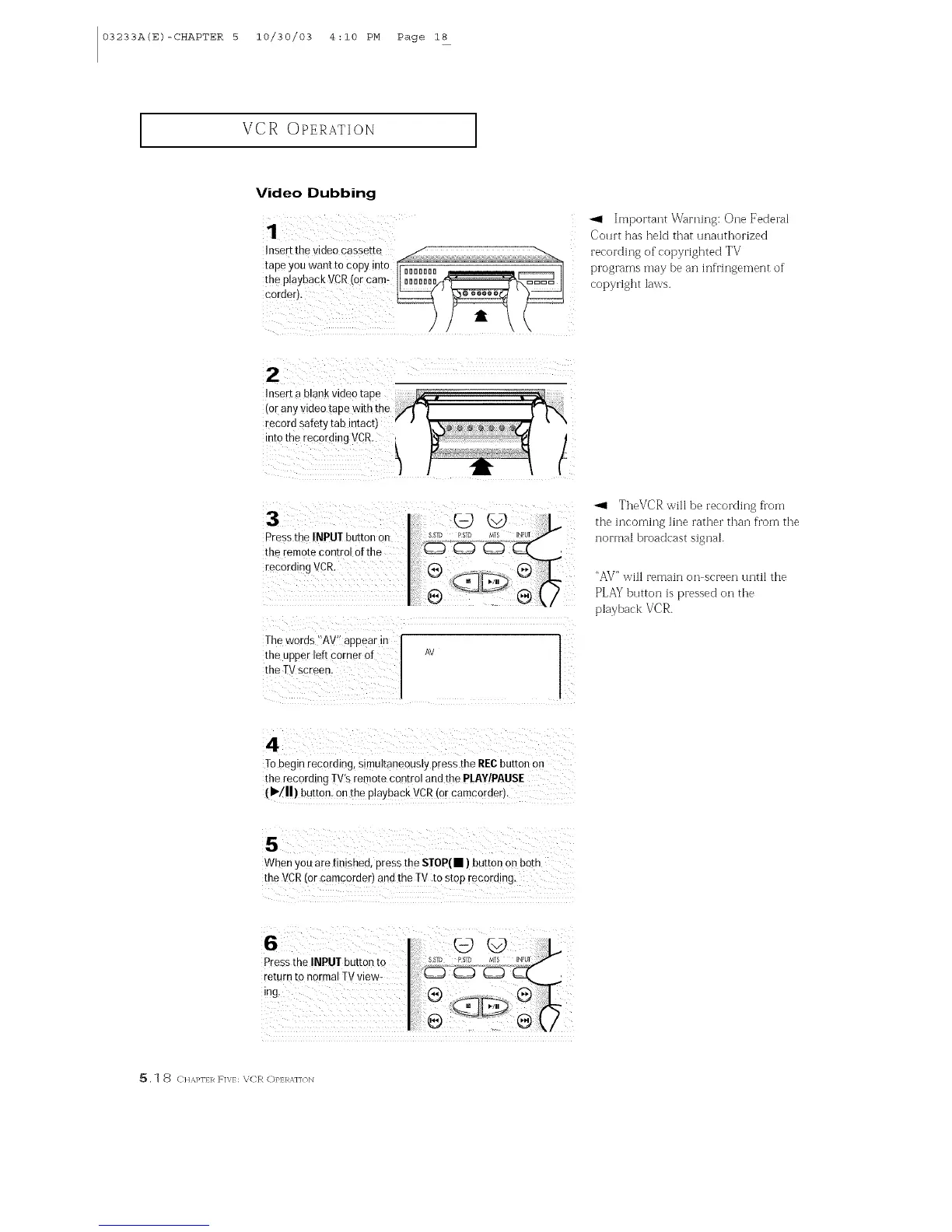
The w°rds 'IAV'! appear in I ]
the upper left Corner of I AV I
Vsc!een:
-_1 TheVCR will be recording from
the incoming line rather than from the
normal broadcast signal.
"AV" will remain on screen until the
PLAY button is pressed on the
playback VCR.
To begi nrecording, simultaneously press the RE(;button On
the recording TV's remote control and the pI.AY!PAI.ISE
(I_/11)button, on the playback VCR(or camcorder.
When you are finished, Pressthe sToP(• ) button on both
the vCR (or camcorder) and the TV to step recording.
Press the INPUTbutton to
return to normal TVview_
SSTD PSID
5, 1 8 ( H,%]_I] R F]V/: \CR C)P]:RM]/)N



 To Next Page