03233A(E)-CHAPTER 3 10/30/03 4:04 PM Page 6
TV OPERATION
Changing Channels
Using the Channel Buttons
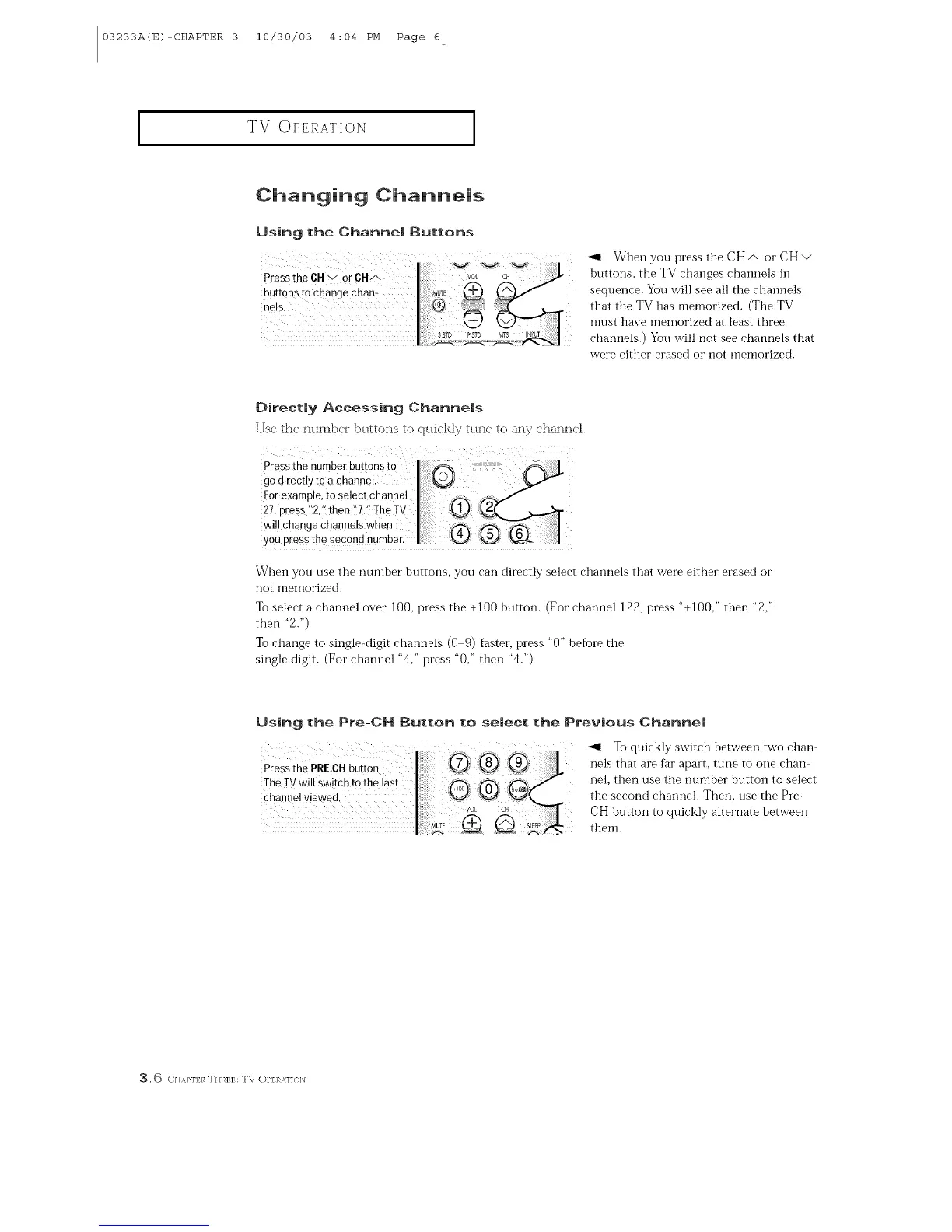
When you press the CH/', or CH v
buttons, the TV changes channels in
sequence. You will see all the chaimels
that the TV has memorized. (The TV
must have meinorized at least three
channels.) You will not see channels that
were either erased or not memorized.
Directly Accessing Channels
Use the ntJmber buttons to qtlickly tune to any chatme].
Pressthe number buttons to _ J.
god,iect,ytoacha,,n ,,
For example, tOselect channel I _-.,
27, press "2,'! then !'7,'_The TV ] l_t_ KLj_
wi!l change Channels when ] ff_-_
you press the second number. I '_
When you use the number buttons, you can directly select chaimels that were either erased or
not memorized.
Tel select a channel over ]00, press the +]00 button. (For channel ]22, press "+100," then "2,"
then "2.")
Tochange to single<iigit channels (0 9) f_ster, press "0" befLme the
single digit. (For channel "4," press "0," then "4.")
Using the Pre=CH Button to se|ect the Previous Channel
_,1 To quickly switch between two chart
nels that are f_mapart, tune to one chan-
nel, then use the number button to select
the second chaimel. Then, use the Pre-
CH button to quickly alternate between
them.
3. <) C}//q>l'E/_ T//],_]7:E; T\ OP/7:/b_J ]{ )]/



 To Next Page