ENG-45
Advanced
Functions
ADVANCED
FUNCTIONS
5
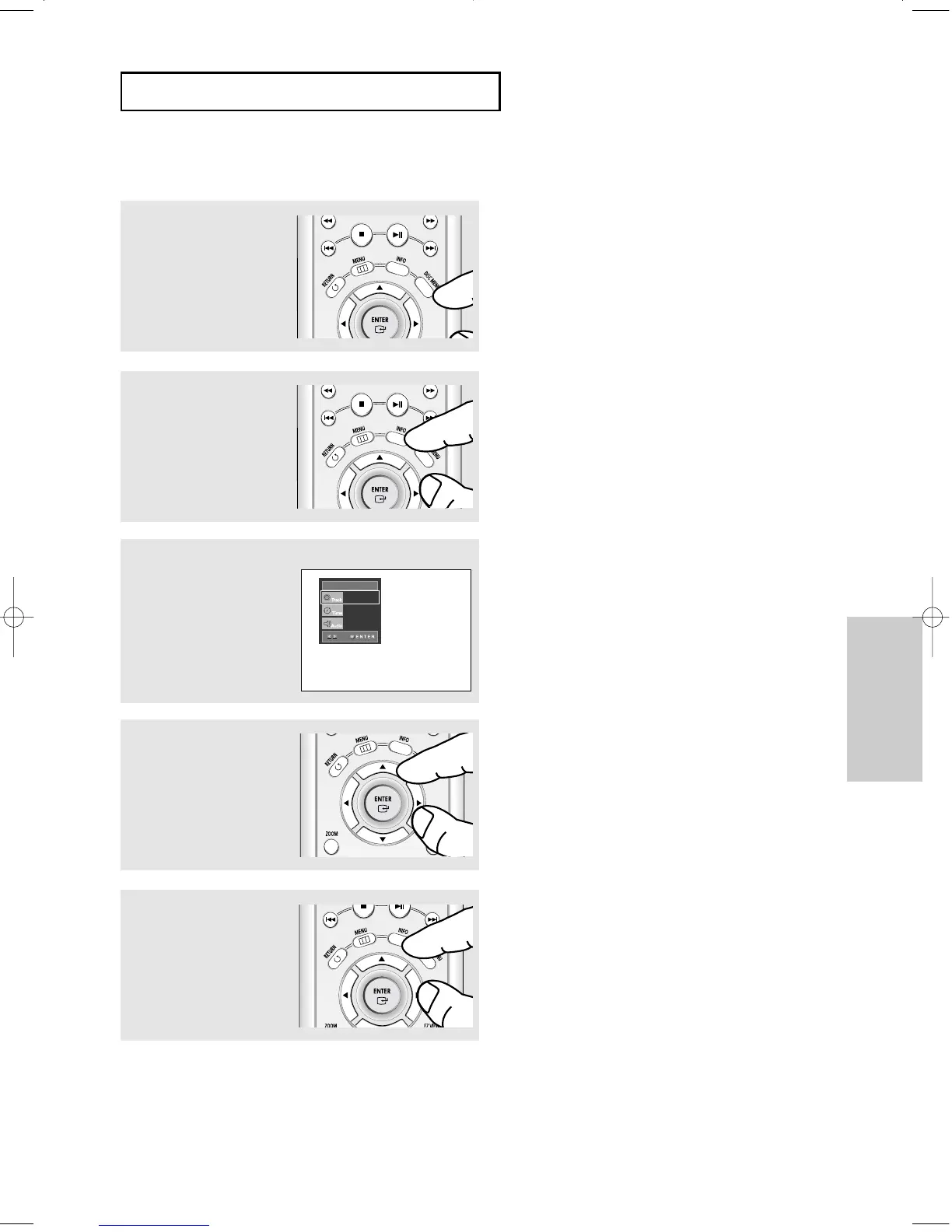
To make the screen
disappear, press the INFO
button again.
Super Audio CD Clips Menu Off Play Function
1
In Stop mode, press the
DISC MENU button until the
Clips menu is off.
2
During play, press the INFO
button on the remote
control.
▼
You can select Info in the function menu by
pressing the MENU button.
4
Press the œ/√ buttons to
make the desired setup and
then press the ENTER
button.
▼
You may use the number buttons of the remote
control to directly access a track and to start the
playback from the desired time.
3
Press the …/† buttons to
select the desired item.
SACD
SACD
01
0:00:13
MULTI
00627B-HD950-XAA-2 5/6/05 3:26 PM Page 45











 To Next Page