ENG-46
ADVANCED
FUNCTIONS
Note
(SACD)
To access the desired Track when there is more than one in the disc.
(SACD)
Allows playback from a desired time by using the number buttons.
(SACD)
If you want to change the 2 channel or multi channel mode in play or stop mode, press AUDIO
button.
- You can use this function when the Super Audio CD disc includes multi channel and 2 channel
audio format.
• 2CH : L, R
• MULTI : F/L, F/R, R/L, R/R, C/T, S/W
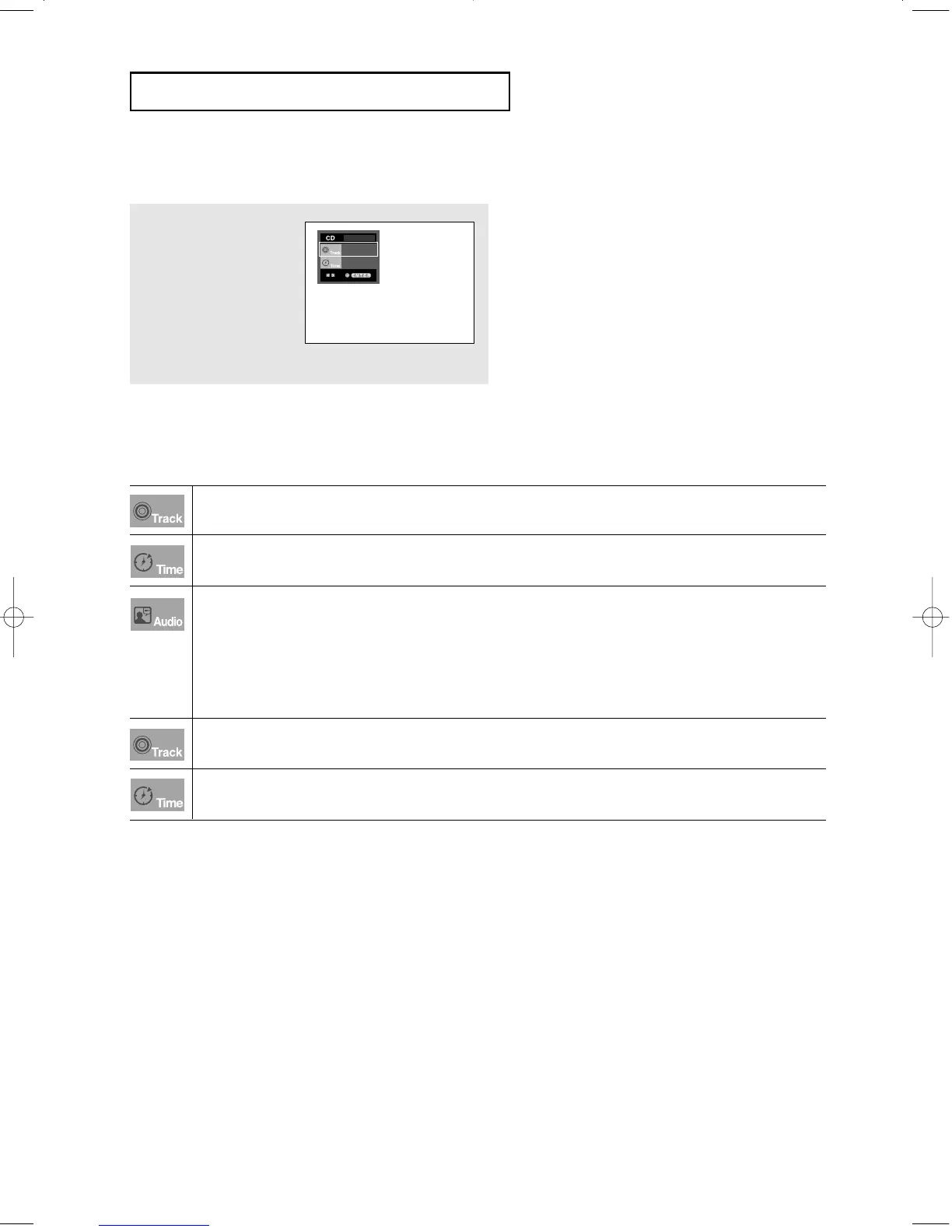
(CD)
To access the desired Track when there is more than one in the disc.
(CD)
Allows playback from a desired time. You must enter the starting time as a reference.
CD Layer Play Function
1
During Super Audio CD
playback, press the
SACD/CD button to playback
the CD layer of a dual layer
Super Audio CD disc.
(Refer to the page 25 for
setting CD playback
Function).
Note
- Some Super Audio CD discs do not include a CD
layer.
- Depending on a disc, this function may not be
available.
01
0:00:13
00627B-HD950-XAA-2 5/6/05 3:26 PM Page 46











 To Next Page