OPERATION
Status
Indicator
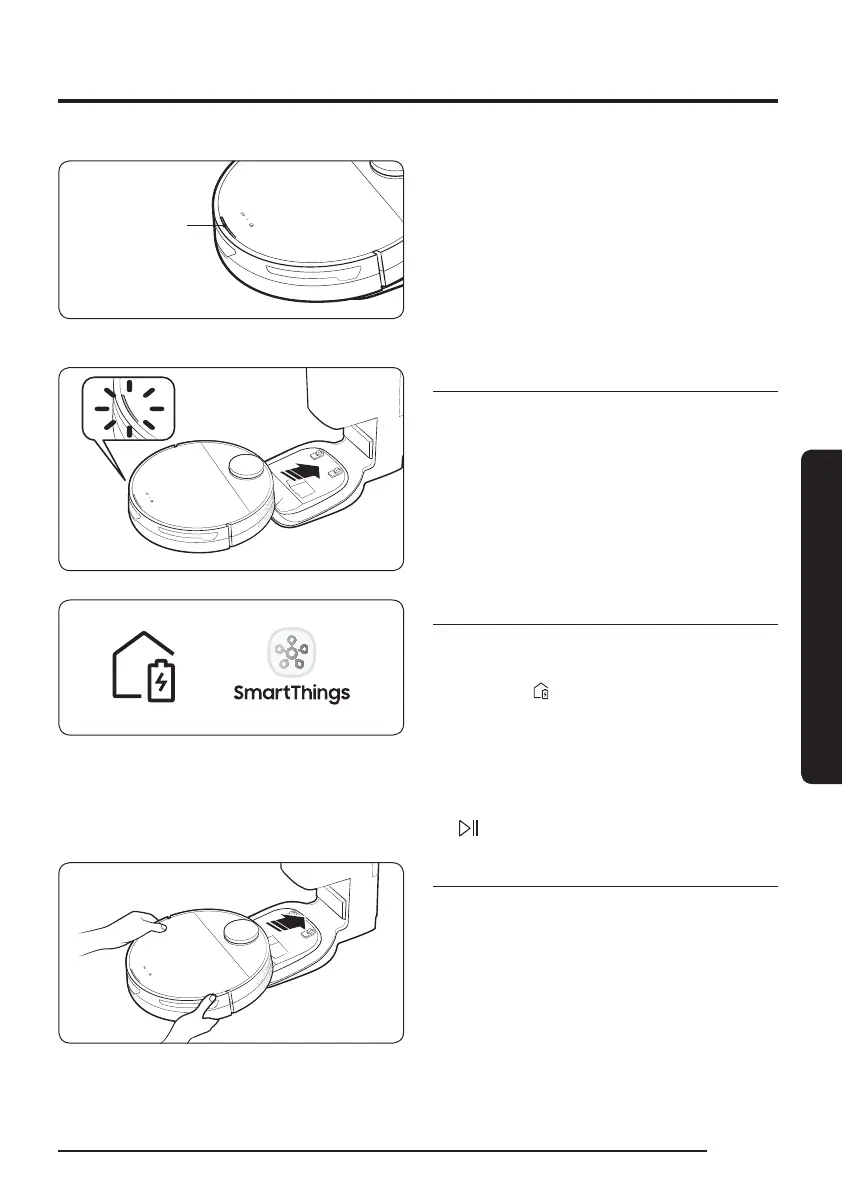
4 Check the charging status.
– When charging starts, the Status
Indicator of the Jet Bot turns on (red,
orange, or yellow depending on charging
progress), it rises gradually, and changes
to green when the charging is complete.
Auto charging
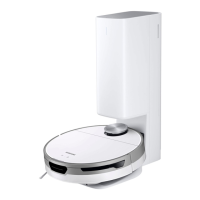
The Jet Bot automatically returns to the Clean
Station when it completes cleaning or when
the battery is low to recharge.
Docking (Recharging)
You can return the Jet Bot to the Clean
Station while cleaning to recharge.
• Press the [
] on the Jet Bot or use the
SmartThings App to select the recharging
function.
If the Jet Bot fails to return to the Clean
Station for charging, it turns to the Sleep
Mode. To cancel the Sleep Mode, press the
[
].
Discharged Jet Bot
Move the Jet Bot manually onto the Clean
Station to recharge.
15
1_VR8500_EN_00858C-02_SW.indd 15 2022-10-13 오후 6:06:10









 To Next Page