APPENDIX
Installation
NOTE
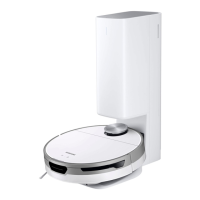
• Install the Clean Station in a place where the oor and wall are level.
• If the cleaning area is wooden oors, it is best to install the Clean Station
along the grain of wooden oors.
• If the power switch is off, the Jet Bot will not charge even if it is docked
on the Clean Station.
• Always keep the Clean Station on.
– If power is not supplied to the Clean Station, the Jet Bot cannot nd it
and cannot automatically recharge.
– If the Jet Bot is left detached from the Clean Station, the battery will
drain naturally.
• Do not attach the Boundary Markers as (-----) shape.
– The Jet Bot may not detect it and cross the boundary.
Charging
NOTE
• If the battery overheats during charging, it may take longer to charge.
• When auto charging is not working, do the following:
– Turn the power switch (at the side the Jet Bot) off and on again.
– Unplug the Clean Station’s power plug and then plug it back on.
– Unplug the Clean Station, and then check whether there is any foreign
matter on the charging pins and clean charging pins of the Jet Bot and
the Clean Station with a dry cloth or rag.
– Check for any obstacles such as reective objects, chairs, etc. near the
Clean Station.
Notes and cautions
34
1_VR8500_EN_00858C-02_SW.indd 34 2022-10-13 오후 6:06:29









 To Next Page