OPERATION
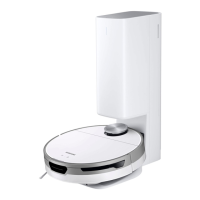
Using the Jet Bot
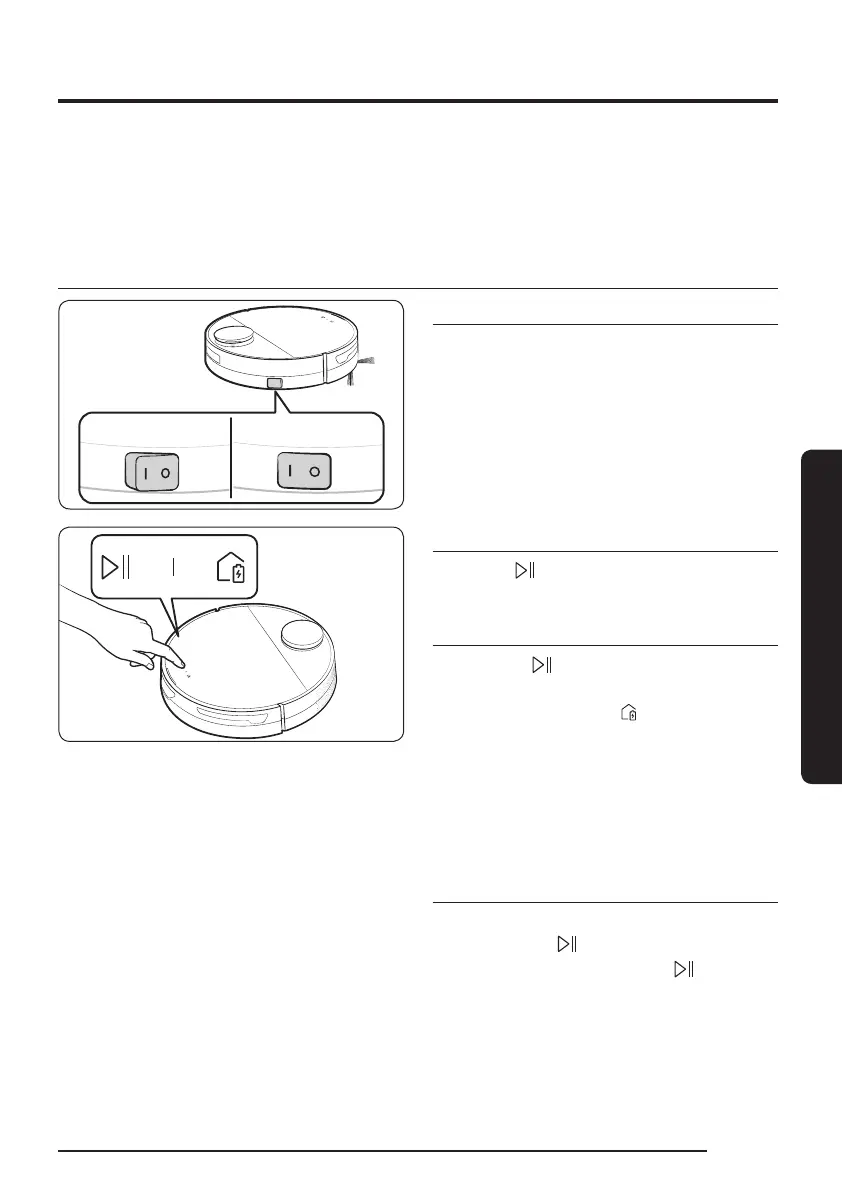
Before using the Jet Bot, press the power switch at the side of the Jet Bot to turn the Jet Bot
on.
For the normal use of the Jet Bot’s functions, the SmartThings connection is required.
– For downloading and installing the SmartThings App, refer to the ‘SmartThings App (P.29-
33)’.
Basic use
OFF ON
Power on / off
Press the power switch at the side of the Jet
Bot to turn the Jet Bot on.
• During booting, the Jet Bot’s Status
Indicator turns on with a melody which
stops when the booting is complete.
Starting cleaning
Press the [ ] on the Jet Bot to start
cleaning in Auto Clean.
Stopping cleaning
• Press the [ ] on the Jet Bot to stop
operation while cleaning.
– When pressing the [
], the Jet Bot
returns to the Clean Station and starts
charging.
If the Jet Bot does not operate for
20 minutes after it stops operation, it
automatically returns to the Clean Station
to recharge.
Sleep Mode
• When the Jet Bot is not in operation, press
and hold the [ ] to set the Sleep Mode.
• In the Sleep Mode, press the [
] to cancel
the Sleep Mode.
17
1_VR8500_EN_00858C-02_SW.indd 17 2022-10-13 오후 6:06:12









 To Next Page