APPENDIX
Functions of the SmartThings App
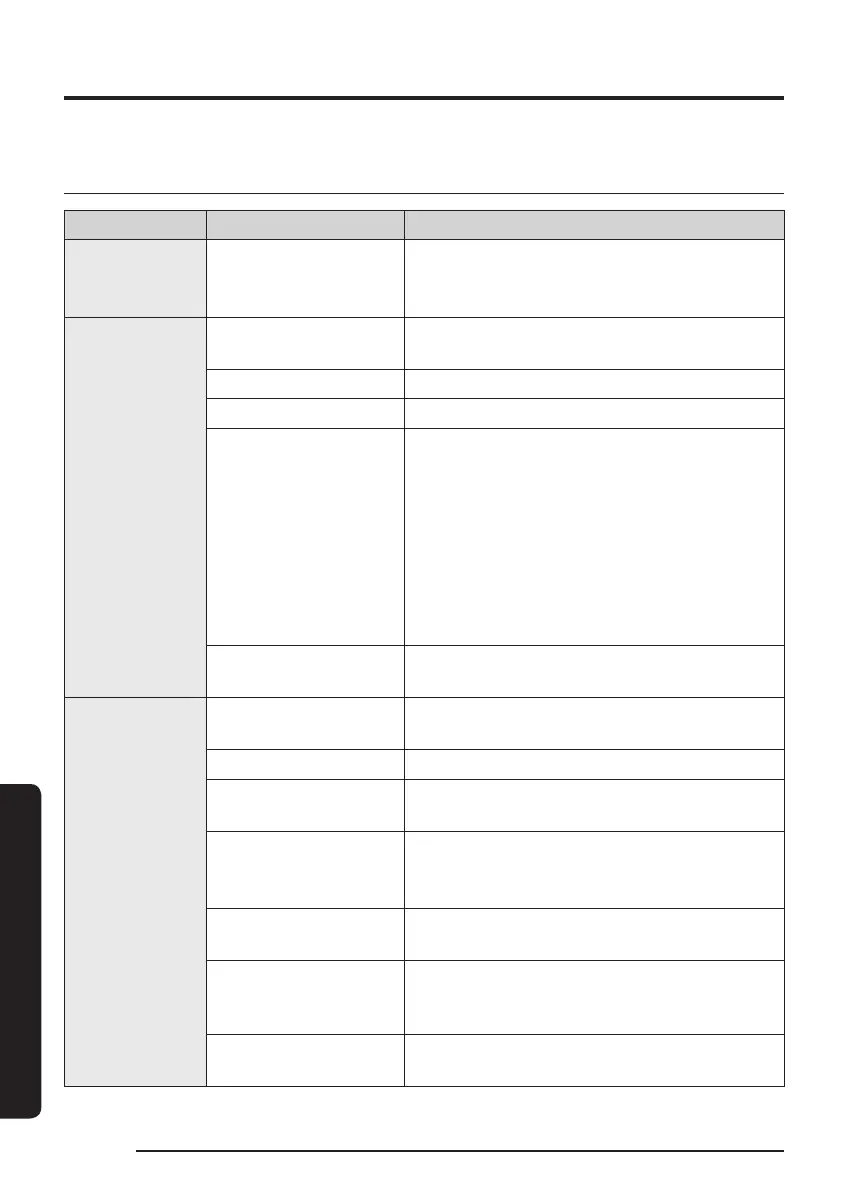
Classication Functions Explanation
Monitoring Cleaning Report
• You can check the result of the last cleaning.
• You can check the histories of last 50
cleanings.
Control
Dock
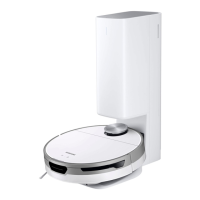
• You can stop cleaning and have the Jet Bot
return to the Clean Station.
Pause • You can stop cleaning or restart cleaning.
Cleaning Mode • You can set the cleaning mode you want.
Cleaning Functions
• You can set various cleaning functions.
– For some functions, you need to create a
map rst.
– For Room Clean and Spot Clean, you can
choose only one of them, and the default
setting is ‘All’ (All Rooms).
When the Jet Bot is in the Room Clean or the
Spot Clean, it may pass an unselected area to
go to the cleaning place or to recharge.
Schedule
• You can start designated cleaning at the
scheduled time.
Setting
Sound Mode
• You can set the voice guide to [Voice], [Sound
Effect], or [Mute].
Language • The Jet Bot supports 14 languages.
Volume
• You can control the volume of the voice
guide.
Downtime
• At the designated time, the Jet Bot stops
cleaning and returns to the Clean Station.
– You may start cleaning during Downtime.
Find Robot Vacuum
• The Jet Bot makes a sound so that a user can
nd it.
Child Lock
• The Jet Bot locks its buttons so that they do
not function. To unlock the buttons, turn the
Jet Bot off and then on again.
Empty Dust
• You can select when to empty the dustbin of
the Jet Bot.
32
1_VR8500_EN_00858C-02_SW.indd 32 2022-10-13 오후 6:06:28









 To Next Page