English-15
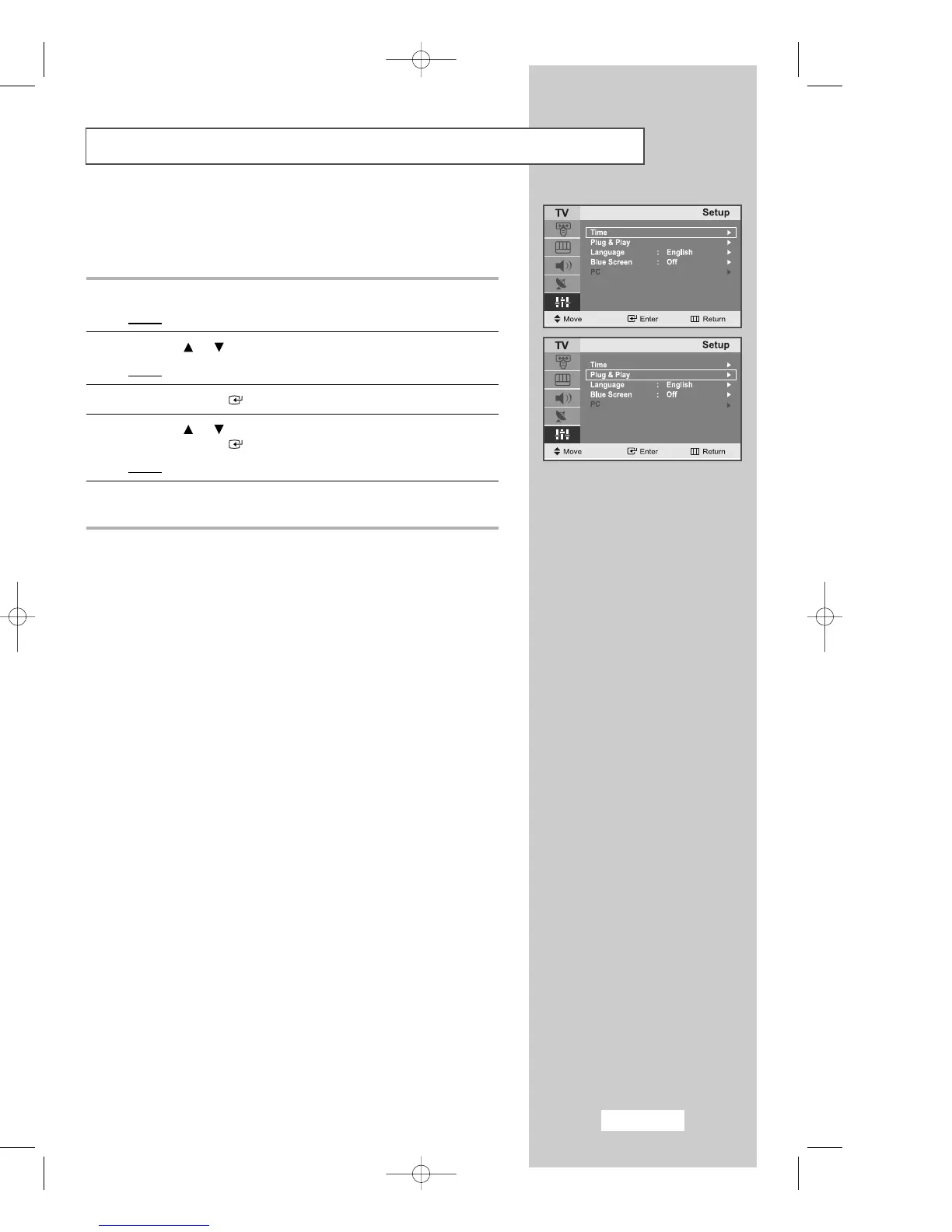
Plug & Play
If you want to reset this feature...
1
Press the
MENU
button.
Result
: The main menu is displayed.
2
Press the or button to select the
Setup
.
Result
:
The options available in the
Setup
group are displayed.
3
Press the
ENTER
button.
4
Press the or button to select the
Plug & Play
.
Press the
ENTER
button.
Result
: The message
Plug & Play
is displayed.
5
For further details on how to set up this feature, refer to the
previous page.
02-BN68-00633C-00Eng.qxd 4/18/04 7:35 AM Page 15



 To Next Page