English-29
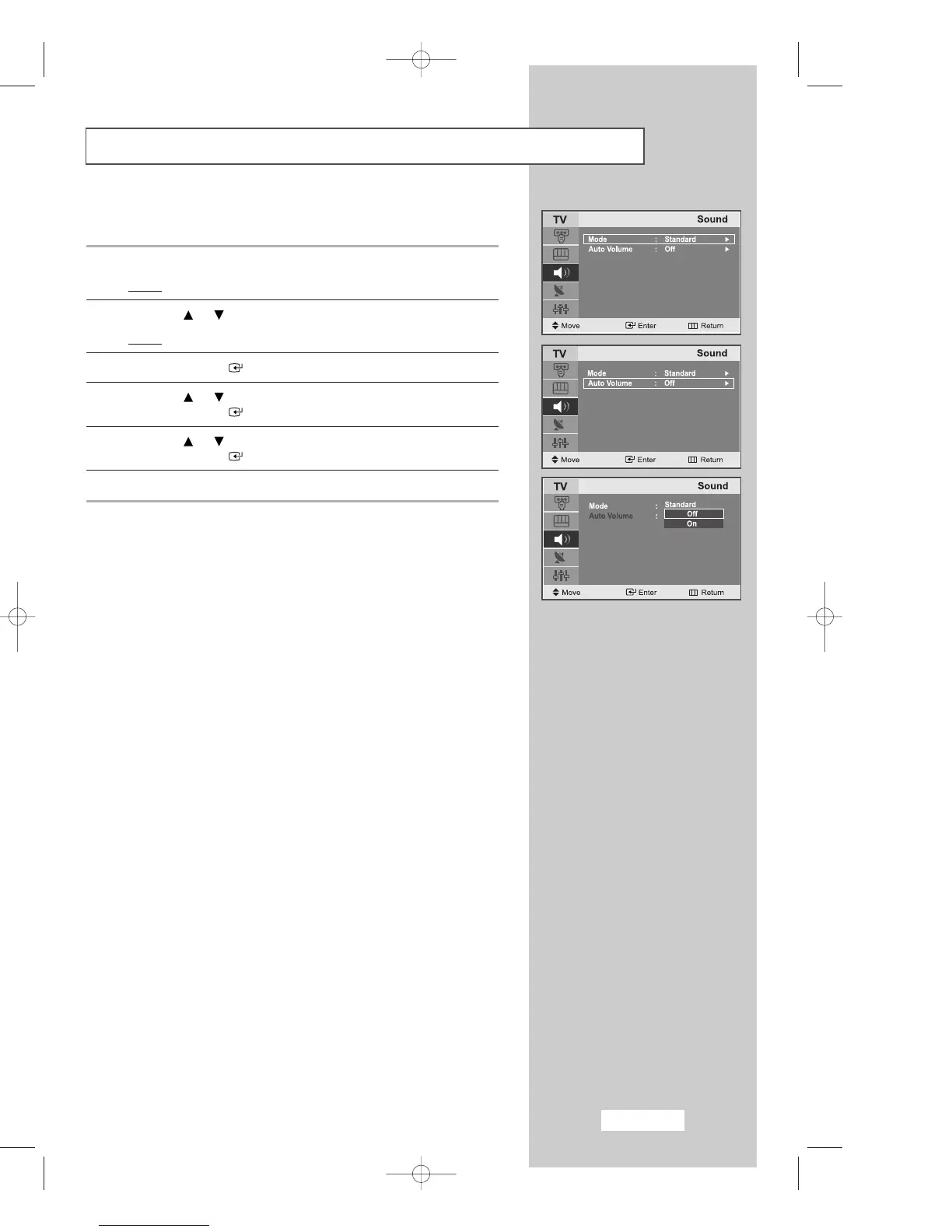
Selecting Auto Volume Control
Reduces the differences in volume level between broadcasters.
1 Press the
MENU
button.
Result
: The main menu is displayed.
2 Press the or button to select the
Sound
.
Result
:
The options available in the
Sound
group are displayed.
3 Press the
ENTER
button.
4 Press the or button to select
Auto Volume
.
Press the
ENTER
button.
5 Press the or button to select
Off/On
.
Press the
ENTER
button.
6
Press the
EXIT button to exit
.
03-BN68-00633C-00Eng.qxd 4/18/04 7:35 AM Page 29



 To Next Page