English-6
Viewing the Connection Panel
Connecting an Aerial or Cable Television Network (depending on the model)
To view television channels correctly, a signal must be received by the set from one of the
following sources:
- An outdoor aerial
- A cable television network
- A satellite network
Connecting a Set-Top Box, VCR or DVD
- Connect the VCR, or DVD SCART cable to the SCART connector of the VCR, or DVD.
- If you wish to connect both the Set-Top Box and VCR (or DVD), you should connect the
Set-Top Box to the VCR (or DVD) and connect the VCR (or DVD) to your set.
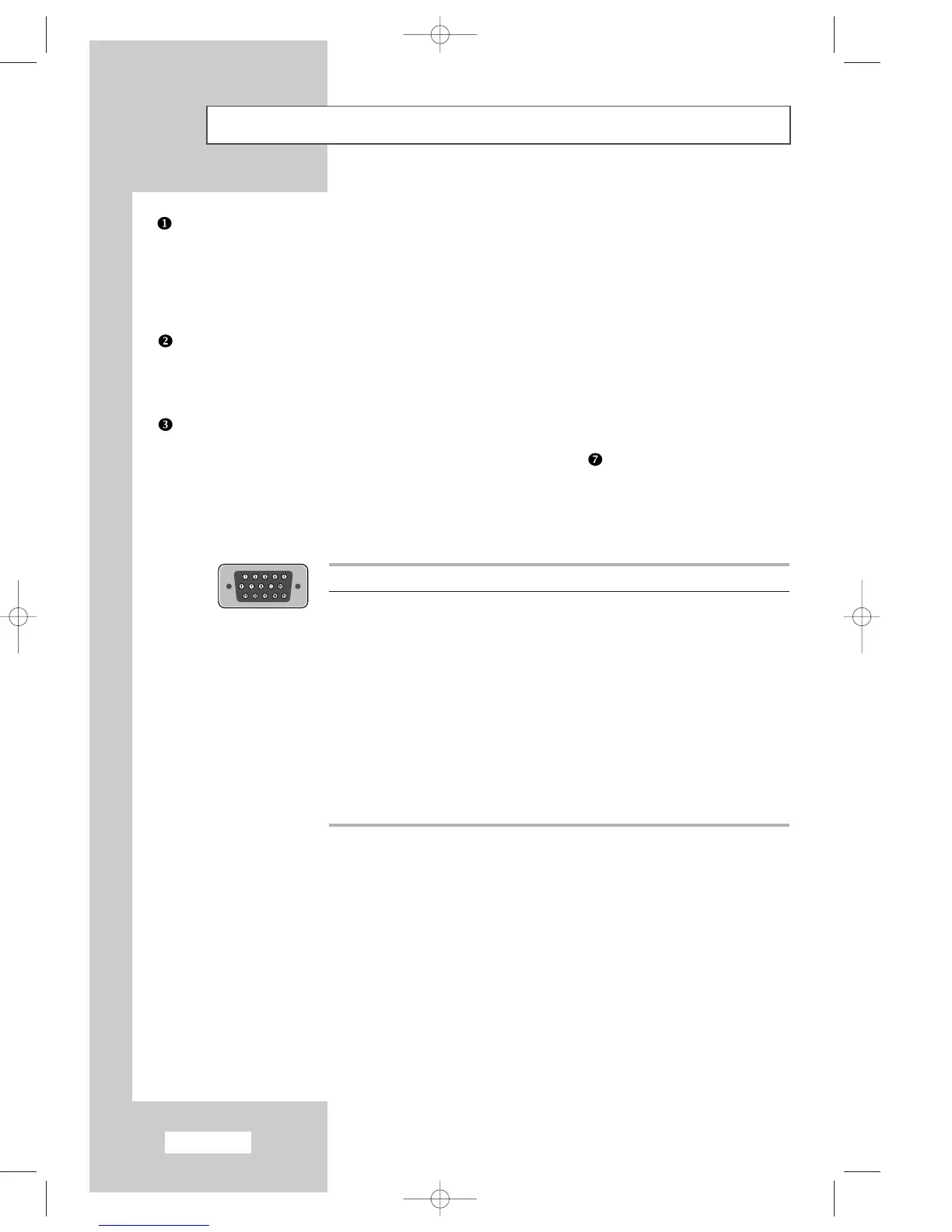
Connecting a Computer
- Connect the 15 Pin D-SUB connector to the PC video connector.
- Connect the stereo audio cable to the “PC AUDIO IN (STEREO)” jack ( )on the rear of your set and the
other end to the “Audio Out” jack of the sound card on your computer.
Pin Separate H/V Composite H/V
1 Red (R) Red (R)
2 Green (G) Green (G)
3 Blue (B) Blue (B)
4 Grounding Grounding
5 Grounding (DDC return) Grounding (DDC return)
6 Grounding - Red (R) Grounding - Red (R)
7 Grounding - Green (G) Grounding - Green (G)
8 Grounding - Blue (B) Grounding - Blue (B)
9 No connection No connection
10 Grounding - Sync. / Self test Grounding - Sync. / Self test
11 Grounding Grounding
12 DDC - SDA (Data) DDC - SDA (Data)
13 Horizontal Sync. Horizontal/Vertical Sync.
14 Vertical Sync. Not used
15 DDC - SCL (Clock) DDC - SCL (Clock)
➣
15 Pin D-SUB connector
01-BN68-00633F-03Eng.qxd 6/12/04 6:14 PM Page 6



 To Next Page