Troubleshooting
98
5
After the data is saved to another drive, open the cover at the
bottom of the computer and replace the existing drive with
the new one.
If the cover is difficult to open, contact the Samsung Service
Center to request assistance. You will be charged for this
service.
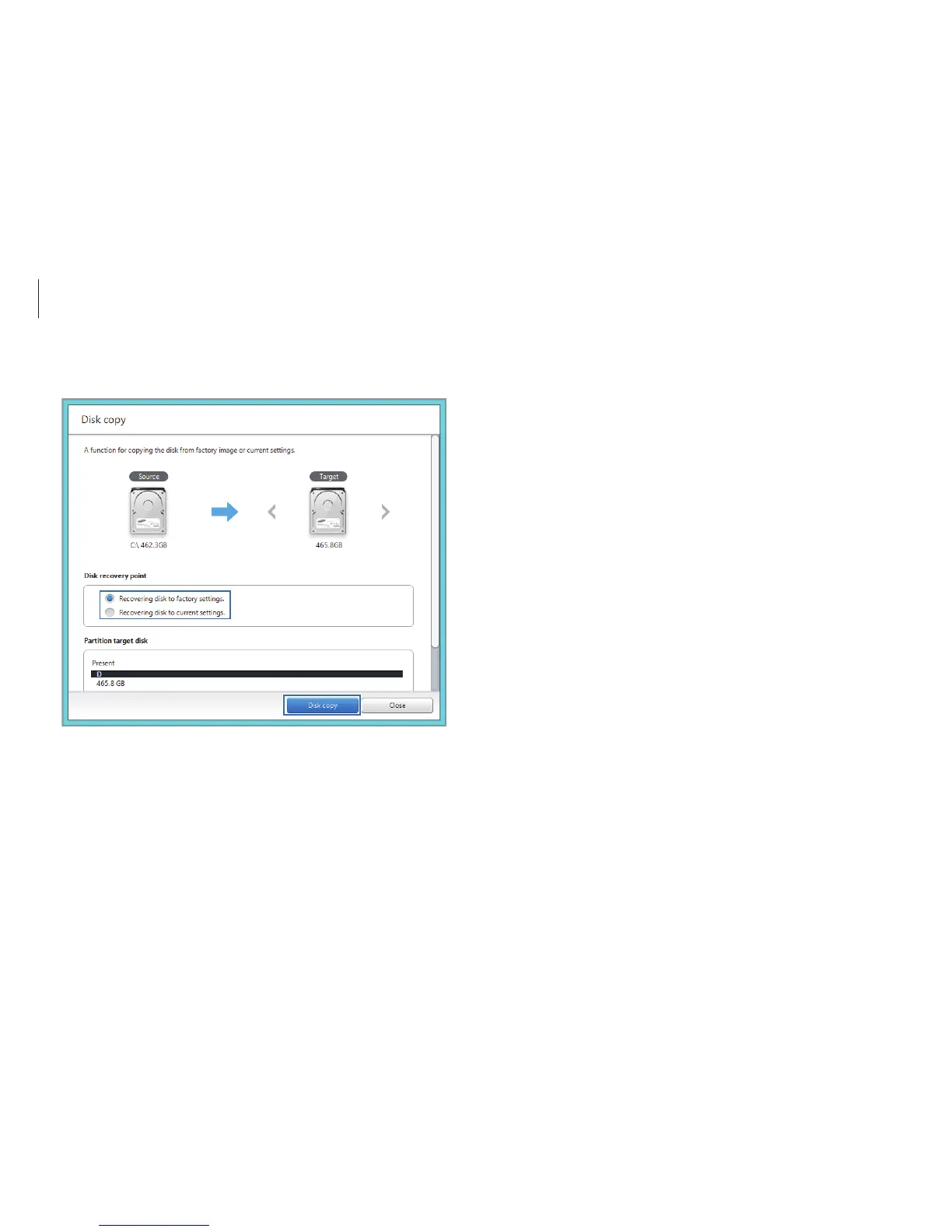
4
Select an option under
Disk recovery point
→
Disk copy.
The data on the current hard disk is copied to the new hard
disk.












 To Next Page