35
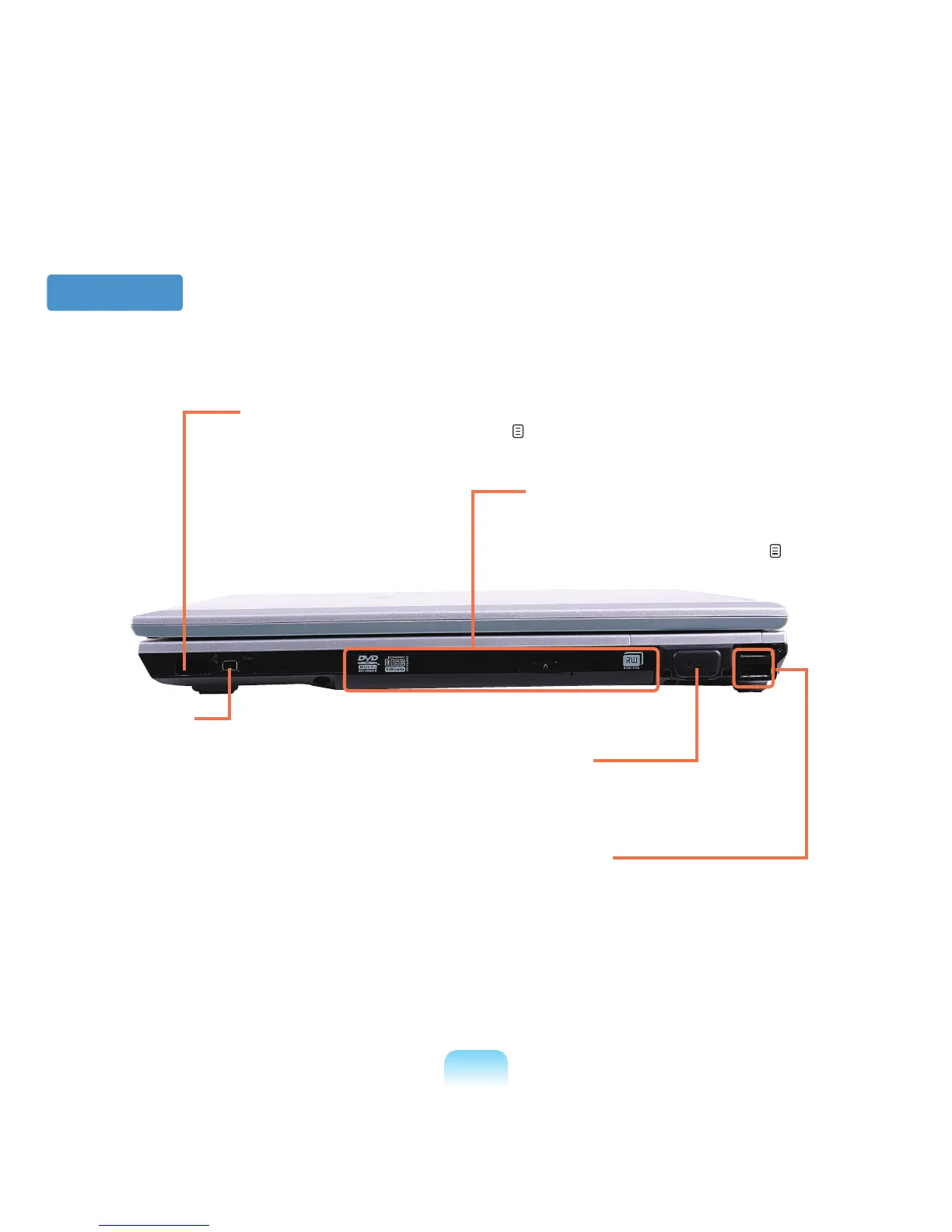
Right View
3 CD Drive
*
Plays CD or DVD titles.
Since an ODD drive is optional, the installed drive
depends on the computer model. p. 47
1 Infrared Port
*
The port for Infrared communications. p. 107
4 Serial Port
*
The port for connecting devices
supporting the Serial interface.
5 USB Port
You can connect USB devices to the USB
portsuchasakeyboard/mouse,digital
camera, etc.
2 IEEE 1394 Port
*
AportusedtoconnectIEEE1394devices
suchasadigitalcamcorder.(4-pinSupport)



 To Next Page