97
Checking Network Status
Ifthenetworkconnectionisnotavailable,youcaneasily
ndthecausesbycheckingthenetworkstatus.
1
Run Samsung Network Manager.
2
Click Check Auto Diagnosis on the Manage menu.
3
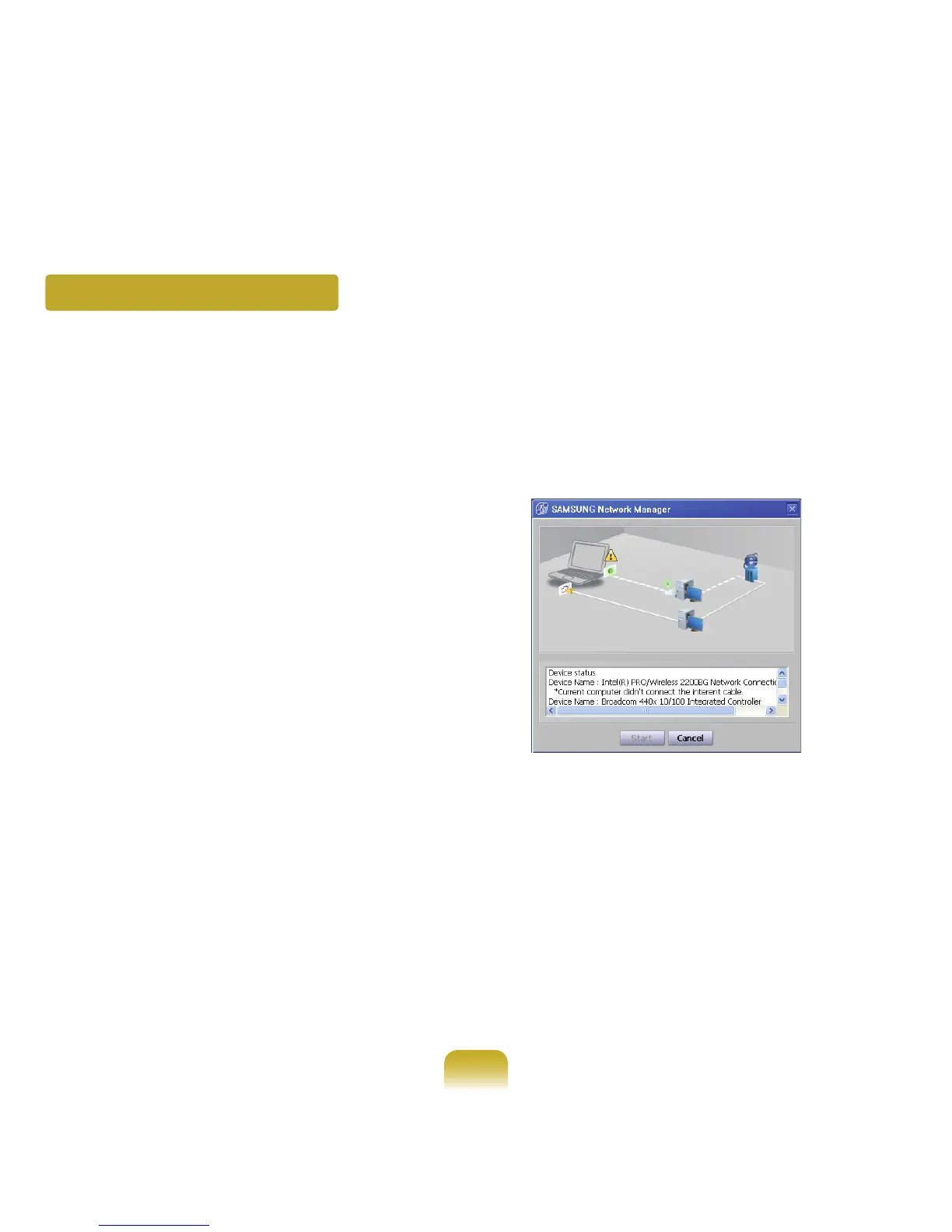
TheNetworkConnectionPicturewindowappears.
If you click Start, checking the network will start.
4
Whenthediagnosisiscomplete,outoforderdevices
aremarkedbytheexclamationmarkicon.For
detailed device status, read the description in the
lower part of the window.
Reconnect and set up the device according to the
diagnosis result.



 To Next Page