29
Using "PCoIP"?
2
2 Using "PCoIP"?
2.2 Connection to Use "PCoIP"
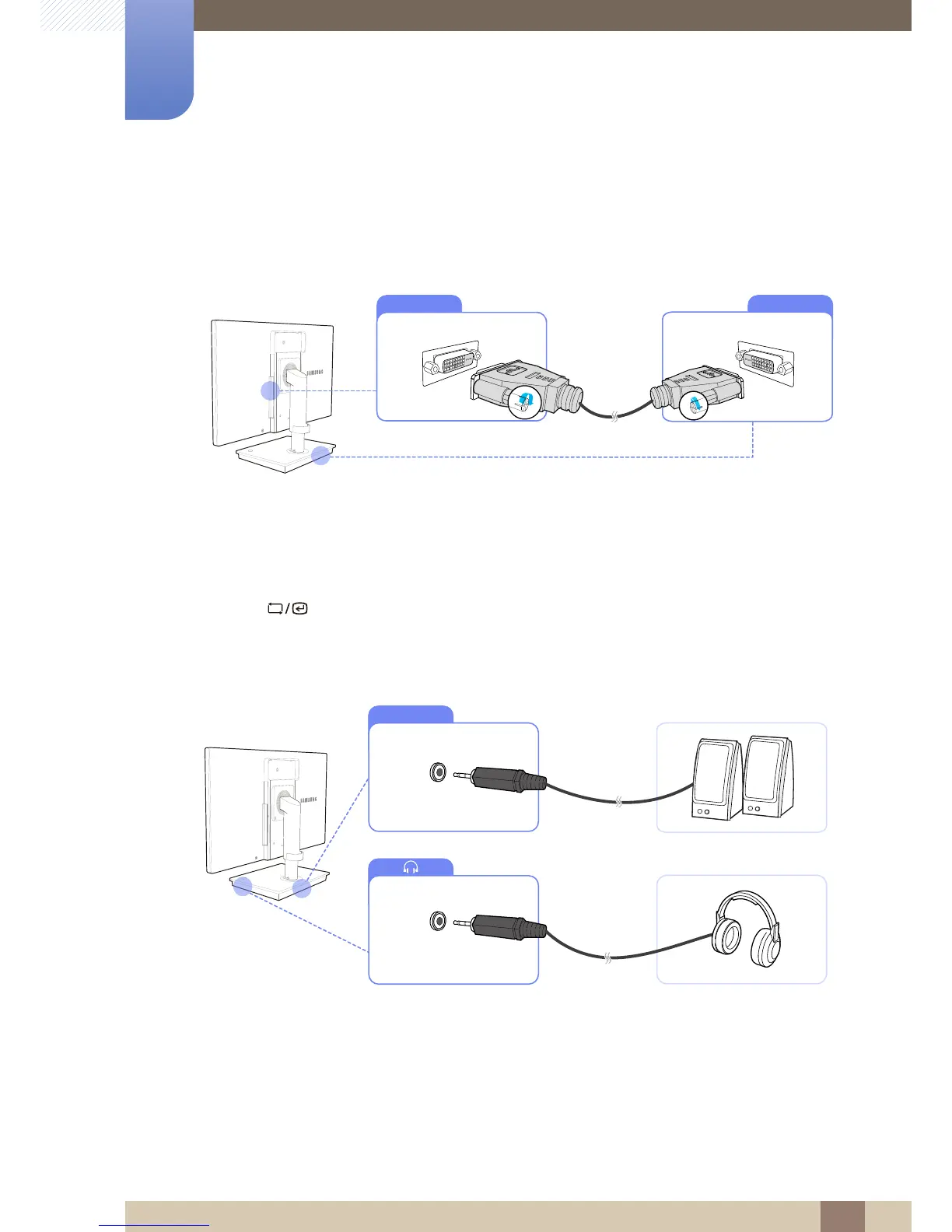
2.2.1 Connection Using the DVI Cable
1 Connect the DVI cable to [DVI IN] on the back of the monitor and [DVI OUT] on the stand base.
2 Connect the DC power adapter to the product and a power outlet. Next, turn on the power switch
on the stand base.
(For details, refer to "3.3 Connecting the Power".)
3 Press [ ] to change the input source to Digital.
2.2.2 Connecting to Headphones or Speakers














 To Next Page