87
Resizing or Relocating the Screen
6
6 Resizing or Relocating the Screen
6.3 Menu H-Position & Menu V-Position
Menu H-Position: Move the menu position to the left or right.
Menu V-Position: Move the menu position up or down.
6.3.1 Configuring Menu H-Position & Menu V-Position
1 Press [ ] on the product.
2 Press [ ] to move to SIZE&POSITION and press [ ] on the product.
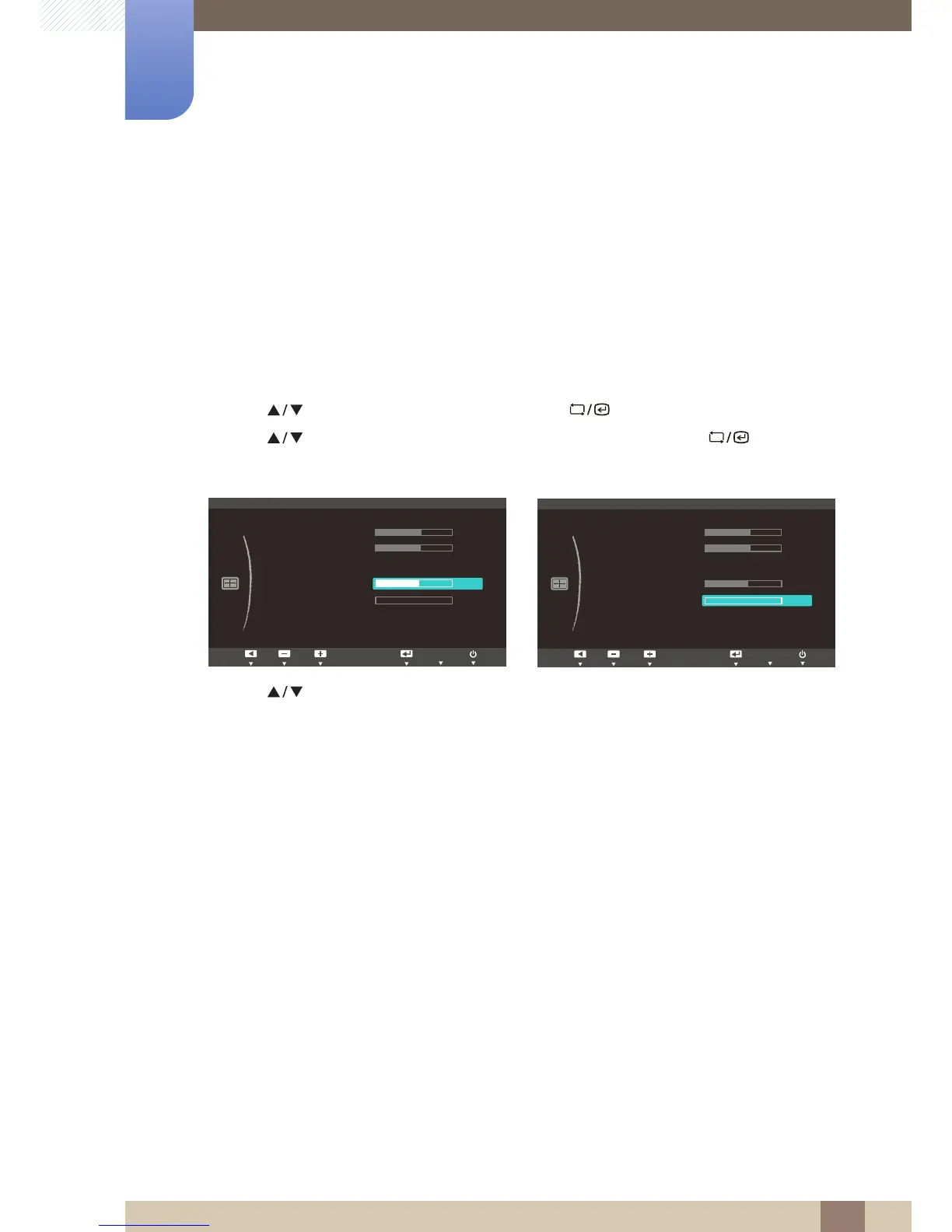
3 Press [ ] to move to Menu H-Position or Menu V-Position, and press [ ]. The following
screen will appear.
4 Press [ ] to configure Menu H-Position or Menu V-Position.














 To Next Page