84
Configuring Tint
5
5 Configuring Tint
5.6 Gamma
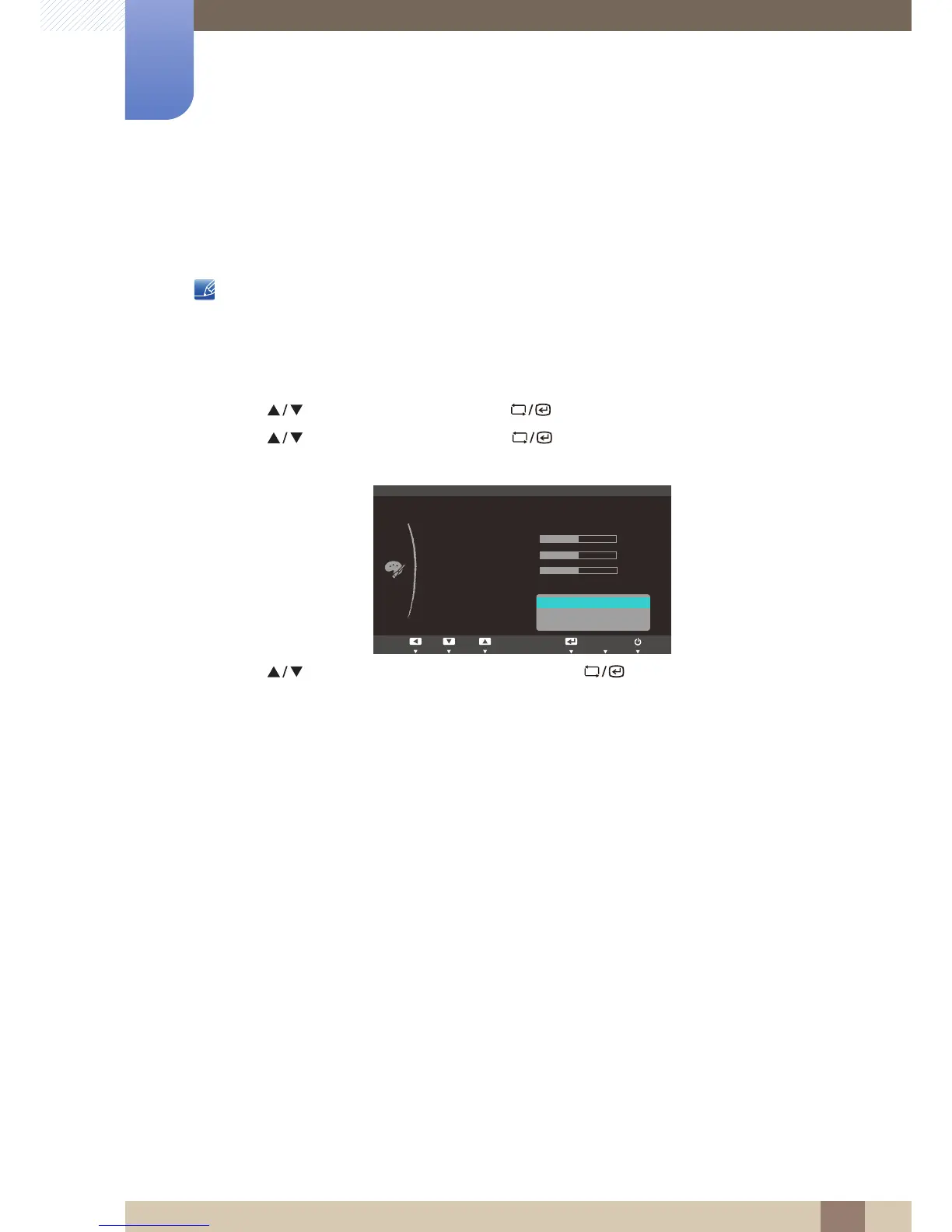
Adjust the mid-range brightness (Gamma) of the picture.
This menu is not available when Angle is enabled.
5.6.1 Configuring Gamma
1 Press [ ] on the product.
2 Press [ ] to move to COLOR and press [ ] on the product.
3 Press [ ] to move to Gamma and press [ ] on the product. The following screen will
appear.
4 Press [ ] to move to the option you want and press [ ].
5 The selected option will be applied.














 To Next Page