61
Connecting and Using a Source Device
3
3 Connecting and Using a Source Device
3.2 Connecting and Using a PC
3.2.1 Connecting to a PC
z Do not connect the power cable before connecting all other cables.
Ensure you connect a source device first before connecting the power cable.
z Select a connection method suitable for your PC.
Connecting parts may differ in different products.
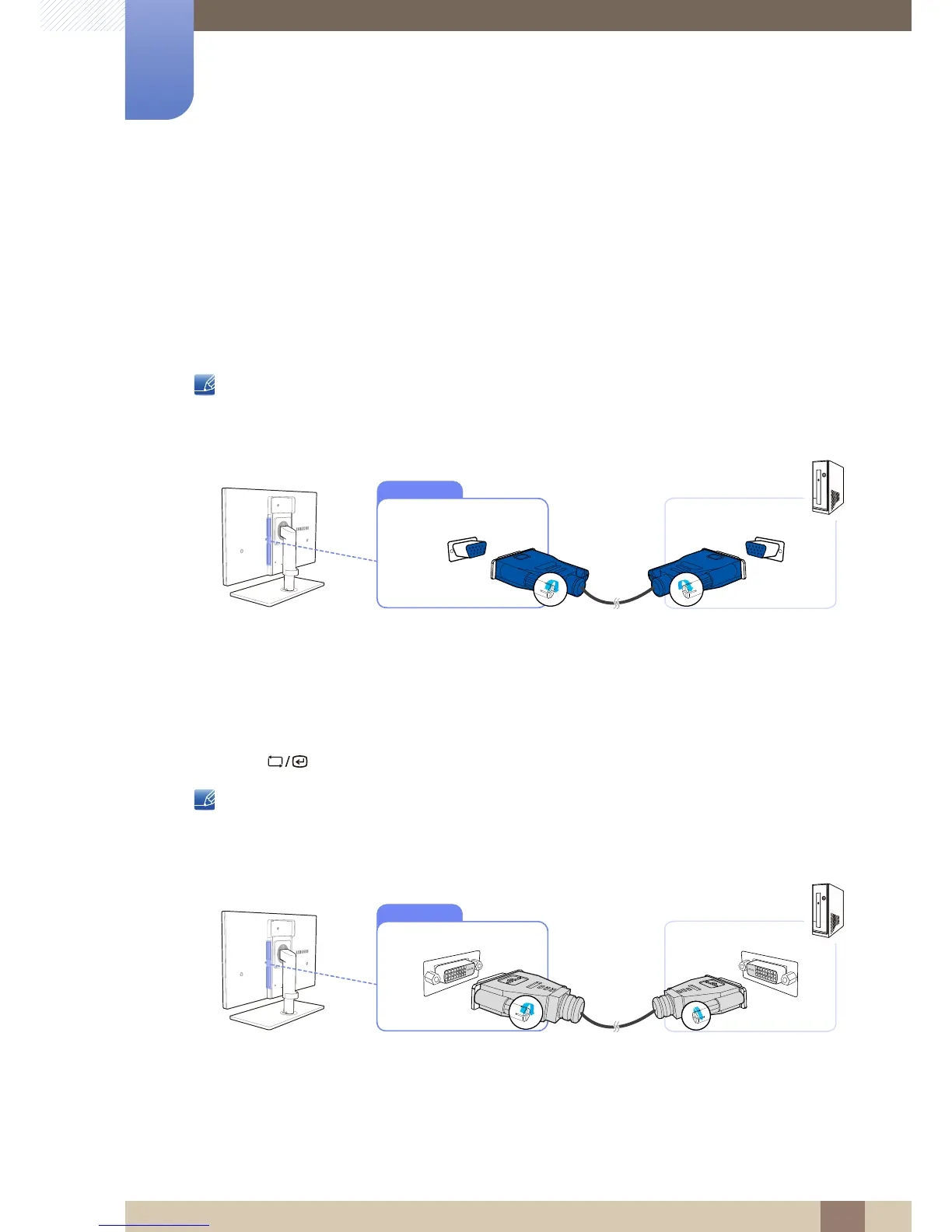
Connection Using the D-SUB Cable (Analog Type)
1 Connect the D-SUB cable to the [RGB IN] port on the back of the product and the RGB port on the
PC.
2 Connect the DC power adapter to the product and a power socket. Next, turn on the power switch
on the PC.
(For details, refer to "3.3 Connecting the Power".)
3 Press [ ] to change the input source to Analog.
Audio is not available if the PC and product are connected via the [D-SUB] port.
Connection Using the DVI Cable
1 Connect the DVI cable to the [DVI IN] port on the back of the product and the DVI port on the PC.
2 Connect the DC power adapter to the product and a power socket. Next, turn on the power switch
on the PC.
(For details, refer to "3.3 Connecting the Power".)














 To Next Page