98
8 INFORMATION Menu and Others
8
INFORMATION Menu and Others
8.1 INFORMATION
View the current input source, frequency and resolution.
8.1.1 Displaying INFORMATION
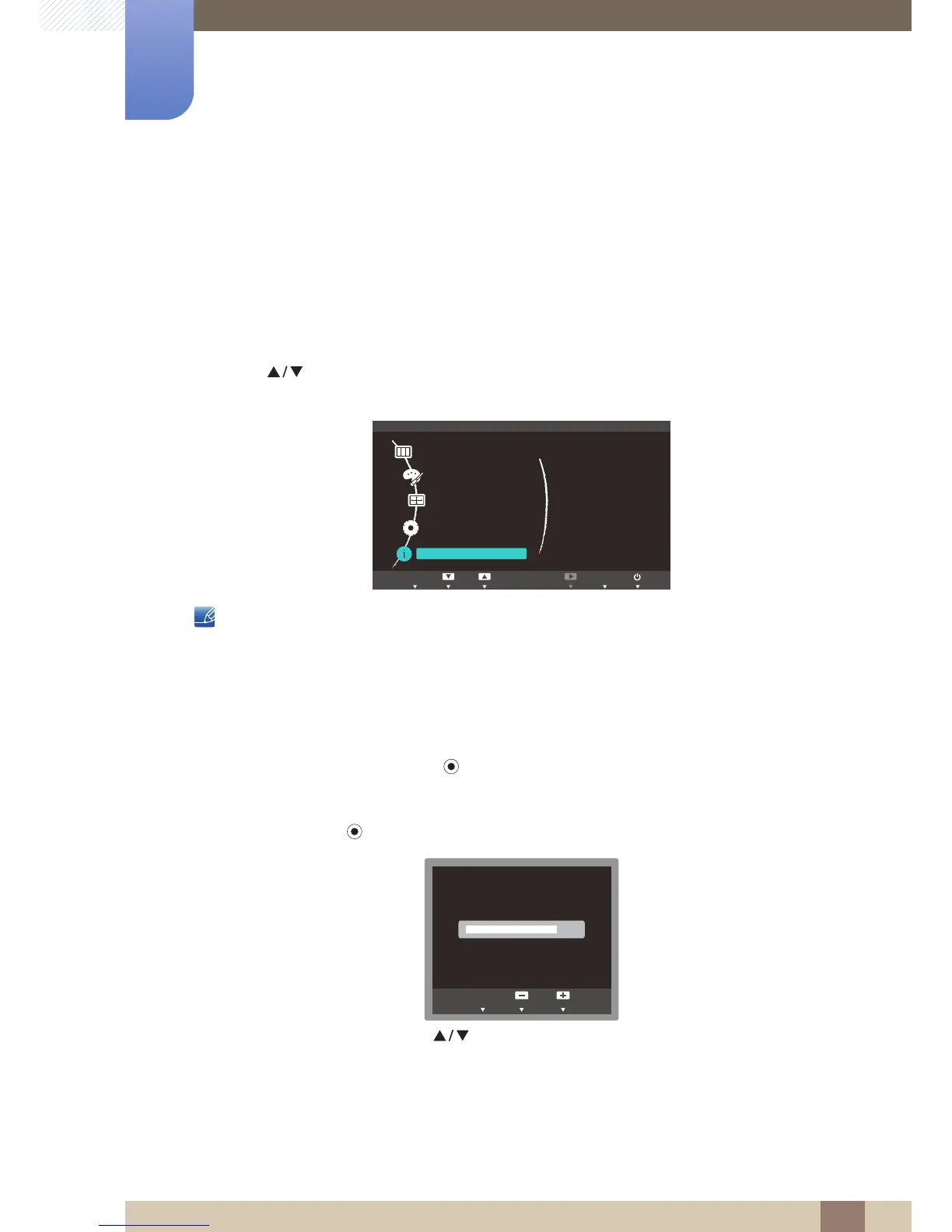
1 Press [ ] on the product.
2 Press [ ] to move to INFORMATION. The current input source, frequency and resolution will
appear.
The displayed image may differ depending on the model.
8.2 Configuring Brightness in the Startup Screen
Adjust the Brightness by pressing the [ ] button when the OSD guide is displayed.
1 Press any button on the front of the product (when no menu screen is displayed) to display the OSD
guide. Next, press [ ]. The following screen will appear.
2 Adjust the Brightness using the [ ] buttons.














 To Next Page