48
Using "PCoIP"?
2
2 Using "PCoIP"?
<Auto connect>
The <Auto connect> parameter allows the administrator to specify that the Portal automatically always
connects with the VMware View Connection Server at startup.
2.3.5 <Diagnostics> Window
The <Diagnostics> allows the administrator to access window tabs with diagnostics concerning the
Portal. The tabs in the <Diagnostics> window are:
z <Event Log>
z <Session Statistics>
z <PCoIP Processor>
z <Ping>
Each tab has a Close button to close the window.
<Event Log> Tab
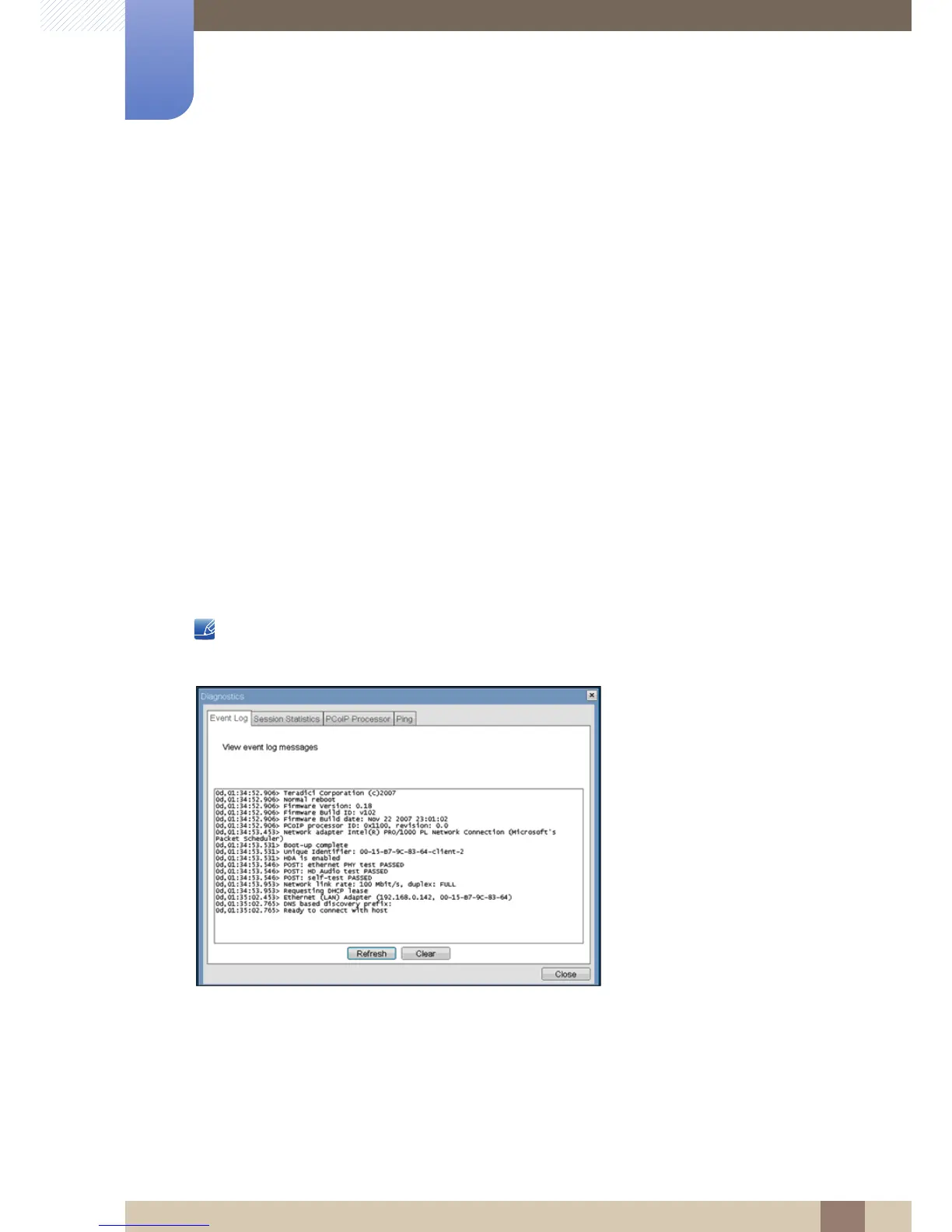
The <Event Log> tab allows the administrator to view and clear event log messages from the Portal.
The <Event Log> can also be initiated using the Webpage Administration Interface.
Figure 2-14: <Event Log>
<View event log message>
The <View event log messages> field displays log messages with time stamp information. There are
two associated buttons available.
z <Refresh>
Selecting the <Refresh> button refreshes the event log messages displayed.














 To Next Page