49
Using "PCoIP"?
2
2 Using "PCoIP"?
z <Clear>
Selecting the <Clear> button clears all of the displayed event log messages.
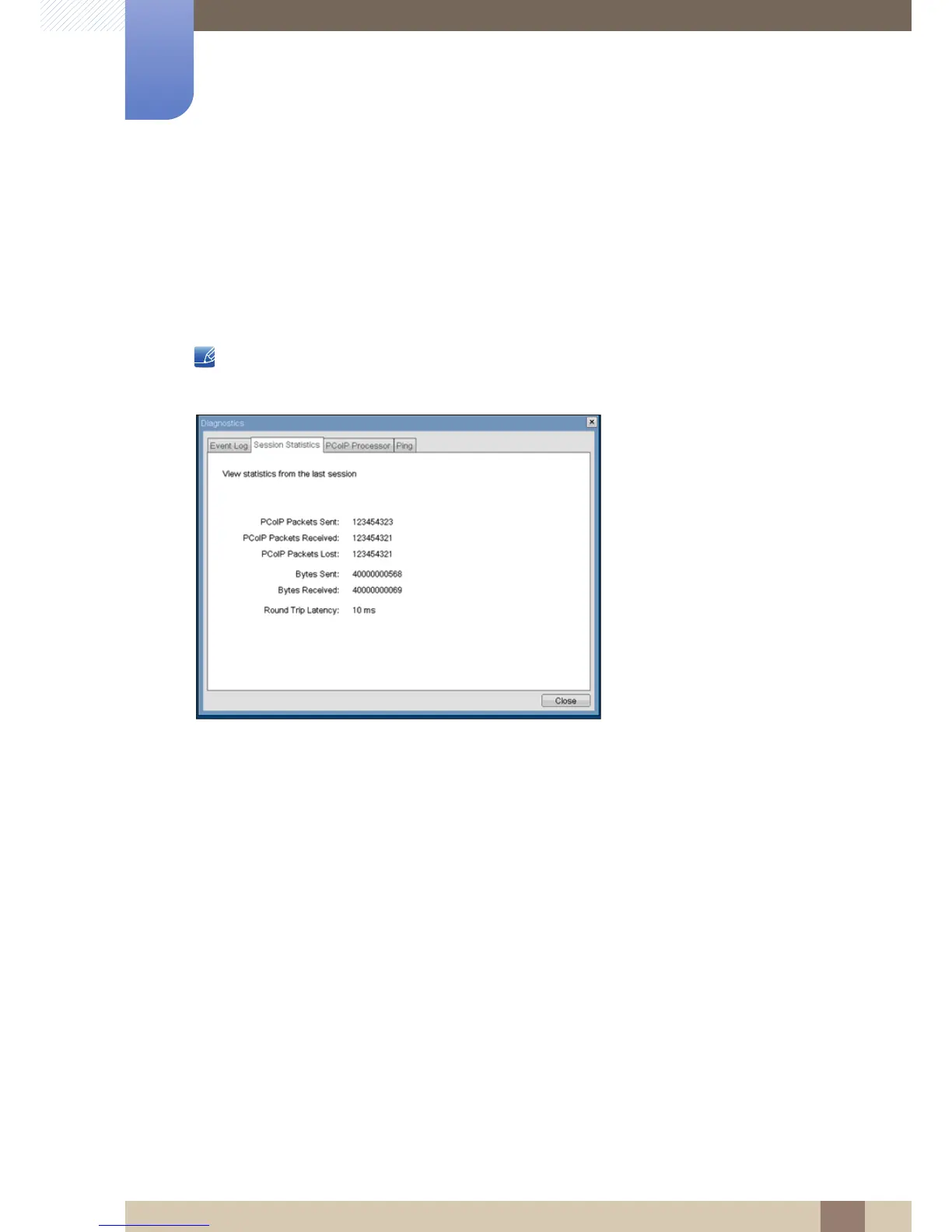
<Session Statistics> Tab
The <Session Statistics> tab allows the administrator to view PCoIP-specific statistics for the last
PCoIP session that was active on the Portal.
<Session Statistics> can also be viewed using the Webpage Administration Interface.
Figure 2-15: <Session Statistics>
<PCoIP Packets Statistics>
z <PCoIP Packets Sent>
The <PCoIP Packets Sent> field reports the total number of PCoIP packets sent from the Portal to
the Host in the last active session.
z <PCoIP Packets Received>
The <PCoIP Packets Received> ield reports the total number of PCoIP packets received from the
Host to the Portal in the last active session.
z <PCoIP Packets Lost>
The <PCoIP Packets Lost> field reports the total number of PCoIP packets lost in the last active
session.
<Bytes Statistics>
z <Bytes Sent>
The <Bytes Sent> field reports the total number of bytes sent in the last active session.














 To Next Page