66
Connecting and Using a Source Device
3
3 Connecting and Using a Source Device
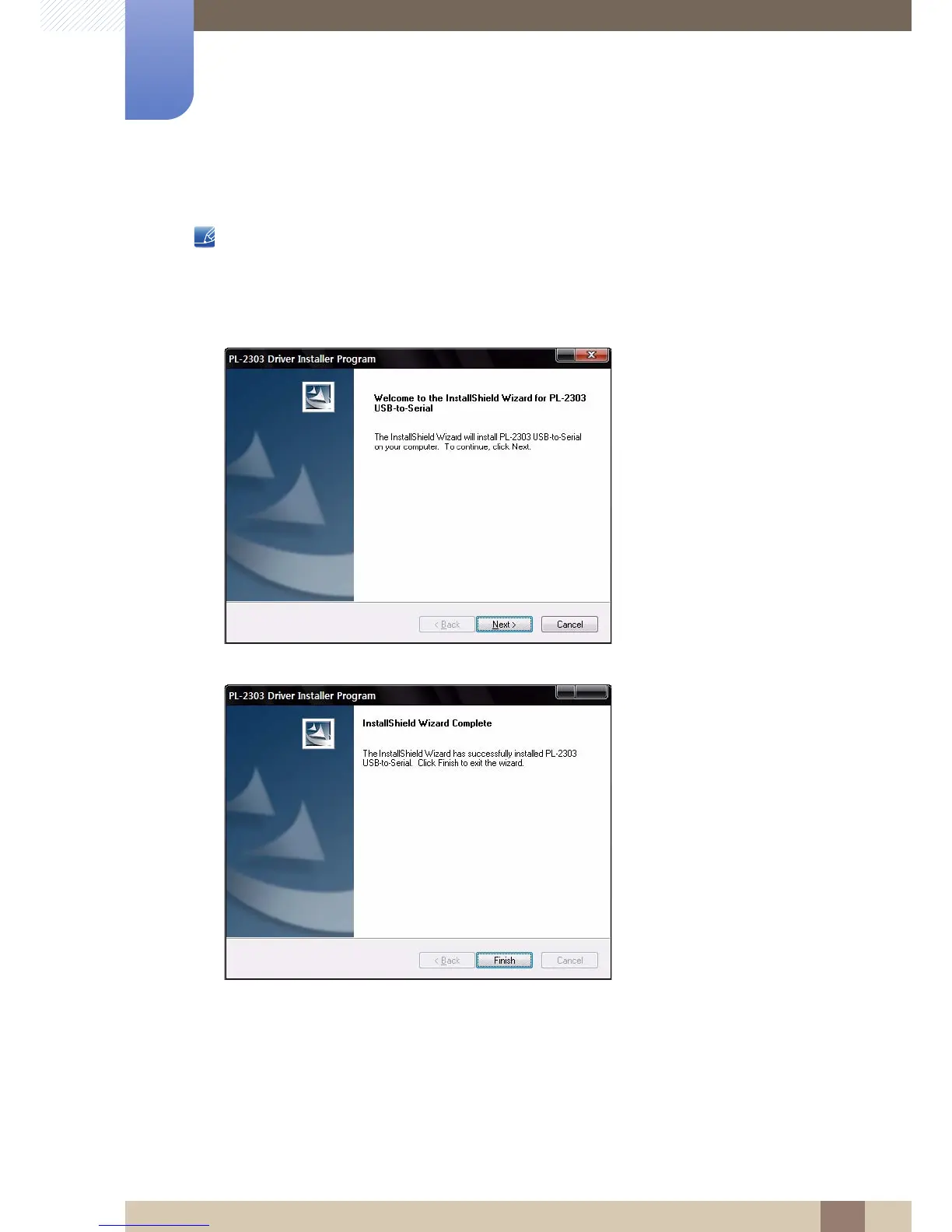
3.2.4 Installing a USB-to-Serial Driver
Install the driver on the server PC.
1 Insert the driver installation CD-ROM into the CD-ROM drive.
2 Click on "USB-SERIAL Driver".
3 Click Next.
4 Click Finish.














 To Next Page