97
Setup and Reset
7
7 Setup and Reset
7.10 Menu Transparency
Set the transparency for the menu windows:
7.10.1 Changing Menu Transparency
1 Press [ ] on the product.
2 Press [ ] to move to SETUP&RESET and press [ ] on the product.
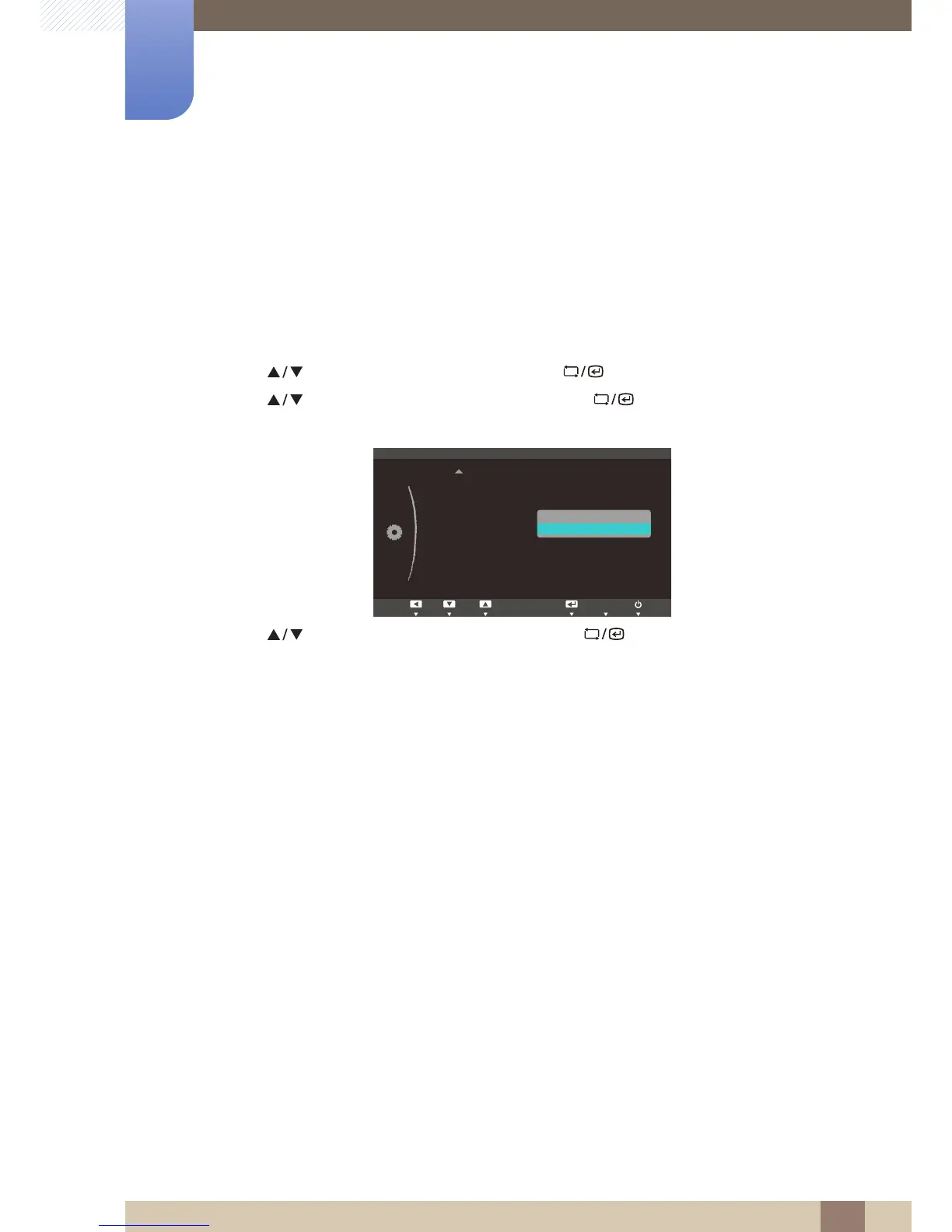
3 Press [ ] to move to Menu Transparency and press [ ] on the product. The following
screen will appear.
4 Press [ ] to move to the option you want and press [ ].
5 The selected option will be applied.














 To Next Page