83
Configuring Tint
5
5 Configuring Tint
5.5 Color Tone
Adjust the general color tone of the picture.
z This menu is not available when Color is in Full or Intelligent mode.
z This menu is not available when Angle is enabled.
5.5.1 Configuring the Color Tone Settings
1 Press [ ] on the product.
2 Press [ ] to move to COLOR and press [ ] on the product.
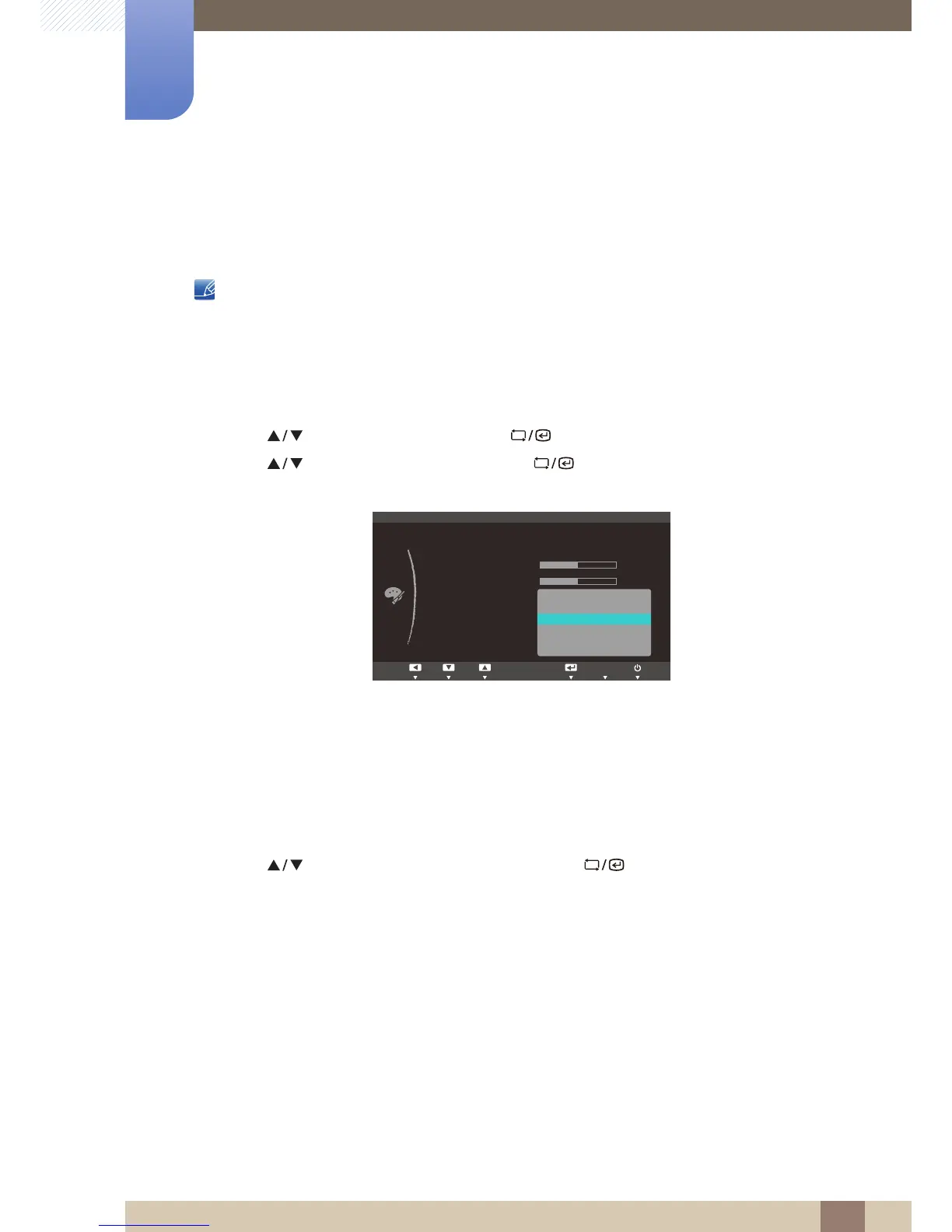
3 Press [ ] to move to Color Tone and press [ ] on the product. The following screen will
appear.
z Cool 2: Set the color temperature to be cooler than Cool 1.
z Cool 1: Set the color temperature to be cooler than Normal mode.
z Normal: Display the standard color tone.
z Warm 1: Set the color temperature to be warmer than Normal mode.
z Warm 2: Set the color temperature to be warmer than Warm 1.
z Custom: Customize the color tone.
4 Press [ ] to move to the option you want and press [ ].
5 The selected option will be applied.














 To Next Page