31
Using "PCoIP"?
2
2 Using "PCoIP"?
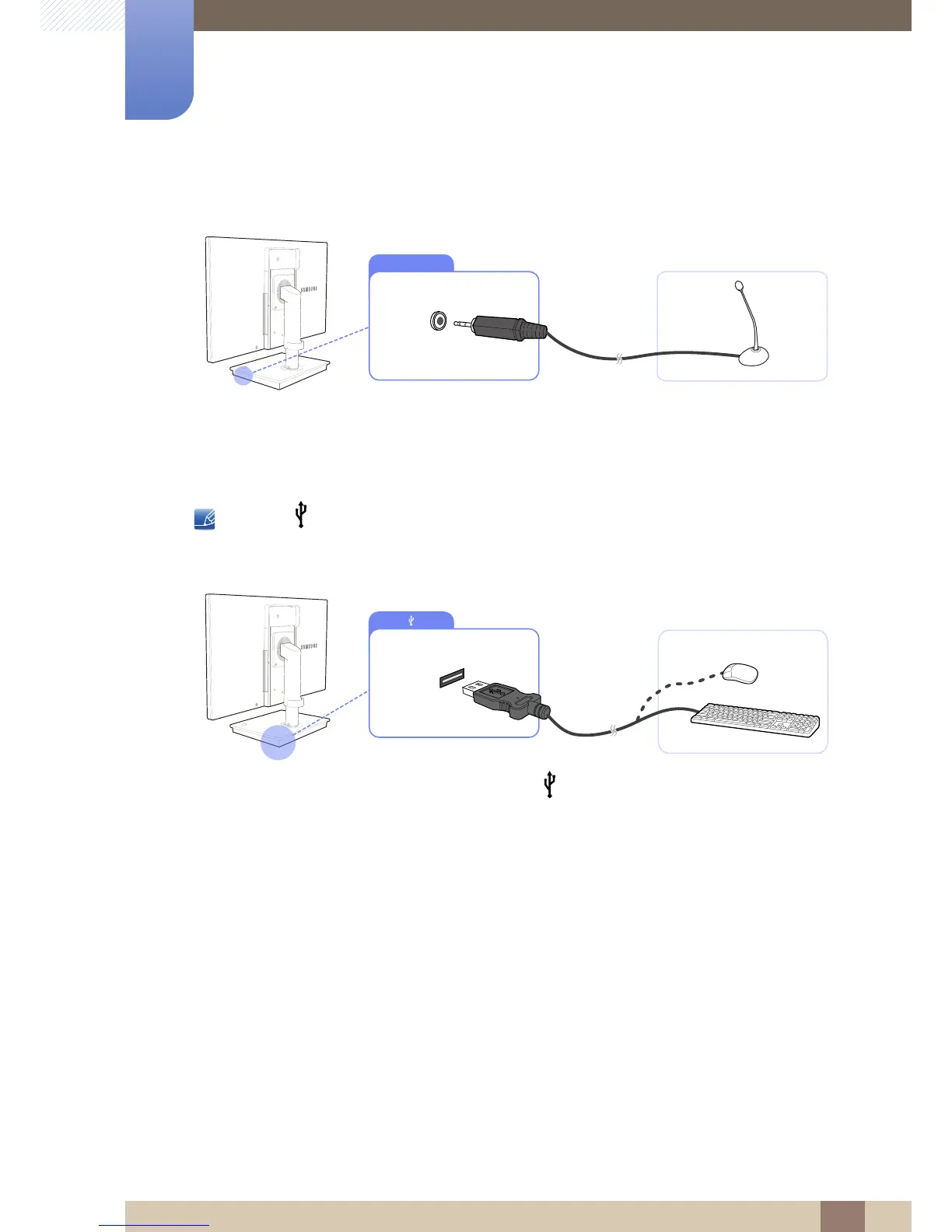
2.2.4 Connecting MIC
1 Connect the microphone to [MIC] on the right side of the stand base.
2.2.5 Connecting a USB Devices
z The [ ] port supports up to USB 2.0.
z VMware View 4.6 or later is required. Data transfer rate may decrease depending on the network
conditions.
1 Connect a USB device (keyboard, mouse, etc.) to [ ] on the back or right side of the stand base.














 To Next Page