80
Configuring Tint
5
5 Configuring Tint
5.2 Red
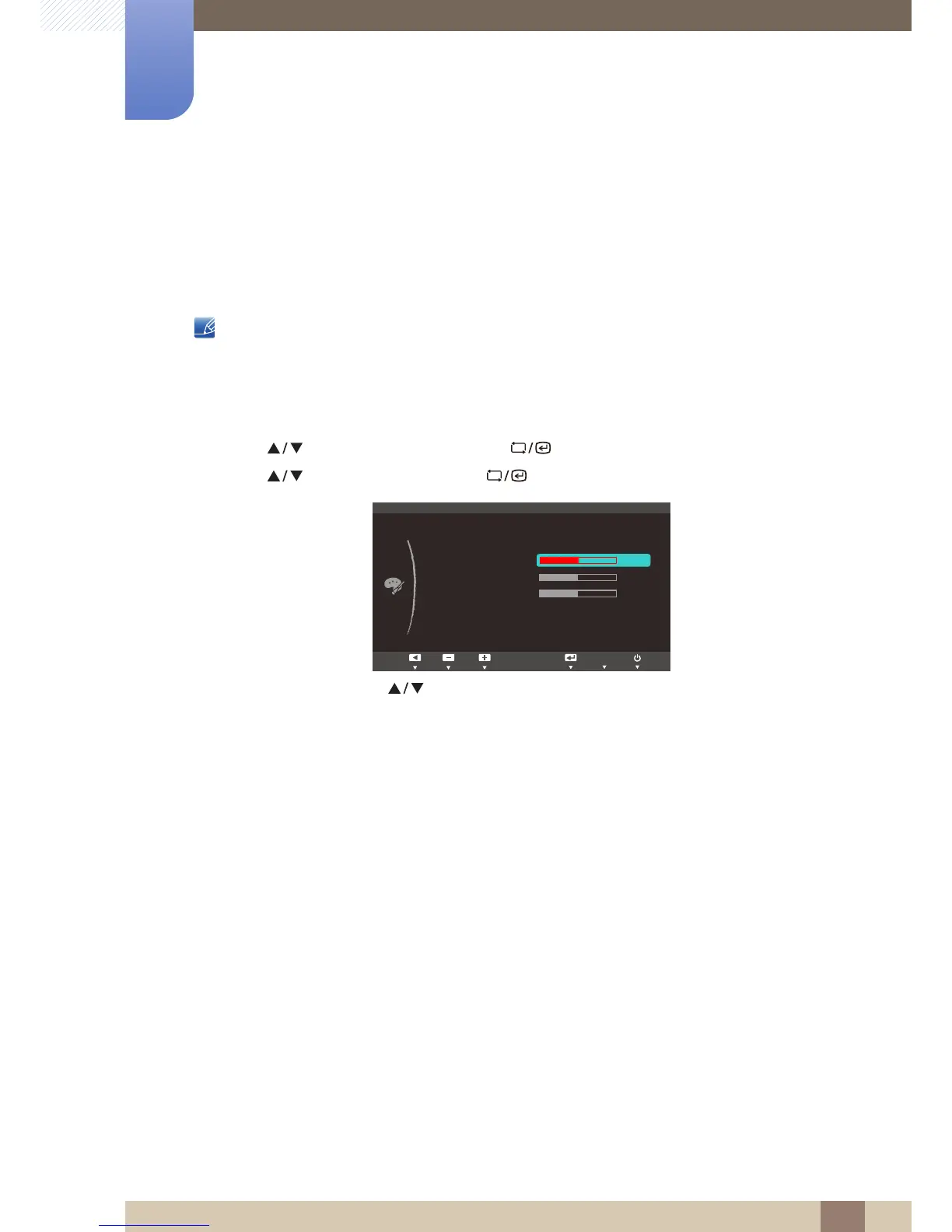
Adjust the value of the color red in the picture. (Range: 0~100)
A higher value will increase the intensity of the color.
This menu is not available when Color is in Full or Intelligent mode.
5.2.1 Configuring Red
1 Press [ ] on the product.
2 Press [ ] to move to COLOR and press [ ] on the product.
3 Press [ ] to move to Red and press [ ] on the product. The following screen will appear.
4 Adjust the Red using the [ ] buttons.














 To Next Page