35
Using "PCoIP"?
2
2 Using "PCoIP"?
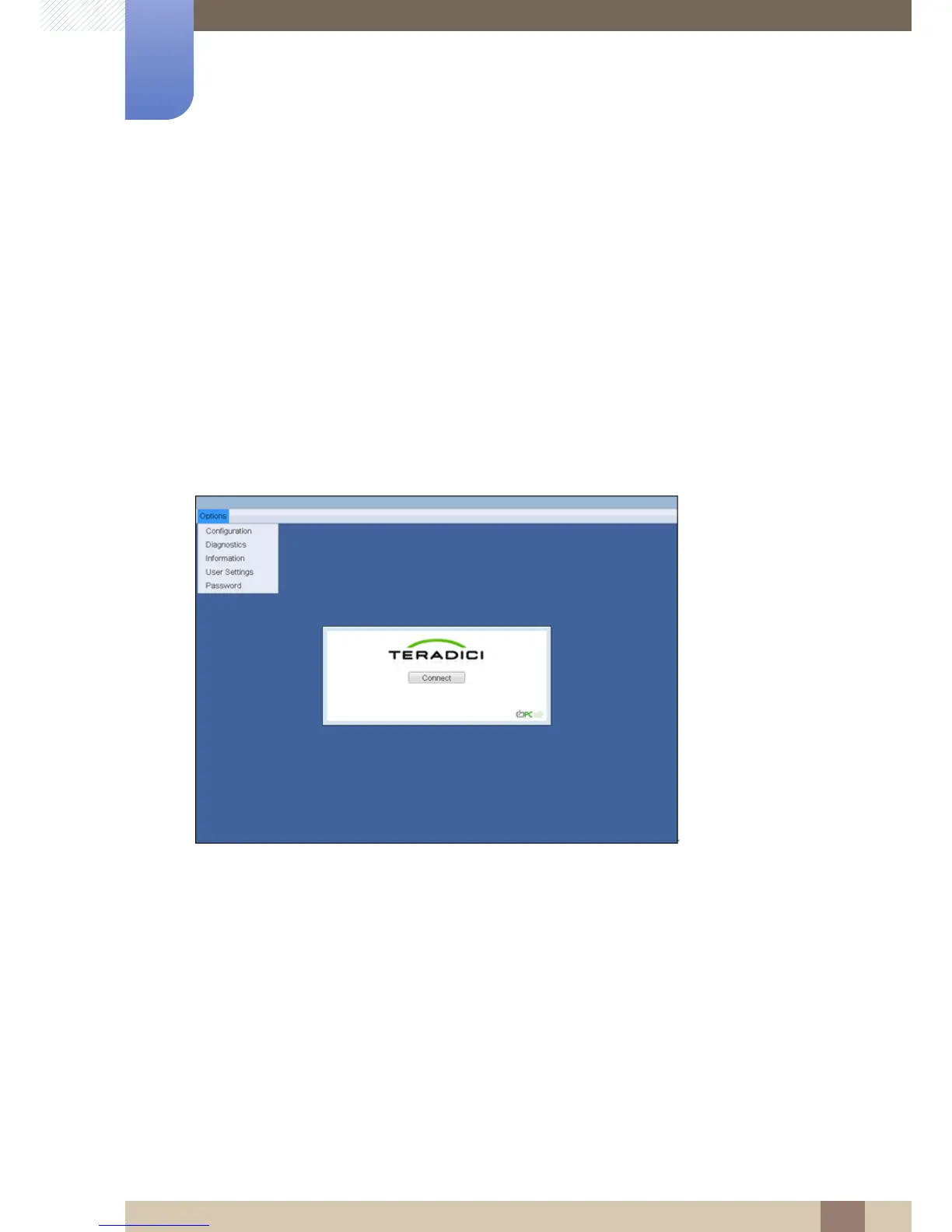
2.3.3 OSD <Options> Menu
Selecting the <Options> menu will produce a list of selections. The OSD <Options> menu contains:
z <Configuration>
z <Diagnostics>
z <Information>
z <User Settings>
z <Password>
Selecting one of the selections will produce a settings window.
Figure 2-3: OSD <Options> Menu
2.3.4 <Configuration> Window
The <Configuration> window allows the administrator to access window tabs with settings that define
how the Portal operates and interacts with its environment.
The tabs in the <Configuration> window are:
z <Network>
z <Label>
z <Connection Management>
z <Discovery>
z <Session>
z <RDP>














 To Next Page