42
Using "PCoIP"?
2
2 Using "PCoIP"?
<RDP>
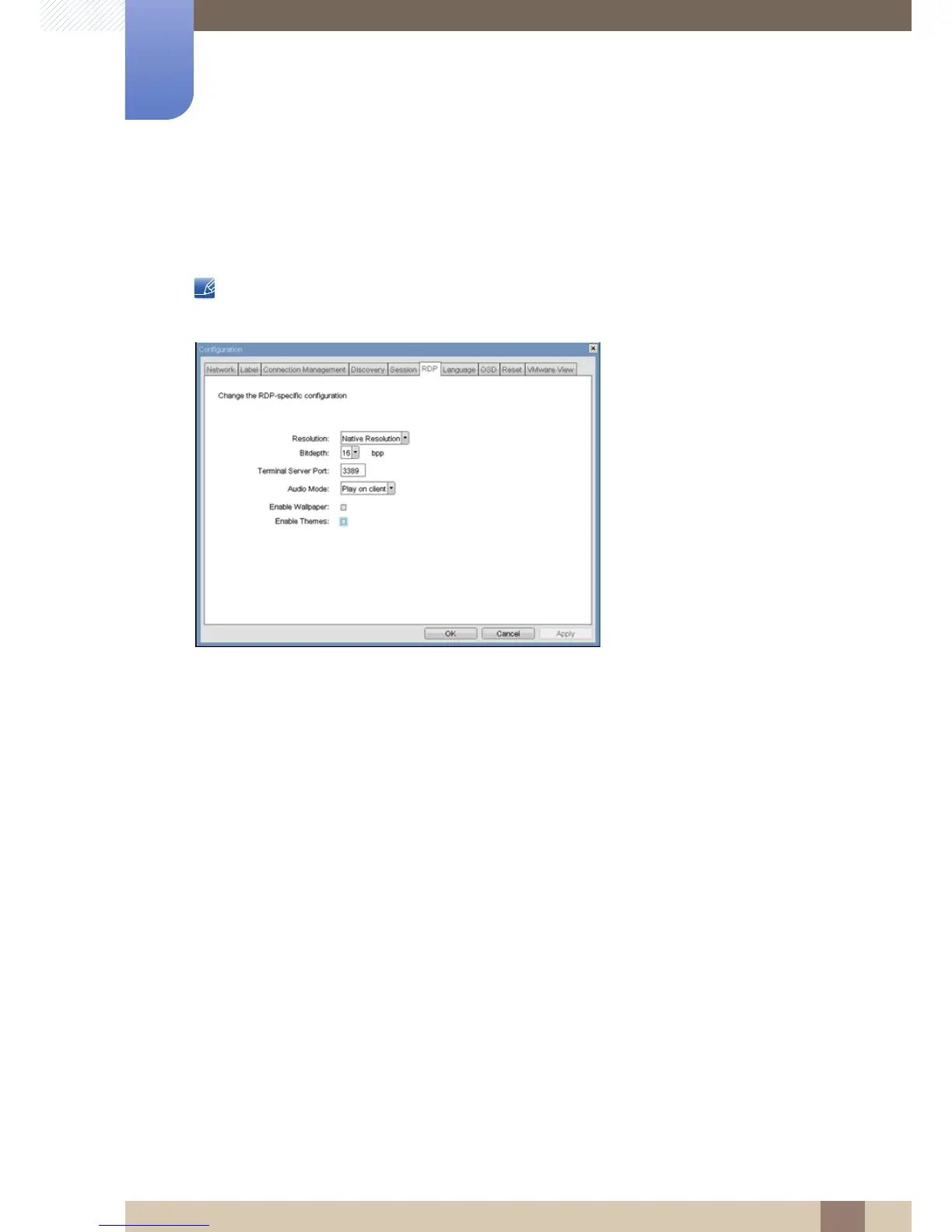
The <RDP> tab allows the administrator to configure settings specific to the Remote Desktop Protocol
(<RDP>).
The RDP parameters can also be configured using the Webpage Administration Interface.
Figure 2-9: <RDP> Configuration
<Resolution>
The <Resolution> field is the <RDP> screen resolution setting. Possible values are:
z <Native Resolution>
z <800x600>
z <1024x768>
z <1280x768>
z <1280x1024>
z <1440x900>
z <1600x1200>
z <1680x1050>
z <1920x1080>
z <1920x1200>
<Bit Depth>
The <Bit Depth> is the <RDP> session colour bit depth. Possible values are:
z <8 bpp>(bits per pixel)
z <16 bpp>
z <24 bpp>














 To Next Page