55
Using "PCoIP"?
2
2 Using "PCoIP"?
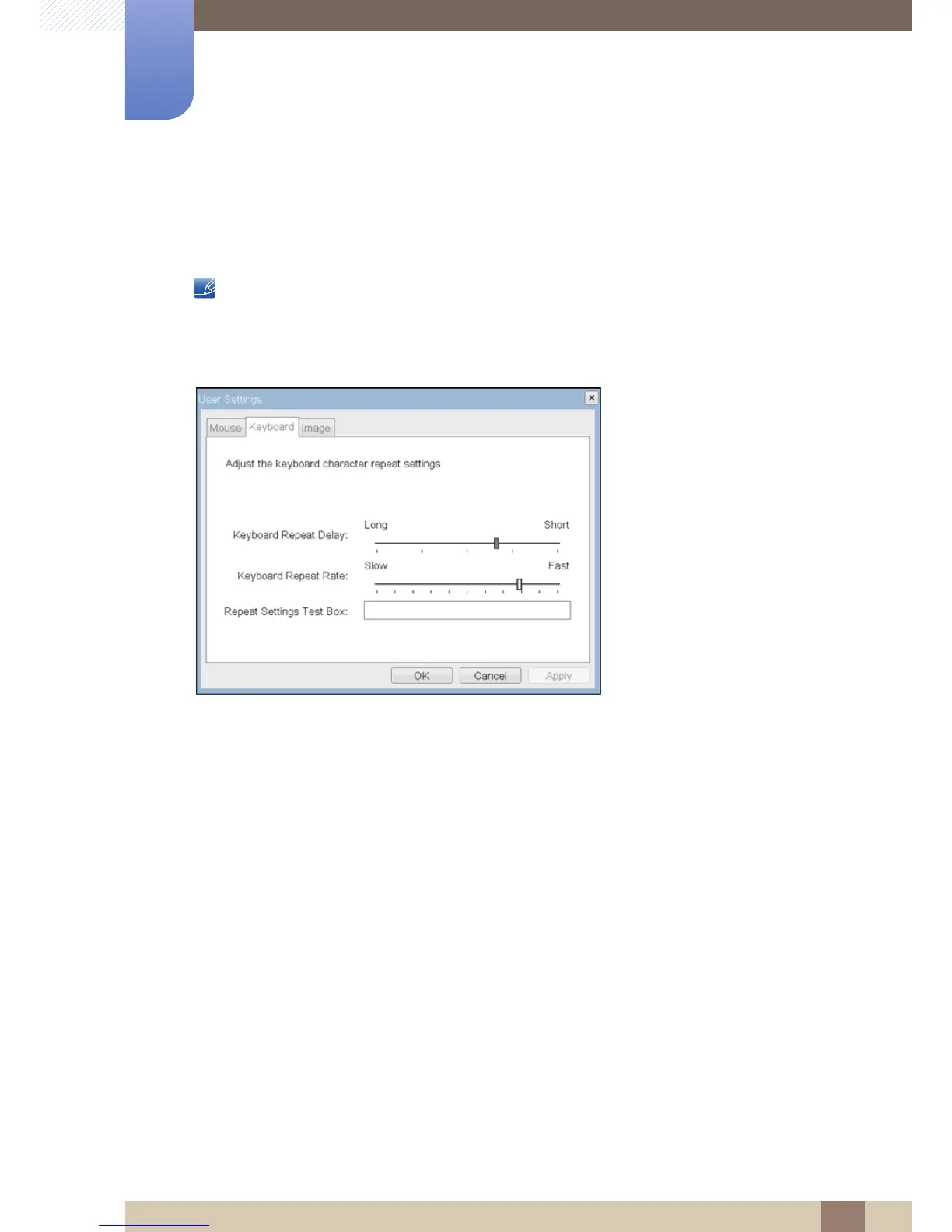
<Keyboard> Tab
The <Keyboard> tab allows a user to change the keyboard repeat settings for the OSD and RDP
sessions.
The keyboard settings do not affect the keyboard settings when a PCoIP session is active unless the
Local Keyboard Host Driver function is being used (see PCoIP Host Software User Guide for more
information).
Figure 2-20: <Keyboard>
z <Keyboard Repeat Delay>
The <Keyboard Repeat Delay> field allows a user to configure the Portal keyboard repeat delay.
z <Keyboard Repeat Rate>
The <Keyboard Repeat Rate> field allows a user to configure the Portal keyboard repeat rate.
z <Repeat Settings Test Box>
The <Repeat Settings Test Box> field allows a user to test the chosen keyboard settings.














 To Next Page