12
Charging the battery
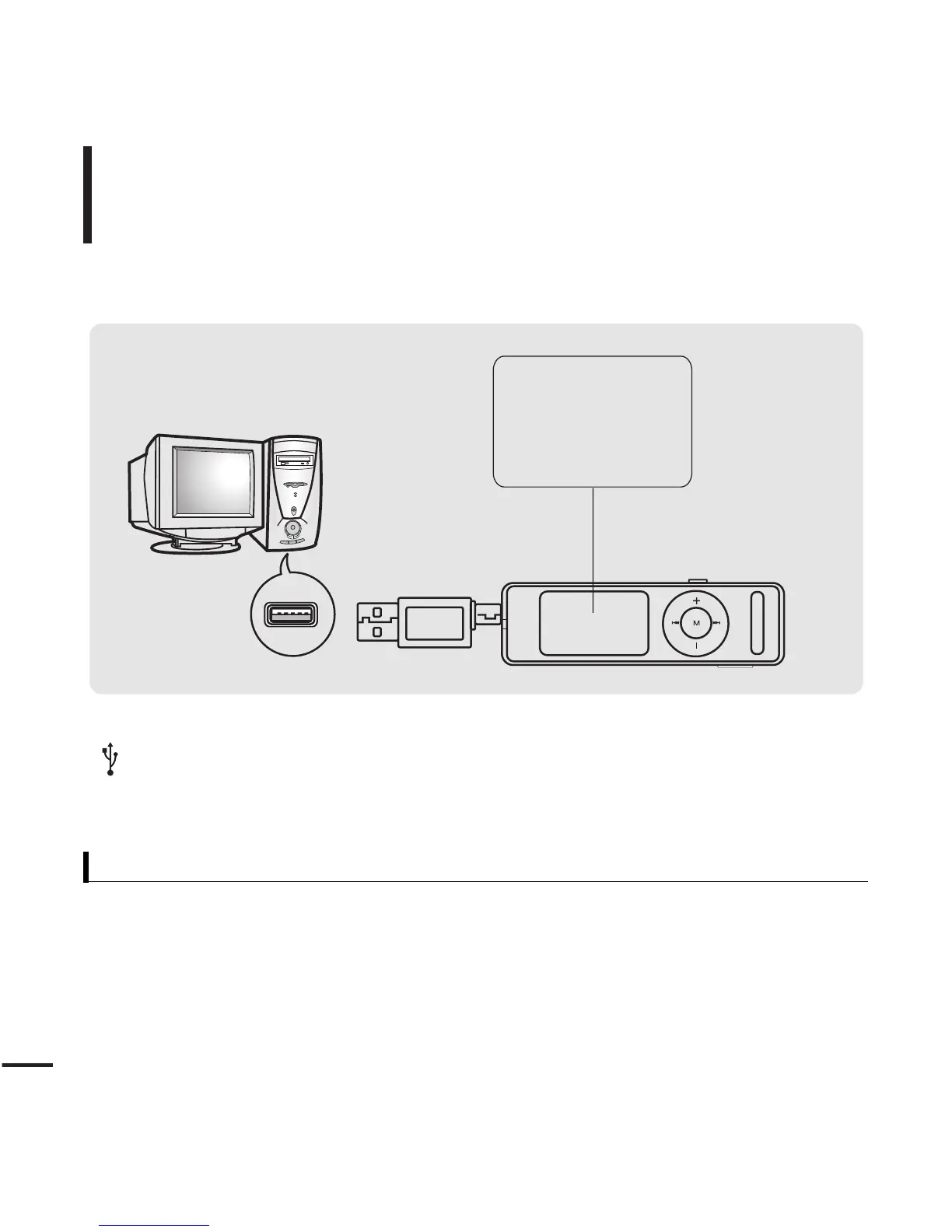
Fully charge the battery before using the player for the first
time or when the it has not been used for a while.
Screen Display
■
Charging...
■
Fully Charged
Remove the USB Cover and then connect the USB Connection Plug to the USB port
( ) on your PC.
■ It takes about two and a half hours for a full charge although this may vary depending on the PC
environment.
Battery Use
■
Recharge and store within the temperature range of 5
°C
~35
°C(
40
°F
~95
°F
).
■
Do not overcharge (longer than 12 hours). Excessive charging or discharging may shorten the battery’s life.
■
Battery life naturally shortens slowly over time as it is a consumable item.
■
The USB connection may be unstable if you are using a USB hub. Directly connect to the USB port on your PC.



 To Next Page