14
Basic Use (Continued)
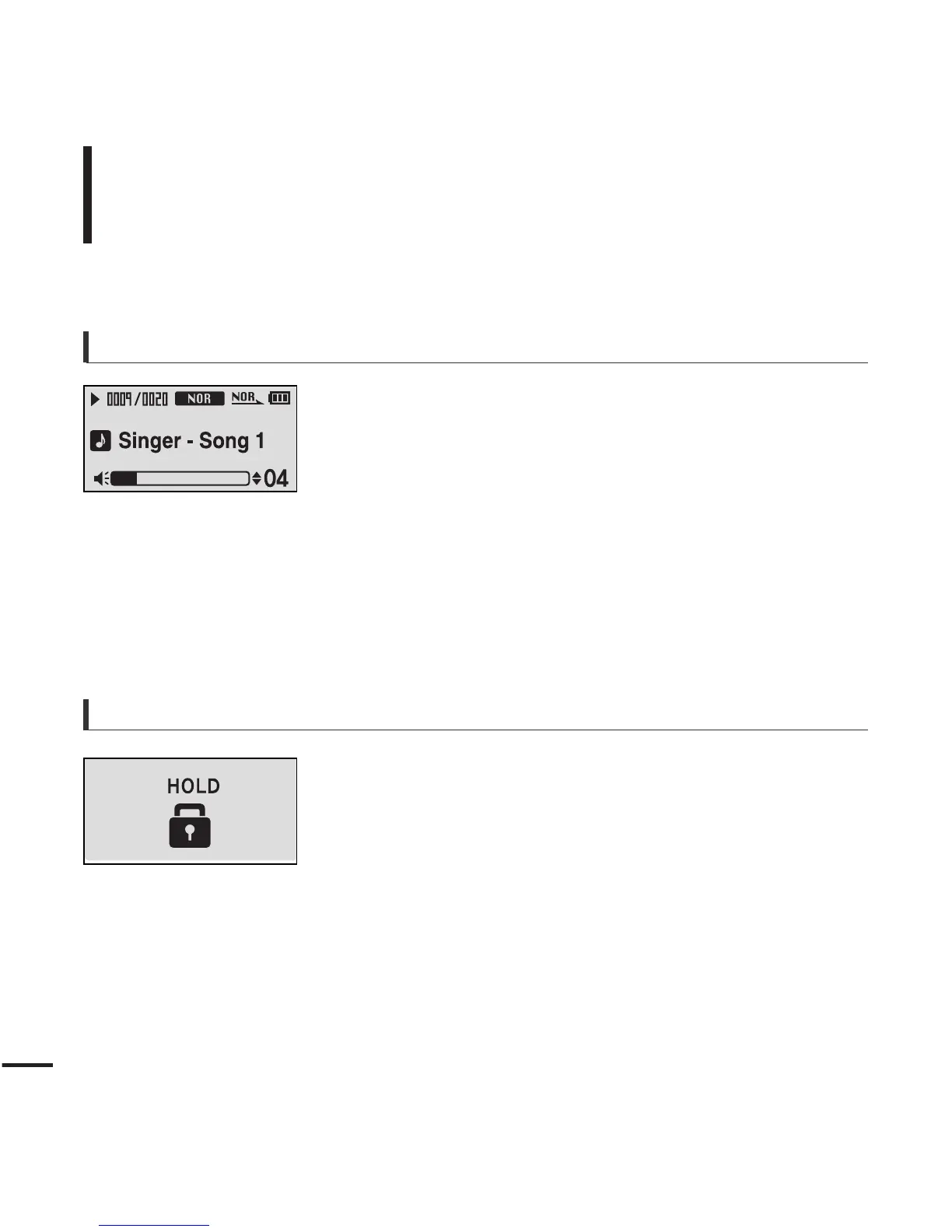
Volume Control
Press the [ + , - ] button on the front of the player.
■ The Volume Status Bar will appear.
■ Press the [ + ] button to increase the volume or the [ – ]
button to decrease it.
Lock Function
In Hold mode, all buttons are disabled. This function is
useful when you are walking or jogging.
1
Push the [HOLD] switch on the player in the
direction of the arrow.
2
Push the [HOLD] switch in the opposite direction
of the arrow to release the Lock function.



 To Next Page