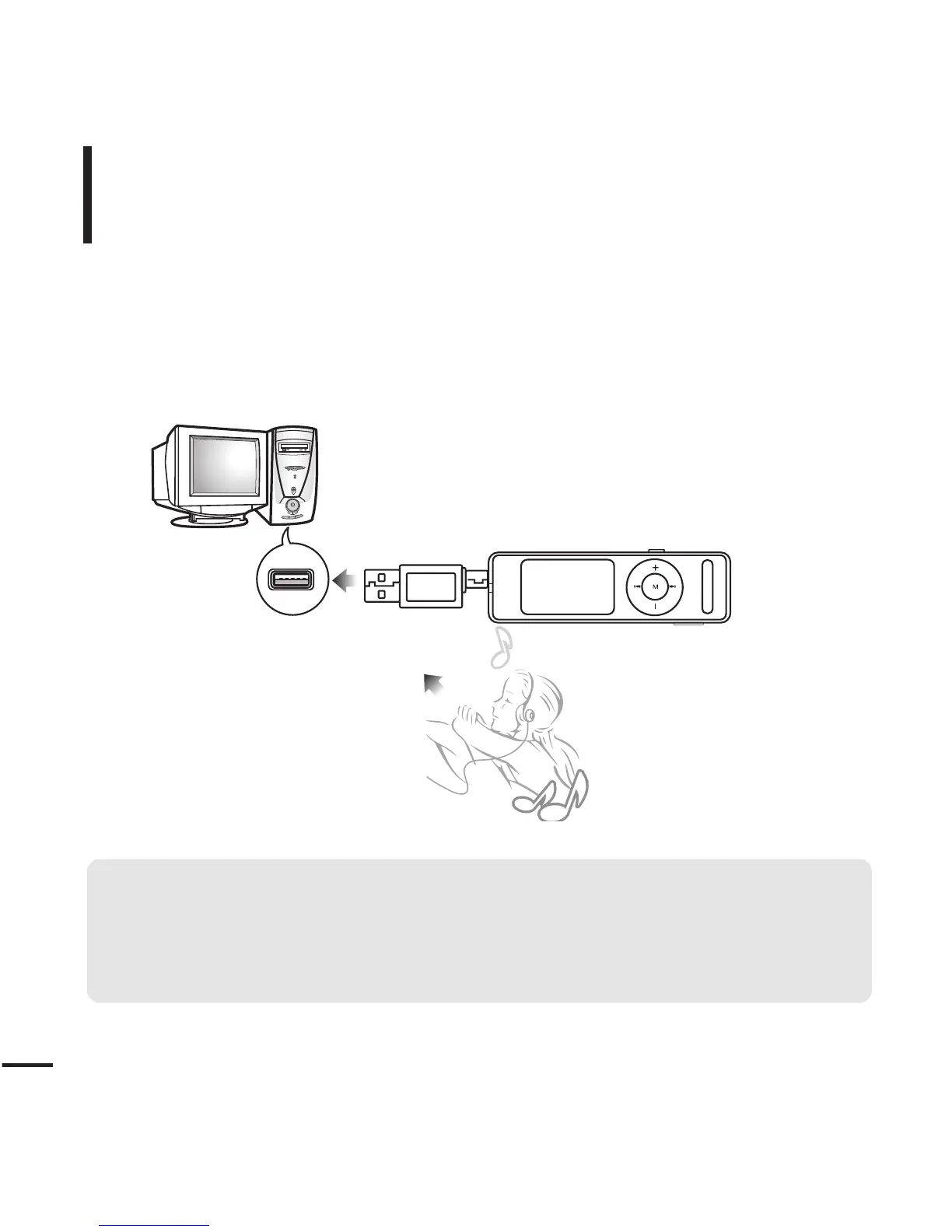
Transferring Music Files
■
Transfer files on your PC to the player using Media Studio
√
Page 24
■
Transfer files on your PC to the player using the “Copy” and “Paste” functions
(removable disk)
√
Page 26
Follow the steps below to transfer files.
To play music files in the player, first transfer music files in MP3, WMA, Audio ASF,
Ogg and other supported formats from your PC.



 To Next Page