32
Listening to Music
To Play a Playlist
You can easily listen to your favorite music by adding it to a
Playlist.
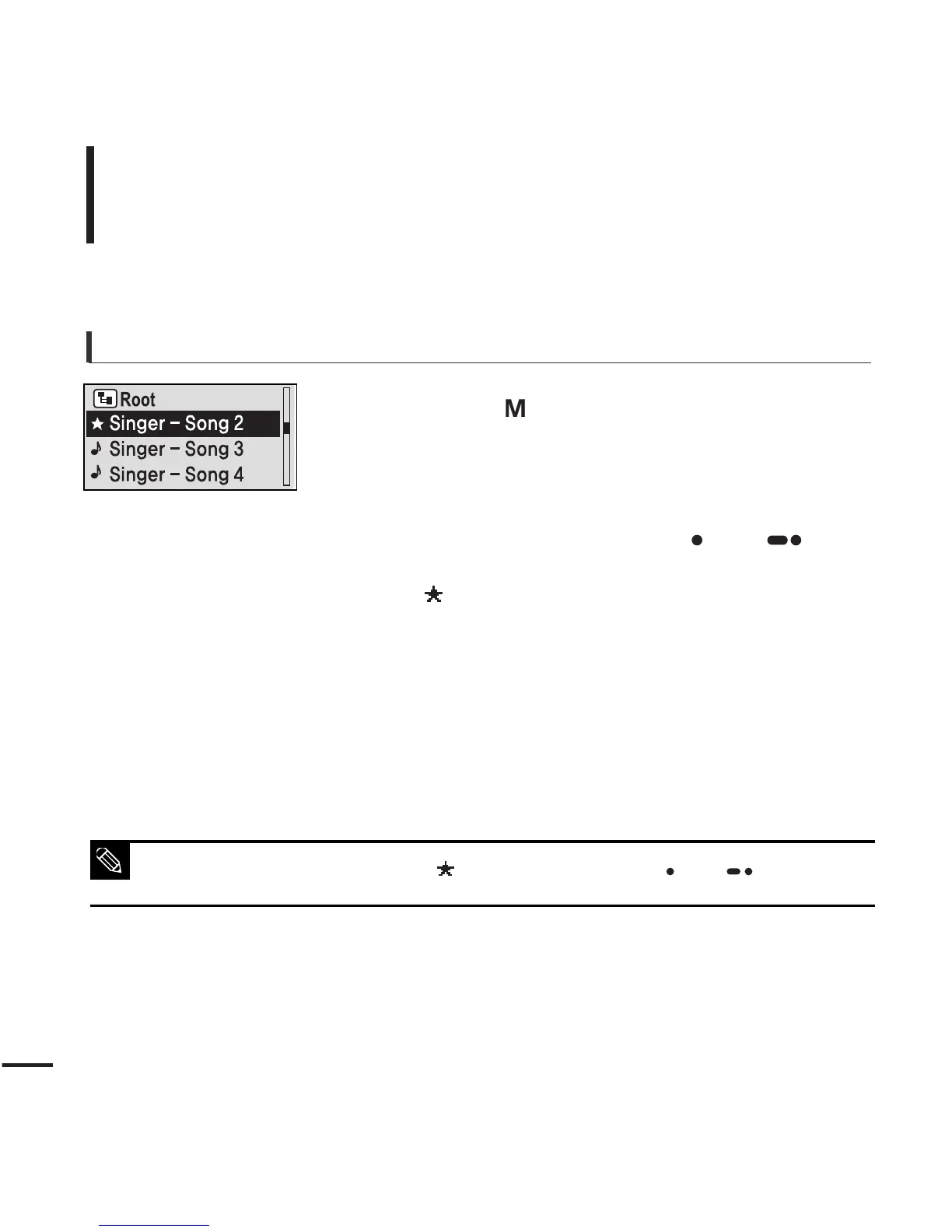
To make your own Playlist
1
Press the [ ] button while a music is playing.
■
The file list of the folder will appear.
2
Press the [
lœœ
,
√√l
, + , - ] buttons to add files to
the playlist and then press the [ USER/ ]
button.
■
is displayed in front of the selected files and the files
are added to the playlist.
■ To delete files from a Playlist, select the files to delete and press the
[ USER/ ]
button again.
NOTE



 To Next Page