Chapter 3. Listening to Music/FM Radio
29
Listening to Music
Listening to Music
Listening to Music
Before you start!
Connect your earphones to the player and turn the power on and check
the battery status.
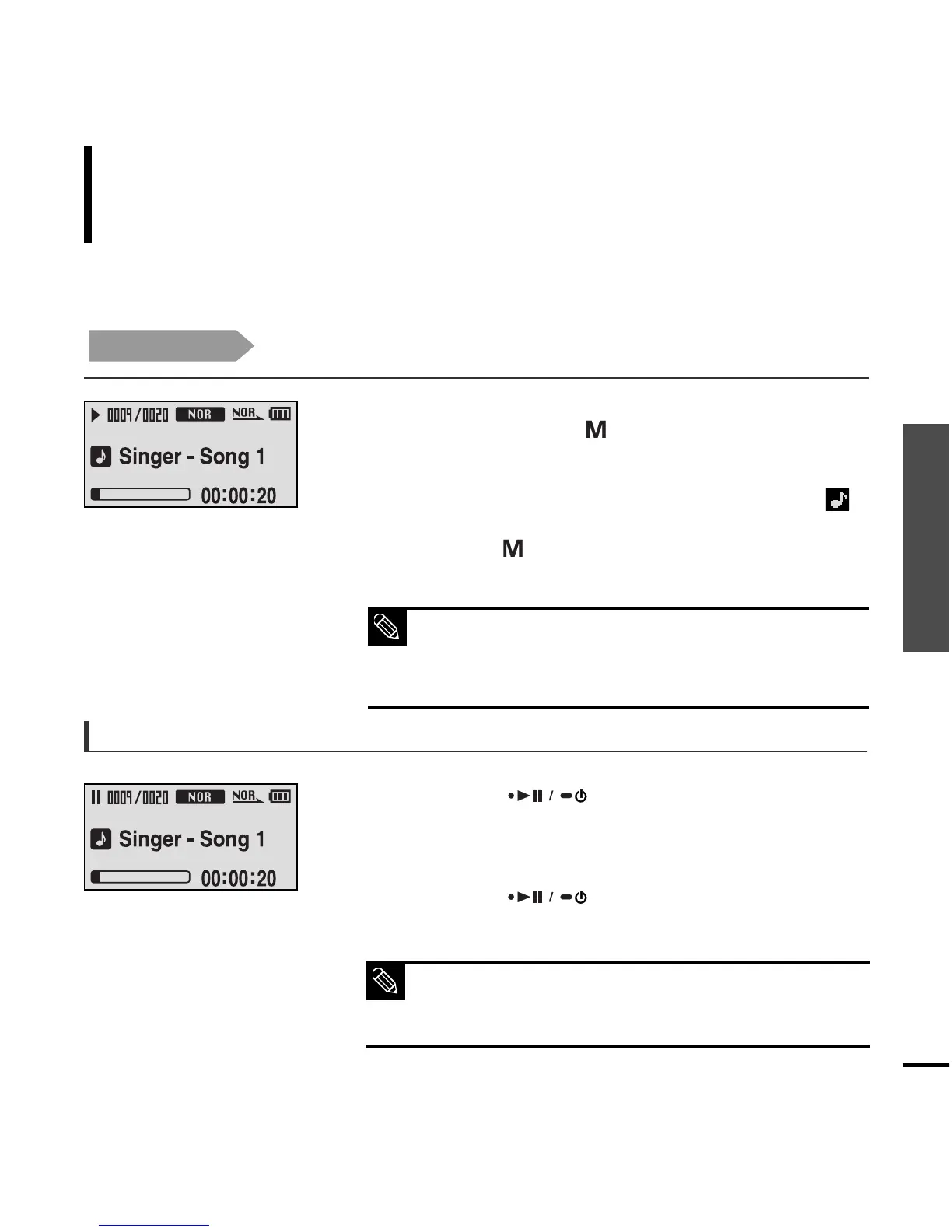
1
Press the [ ] button while the music is
playing.
■
The music playback will be paused.
2
Press the [ ] button again.
■
The music will play from the point where it stopped.
■
Power is automatically turned off when none of the buttons
have been pressed for a preset period of time (Default: 10
seconds) in the pause mode.
√ Page 49
NOTE
To Pause
Press and hold the [ ] button to move to the menu
screen.
1
Press the [ ] button.
■ Music starts to play.
3
2
Press the [
lœœ
,
√√l
] button to select <Music> .
■ The music files compatible with the player are MP3, WMA,
Ogg, Audio ASF
■ MP1 or MP2 files which only have a changed extension to
MP3, may not play on the player.
NOTE



 To Next Page