52
Settings
Setting the System
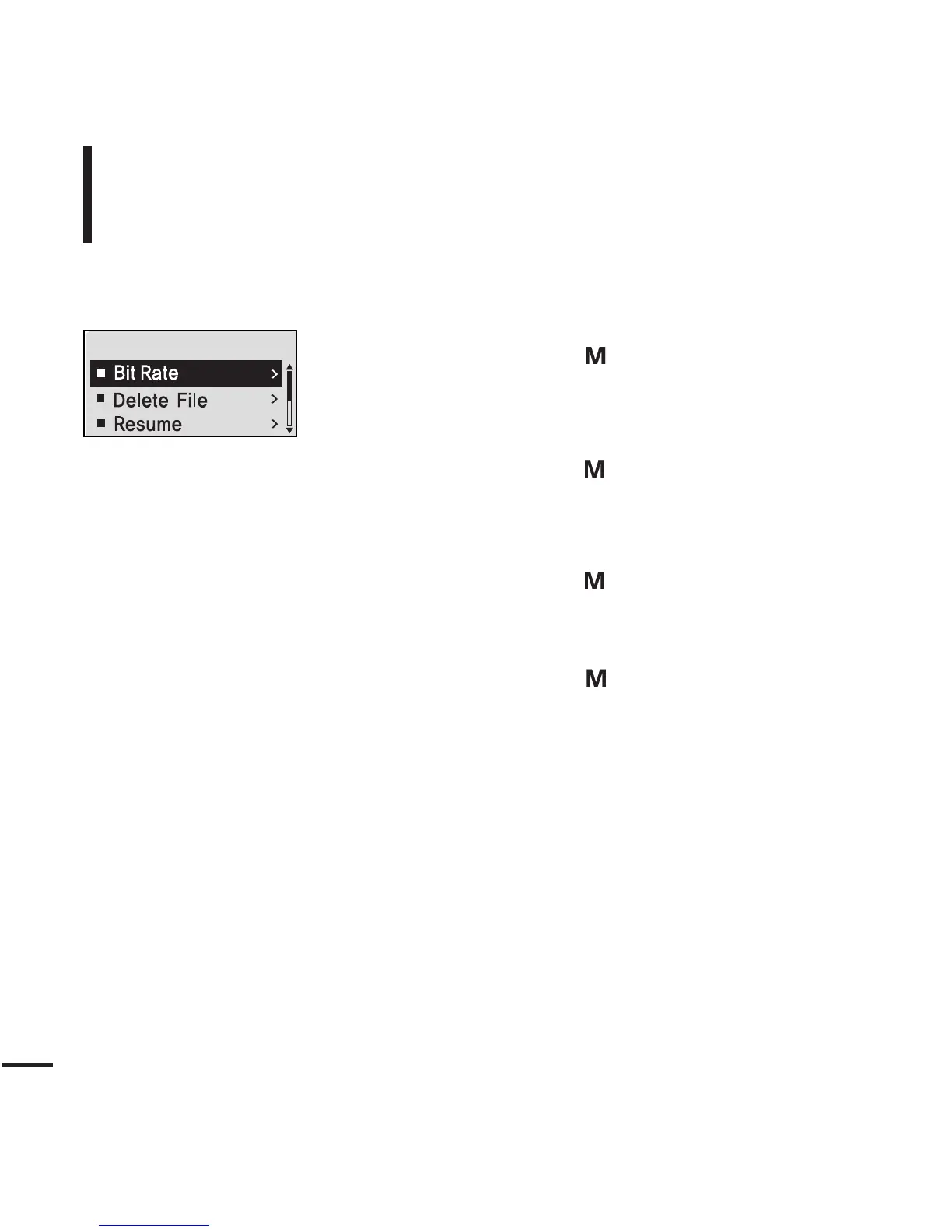
You can set the Default Volume, Resume and Beep Sound
functions.
1
Press and hold the [ ] button to move to the
menu screen.
2
Press the [
lœœ
,
√√l
] button to select <Settings>
and then press the [ ] button.
■
The Settings menu appears.
3
Press the [ + , - ] button to select the <System>
and then press the [ ] button.
■
The System menu appears.
4
Use the [ + , - ] and [ ] buttons to set necessary
functions.



 To Next Page