1
Press and hold the [ ] button to move to the
menu screen.
2
Press the [
lœœ
,
√√l
] button to select <Settings>
and then press the [ ] button.
■
The Settings menu appears.
3
Press the [ + , - ] button to select the <Display>
and then press the [ ] button.
■
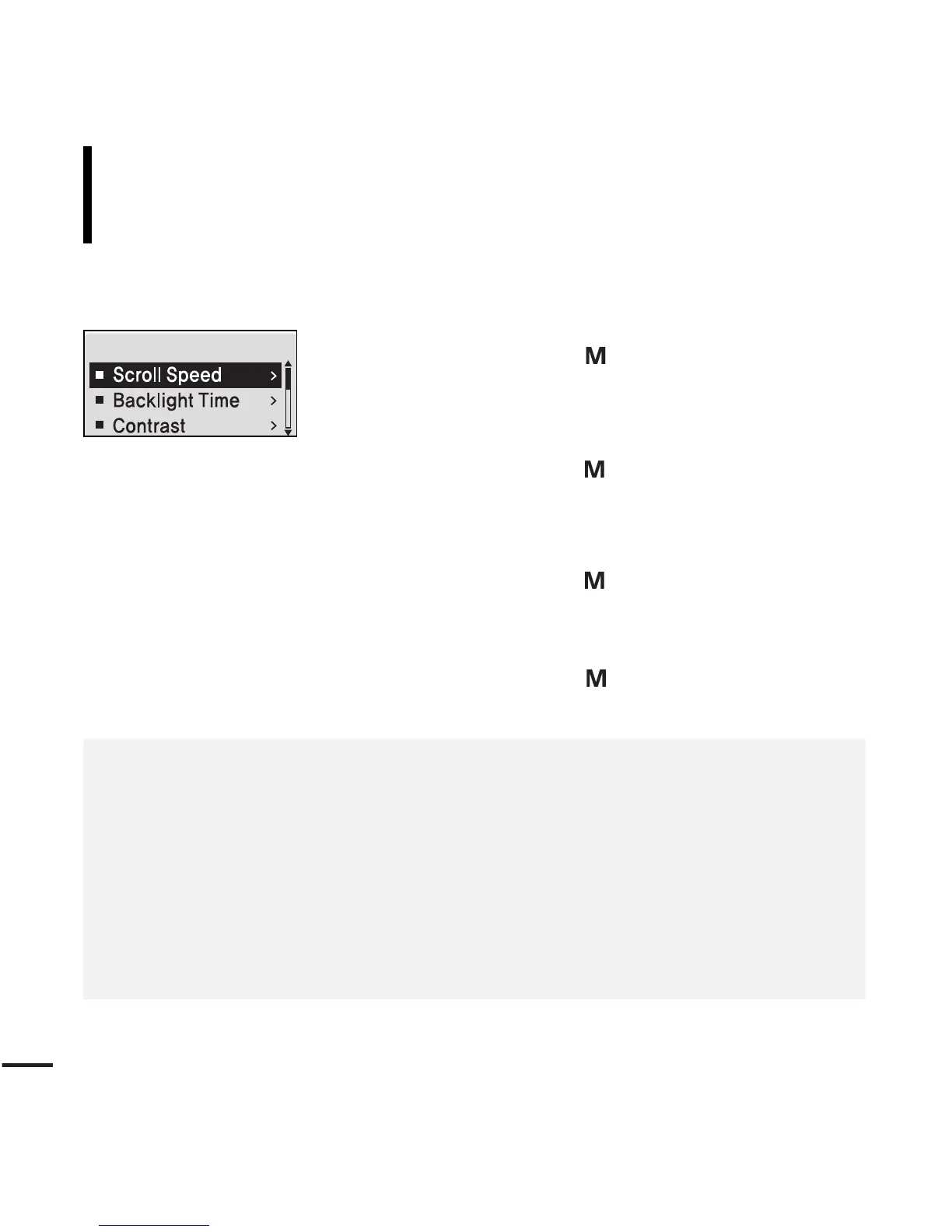
The Display menu appears.
4
Use the [ + , - ] and [ ] buttons to set necessary
functions.
Settings
Setting the Display
You can set functions related to scrolling, backlight and other
screen display.
■
<Scroll Speed> :
Sets the scroll speed to adjust the speed of the track title movement. Select from
<Slow> <Normal> and <Fast>.
■
<Backlight Time> : Sets to automatically turn off the backlight after there is no button operation
during the preset time. Select either <05 Sec> <15 Sec> <30 Sec> <60 Sec> or <Always On>.
■
<Contrast> : Adjusts the brightness of the screen display window. Select from 00 to 10.
■
<Tag> : View track information for music files with the ID3 Tag. Select either <On> or <Off>.
■
<Display Time> : Check the time in the desired format during music playback. Select either
<Play Time> <Remain Time> or <Total Time>.



 To Next Page