Chapter 4. Settings
49
Setting Music/Setting Time
Settings
Setting Time
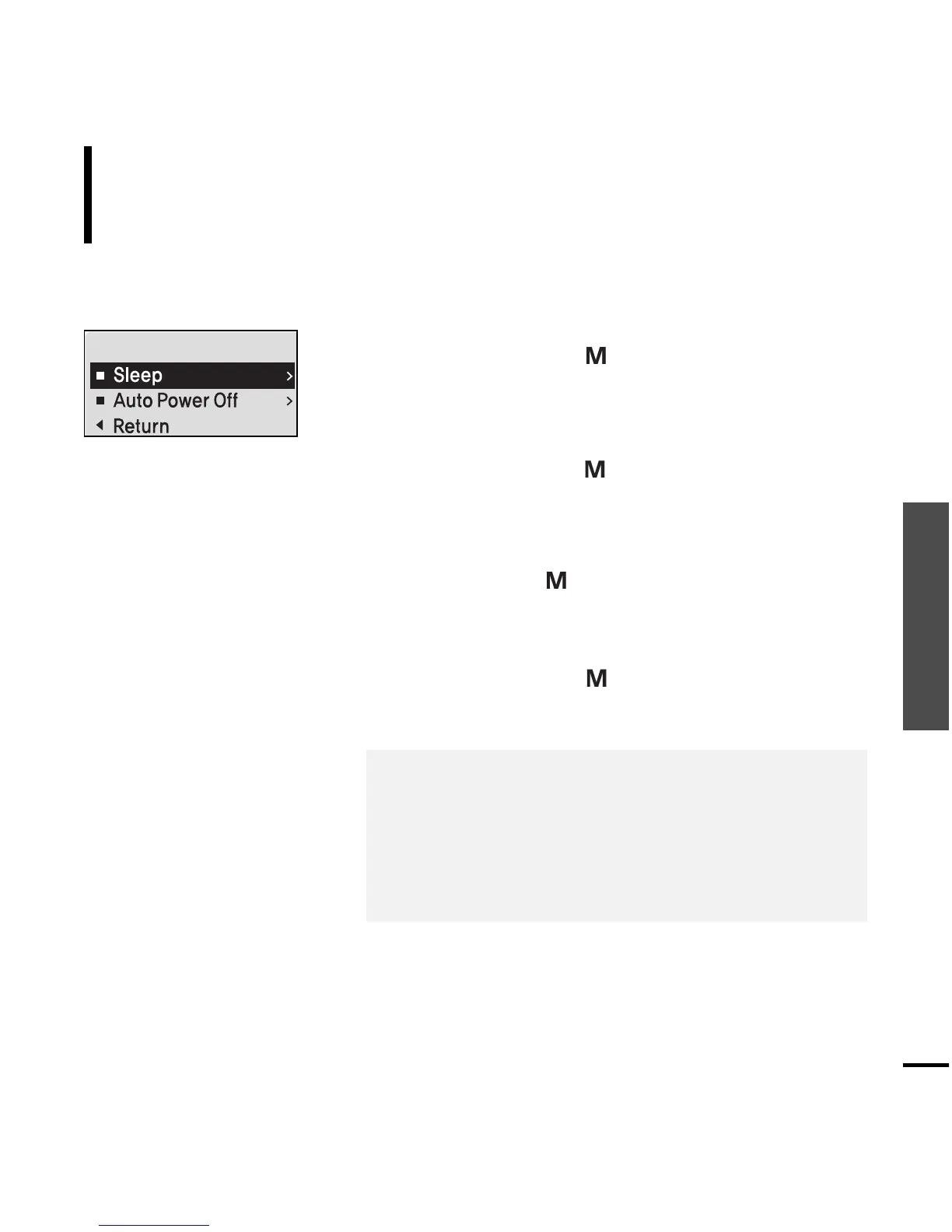
You can set functions related to the Sleep Timer and Auto Power Off.
1
Press and hold the [ ] button to move to the
menu screen.
2
Press the [
lœœ
,
√√l
] button to select <Settings>
and then press the [ ] button.
■
The Settings menu appears.
3
Press the [ + , - ] button to select the <Time> and
then press the [ ] button.
■
The Time menu appears.
4
Use the [ + , - ] and [ ] buttons to set necessary
functions.
■
<Sleep> : Turns off power automatically after the preset
time. Select either <Off> <15 Min > <30 Min> <60 Min>
<90 Min> or <120 Min>.
■
<Auto Power Off> : Automatically turns power off when there
is no button operation after the preset time in the pause
mode. Select either <Off> <05 Sec> <10 Sec> <15 Sec> <30
Sec> <01 Min> or <03 Min>.



 To Next Page