Chapter 4. Settings
47
Setting Music
Settings
Setting Music
You can set detailed settings for music playback.
1
Press and hold the [ ] button to move to the
menu screen.
2
Press the [
lœœ
,
√√l
] button to select <Settings>
and then press the [ ] button.
■
The Settings menu appears.
3
Press the [ + , - ] button to select the <Music>
and then press the [ ] button.
■
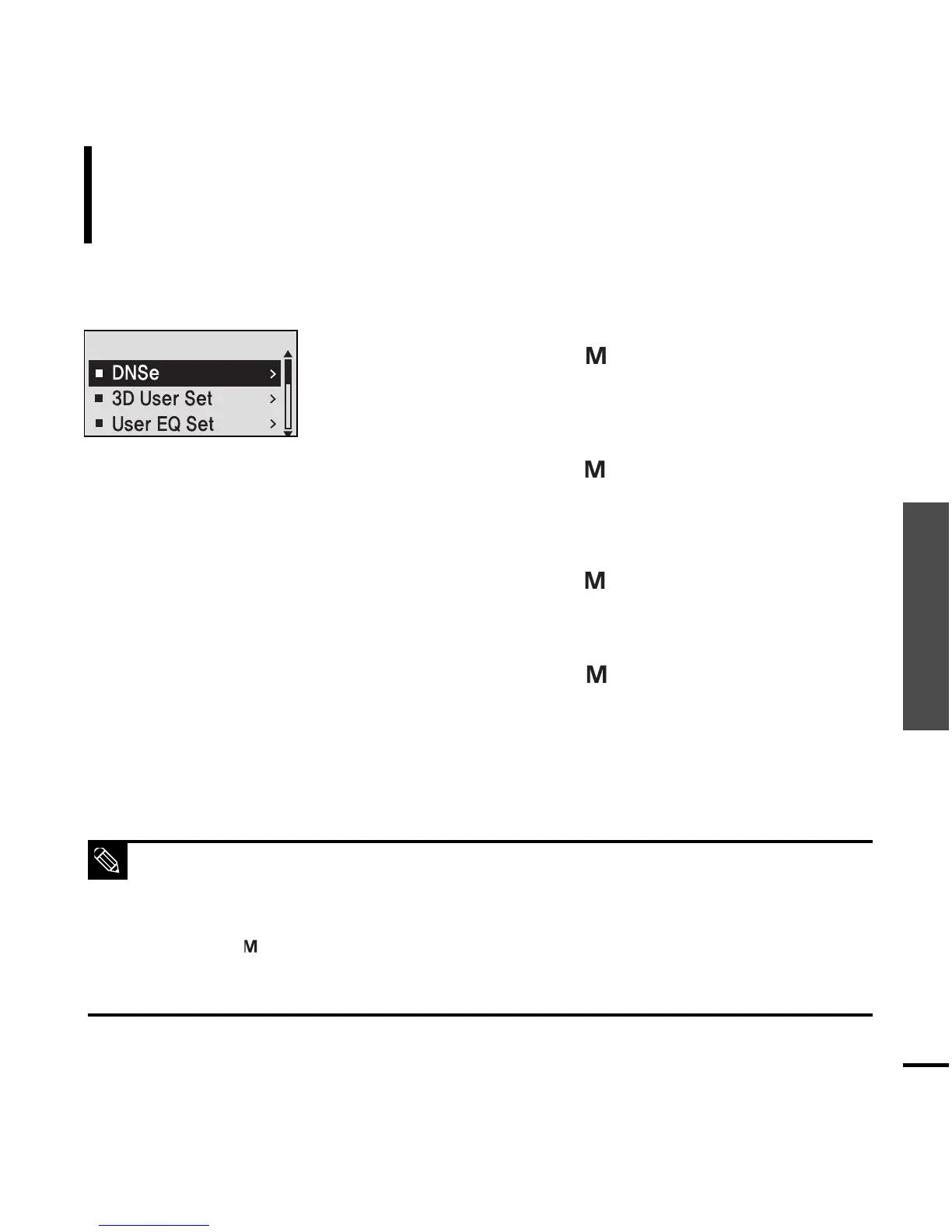
The Music menu appears.
4
Use the [ + , - ] and [ ] buttons to set necessary
functions.
■ Button functions to use during setting.
- Press the [
lœœ
] button to move to the previous item.
- Press the [
√√l
] button to move to the next item.
- Press the [+, -] button to move up or down through the current menu.
- Press the [ ] button to select or save the menu.
■ If there is no button operation during about 30 seconds in the Settings screen, settings will be can-
celled and returned to through previous function.
NOTE



 To Next Page