38
Listening to FM Radio
Searching for Frequencies
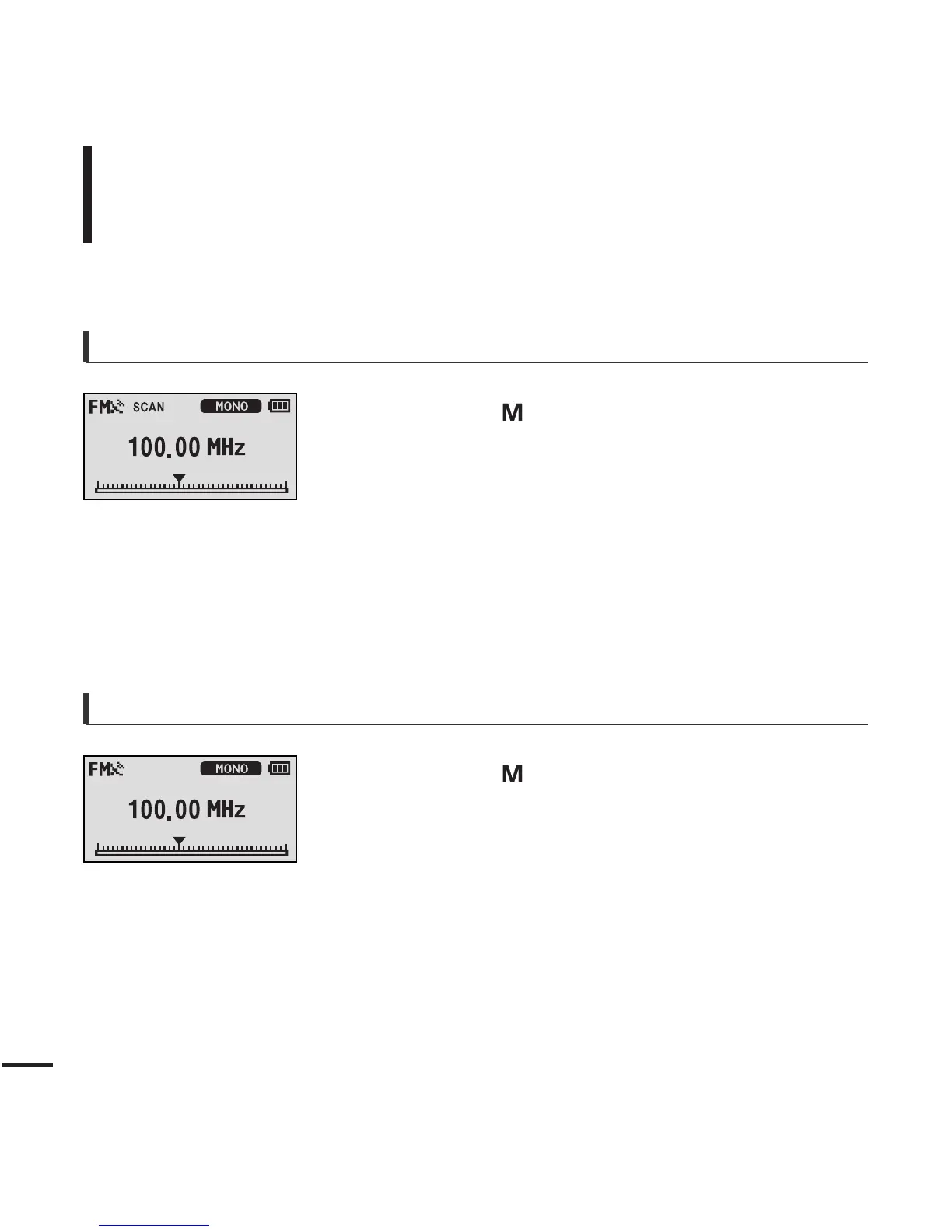
To automatically search for frequencies
1
Press the [ ] button and select <Manual Mode>.
■ The <PRESET> message will disappear from the screen dis-
play and go into manual mode.
2
Press and hold the [
lœœ
] or [
√√l
] button and then
release.
■
The frequency nearest from the point the button is
released will be searched.
To manually search for frequencies
1
Press the [ ] button and select <Manual Mode>.
■ The <PRESET> message will disappear from the screen dis-
play and go into manual mode.
2
Press the [
lœœ
] or [
√√l
] button.
■
Moves to frequencies whenever the button is pressed.



 To Next Page